
Skip the ads and spam with our foolproof guide to using temp mail without ads. Learn step-by-step how to access clean, disposable inboxes for secure sign-ups and privacy protection—no annoying pop-ups or trackers. Protect your real email while staying ad-free!
Key Takeaways
- Ad-free temp mail exists: Specialized services and browser extensions let you use temp mail without ads, avoiding pop-ups and trackers.
- Browser extensions are key: Tools like Temp Mail Generator integrate directly into your browser for instant, clean disposable addresses.
- Mobile apps work too: Dedicated apps like TempMail Mobile offer ad-free temp mail on smartphones without extra steps.
- Security matters: Even ad-free services have limits; never use temp mail for sensitive accounts like banking.
- Check service reliability: Some “ad-free” sites secretly inject ads—stick to trusted providers with clear privacy policies.
- Short-term use only: Temp mail without ads is perfect for one-time sign-ups but not for ongoing communication.
📑 Table of Contents
- Why Bother With Temp Mail Without Ads? (Spoiler: Your Sanity Depends On It!)
- The Ugly Truth: Why Most Temp Mail Services Bombard You With Ads
- Your Game Plan: How to Find Truly Ad-Free Temp Mail Services
- Step-by-Step: Using Temp Mail Without Ads on Desktop (Browser Extension Method)
- Mobile Mastery: Temp Mail Without Ads on Your Phone
- Advanced Tactics: Keeping Your Temp Mail Experience 100% Clean
- When NOT to Use Temp Mail (Even Without Ads)
- Conclusion: Enjoy Ad-Free Temp Mail Like a Pro
Why Bother With Temp Mail Without Ads? (Spoiler: Your Sanity Depends On It!)
Let’s be real: signing up for a new app, newsletter, or free trial used to be simple. You’d toss in your real email, hit “submit,” and move on. But now? Your inbox becomes a warzone. Spam floods in within minutes. Sketchy ads follow you everywhere. And don’t get me started on the pop-ups that hijack your screen the second you visit a temp mail site. It’s exhausting. You deserve better.
That’s where temp mail without ads comes in. Imagine getting a disposable email address that actually works—clean, fast, and free from the chaos of ads. No more closing 15 browser tabs just to read a verification email. No more worrying if that “free” temp mail service is selling your data. It’s about reclaiming your peace of mind. Whether you’re testing a new tool, grabbing a one-time discount, or just protecting your privacy, using temp mail without ads makes life easier. Let’s fix this mess together.
The Ugly Truth: Why Most Temp Mail Services Bombard You With Ads
Most free temp mail services rely on ads to make money. And boy, do they deliver. You’ll see pop-ups for shady casinos, fake antivirus scams, and “you’ve won a prize!” banners. Some even inject ads directly into your inbox, making it hard to spot real emails. Worse? These ads often track your activity or lead to malware. It’s not just annoying—it’s risky.

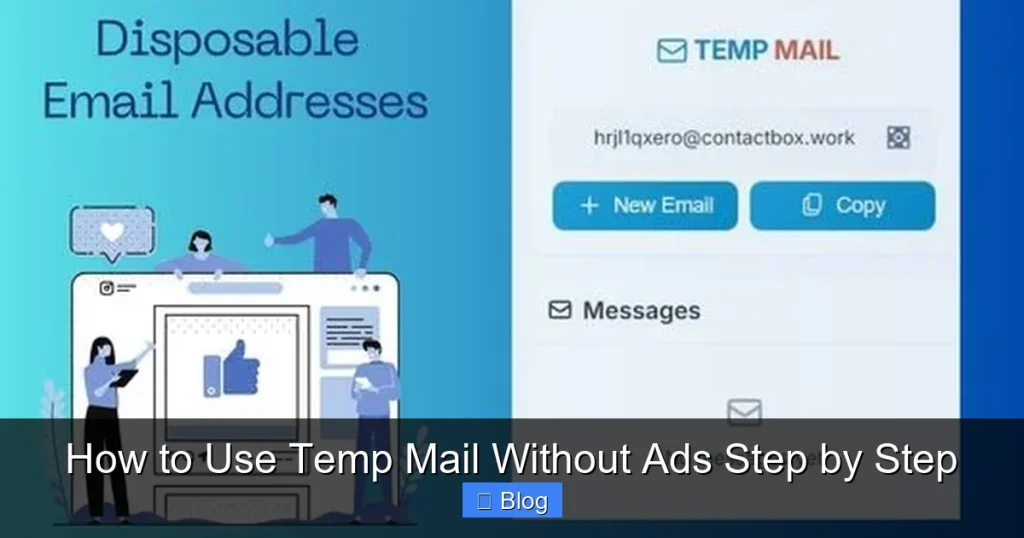
Visual guide about How to Use Temp Mail Without Ads Step by Step
Image source: thetalentdrive.com
How Ads Sneak Into Your Temp Mail Experience
When you visit a typical temp mail site, ads load in layers:
- Pop-up ads: These cover your screen the moment you land on the page, forcing you to close them before accessing your inbox.
- Inbox ads: Some services insert promotional messages alongside real emails, disguised as “notifications” or “offers.”
- Redirect ads: Clicking a link might send you to an ad-heavy page before loading your temp mail.
- Data tracking: Many ad networks monitor your behavior across sites, building a profile to target you later.
This isn’t just frustrating—it defeats the purpose of temp mail. You wanted privacy, but now your data is being harvested. The good news? You can avoid this. By choosing the right tools and methods, you’ll use temp mail without ads cluttering your experience. Let’s explore how.
Your Game Plan: How to Find Truly Ad-Free Temp Mail Services
Not all temp mail services are created equal. Some claim to be “ad-free” but still sneak in trackers or sponsored content. Here’s how to spot the real deal:
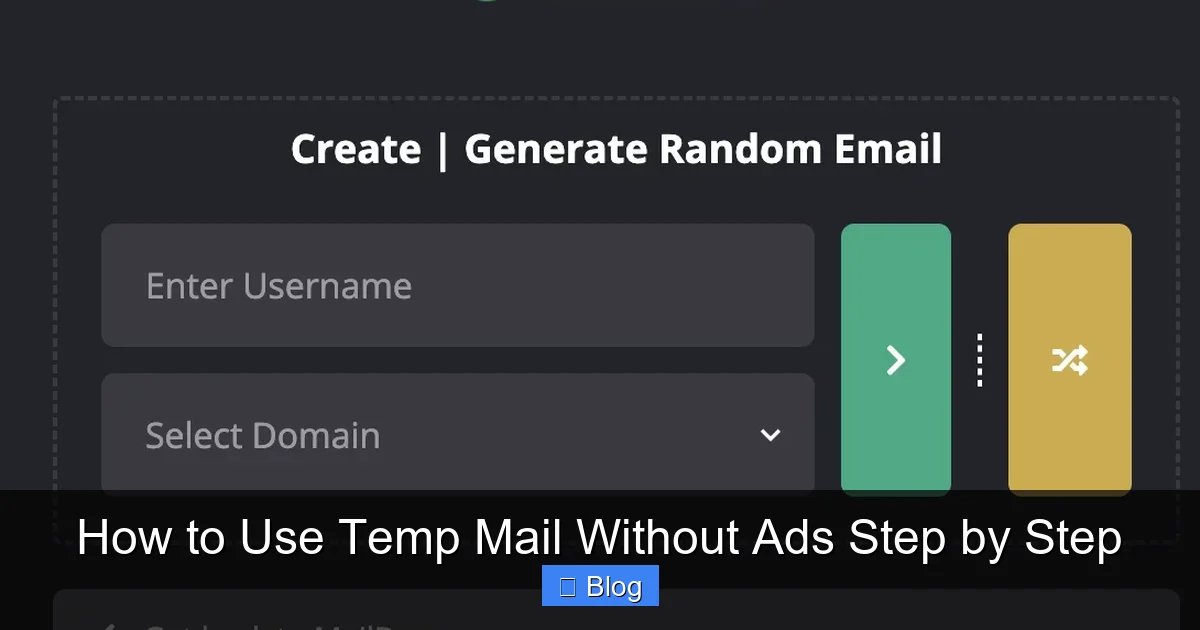
Visual guide about How to Use Temp Mail Without Ads Step by Step
Image source: thetalentdrive.com
Red Flags That Scream “Ads Ahead!”
Avoid services that:
- Ask for excessive permissions (like accessing your contacts).
- Have vague privacy policies or no policy at all.
- Display more ads than actual email content.
- Require you to watch a video or complete a survey to get an address.
If you see these, run. They’re not worth the risk.
Green Flags for Ad-Free Temp Mail
Look for services that:
- Clearly state “no ads” or “ad-free” in their description.
- Use open-source code (so anyone can verify they’re clean).
- Have a simple, clutter-free interface—no banners or pop-ups.
- Respect your privacy with a strict no-logs policy.
Trusted examples include Temp Mail Generator (browser extension), TempMail Mobile (app), and 10MinuteMail (with ad-blocker support). These prioritize your experience over ad revenue. Now, let’s get practical.
Step-by-Step: Using Temp Mail Without Ads on Desktop (Browser Extension Method)
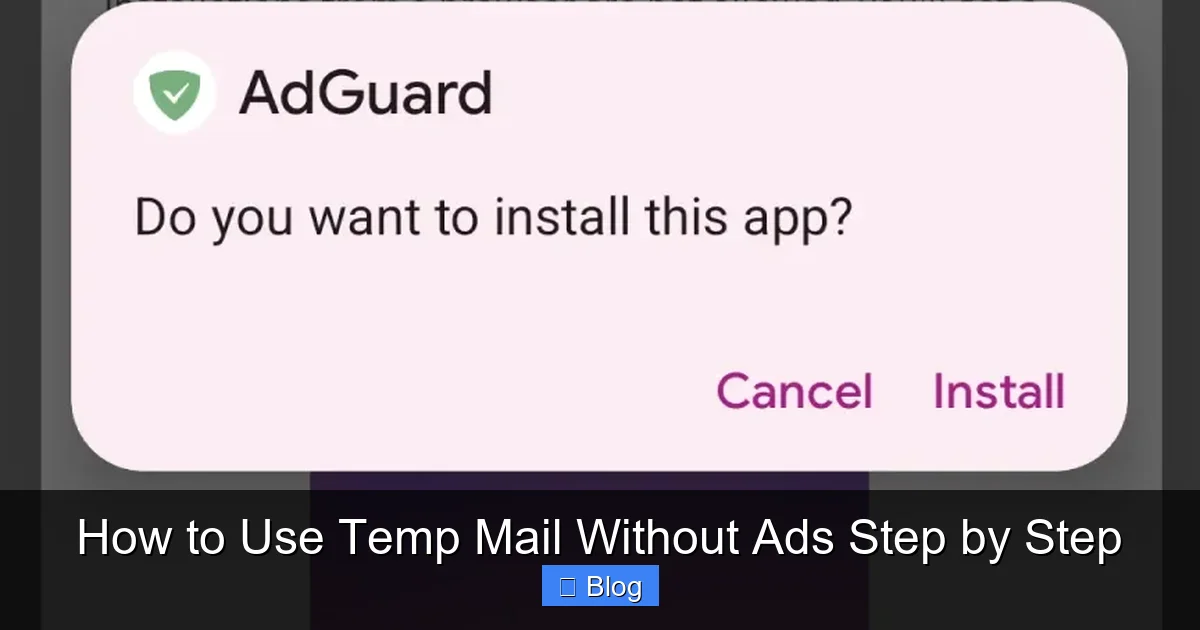
This is the gold standard for temp mail without ads. Browser extensions work silently in the background, generating clean addresses without opening new tabs. Here’s how to do it:
Visual guide about How to Use Temp Mail Without Ads Step by Step
Image source: cdn.adguard.info
Step 1: Install a Trusted Extension
Open your browser’s extension store (Chrome Web Store, Firefox Add-ons, etc.). Search for “Temp Mail Generator” or “Temp Mail.” Install one with high ratings (4.5+ stars) and clear “ad-free” promises. Avoid obscure extensions—stick to well-reviewed options like “Temp Mail Generator” by TempMail.org.
Step 2: Generate Your First Ad-Free Address
Once installed, click the extension icon in your browser toolbar. It’ll instantly create a disposable email (e.g., user7x9@tmpmail.net). No ads, no pop-ups—just a clean address ready to use. Copy it with one click.
Step 3: Use It Anywhere, Ad-Free
Paste the address into any sign-up form. When you need to check emails, click the extension icon again. Your inbox loads instantly—no ads, no redirects. For example, signing up for a Netflix trial? Use your temp mail without ads to grab the verification link. Done in 10 seconds.
Pro Tip: Customize for Extra Security
Most extensions let you set custom domains or prefixes (like netflix_temp@tmpmail.net). This helps you identify where spam might leak later. Plus, it’s still 100% ad-free!
Mobile Mastery: Temp Mail Without Ads on Your Phone
Need temp mail without ads while on the go? Mobile apps make it effortless. Forget juggling browser tabs—these apps are designed for speed and cleanliness.
Step 1: Download a Reputable App
Go to your app store (Google Play or Apple App Store). Search for “TempMail Mobile” or “10MinuteMail.” Choose apps with:
- Millions of downloads and 4.7+ star ratings.
- Explicit “no ads” or “ad-free” labels in the description.
- Positive reviews mentioning “clean interface” or “no pop-ups.”
Avoid apps with “free” in the name—they often hide ads.
Step 2: Generate and Use Your Address
Open the app. Tap “Generate” or “New Mail.” Instantly, you get a disposable address (e.g., mobile_user@tmpmail.app). Copy it, paste it into any mobile sign-up form—like a food delivery app or social media trial. When verification emails arrive, open the app to view them. No ads, no fuss.
Real-Life Example: Signing Up for a Free Trial
Imagine you’re testing a new meditation app. Instead of using your personal email:
- Open TempMail Mobile.
- Generate a new address.
- Paste it into the app’s sign-up field.
- Check the app for the verification email—ad-free and instant.
When the trial ends, the address expires. Your real inbox stays pristine.
Advanced Tactics: Keeping Your Temp Mail Experience 100% Clean
Even with ad-free services, a few extra steps ensure zero ad interference. Think of this as your privacy armor.
Pair With an Ad-Blocker (For Extra Safety)
Install a trusted ad-blocker like uBlock Origin. While ad-free temp mail services shouldn’t need this, it’s a safety net. If a site slips in ads, your blocker catches them. Enable it globally—it won’t slow down your browsing.
Avoid “Free” Temp Mail Sites
Websites like “FreeTempMail.com” or “MailTemp.org” often promise no ads but deliver the opposite. They’re ad farms in disguise. Stick to extensions and apps—they’re harder to inject ads into.
Check Email Content Carefully
Rarely, a legit service might send a promotional email that looks like an ad. Always:
- Verify sender addresses (e.g.,
noreply@service.com, notpromo@random-site.net). - Never click links in suspicious emails—even in temp mail.
- Delete anything that feels off immediately.
These habits keep your temp mail without ads truly safe.
When NOT to Use Temp Mail (Even Without Ads)
Temp mail without ads is powerful, but it’s not for everything. Misusing it can backfire.
Never Use Temp Mail For:
- Bank accounts or financial services: These require verified, permanent emails for security alerts.
- Primary social media accounts: Platforms like Facebook may lock you out if they detect disposable emails.
- Important communications: Job offers, legal documents, or medical info need a reliable inbox.
- Long-term subscriptions: If you plan to keep a service for months, use a real (or dedicated) email.
Smart Alternatives for Sensitive Cases
For semi-sensitive sign-ups (like a work tool), create a dedicated Gmail alias (e.g., yourname+work@gmail.com). It’s permanent but keeps your main inbox clean. Reserve temp mail without ads for truly disposable needs—like one-time coupon codes or app trials.
Conclusion: Enjoy Ad-Free Temp Mail Like a Pro
Using temp mail without ads isn’t just convenient—it’s essential for modern internet survival. No more ad-infested inboxes. No more spam haunting your real email. Just clean, disposable addresses that protect your privacy without the headache. Whether you’re on desktop with a browser extension or mobile with a trusted app, the process is simple: generate, use, forget.
Remember, the best temp mail without ads prioritizes your experience over ad revenue. Stick to reputable tools, avoid sketchy sites, and never use it for critical accounts. In a world of data-hungry trackers, this small habit makes a huge difference. Ready to reclaim your inbox? Give it a try today—your future self will thank you.
Frequently Asked Questions
Is temp mail without ads safe to use?
Yes, when using trusted services like Temp Mail Generator or TempMail Mobile. These tools have strict no-logs policies and avoid data harvesting. However, never use temp mail for sensitive accounts like banking—it’s designed for disposable, low-risk sign-ups only.
Can I receive attachments with ad-free temp mail?
Most ad-free temp mail services support attachments, but size limits vary. For example, Temp Mail Generator handles files up to 25MB. Avoid opening suspicious attachments—even in temp mail—to prevent malware risks.
Do ad-free temp mail services expire?
Yes, all temp mail addresses expire after a set time (usually 10 minutes to 24 hours). This is intentional—it keeps your inbox clean and prevents spam buildup. Once expired, the address is gone forever.
Can I use temp mail without ads on multiple devices?
Absolutely! Browser extensions sync across devices if you’re logged into the same account. Mobile apps also work independently on any phone. Just generate a new address on each device—no setup needed.
Why do some “ad-free” temp mail sites still show ads?
Some sites lie about being ad-free to attract users, then inject ads later. Always check reviews and privacy policies. If a site has pop-ups or banners, close it immediately—it’s not truly ad-free.
Is temp mail without ads legal?
Yes, using temp mail is completely legal. It’s a privacy tool for legitimate purposes like avoiding spam. However, using it for fraud or illegal activities is against the law—just like with any email service.