
Using temp mail for PayPal is risky and often violates PayPal’s terms, potentially freezing your account. While tempting for privacy, temporary emails usually fail during verification and lack security for financial transactions. This guide explains the dangers, a cautious step-by-step approach if absolutely necessary, and far safer alternatives to protect your PayPal account.
Key Takeaways
- High Risk of Account Suspension: PayPal requires verified, permanent email addresses; temp mail often triggers security flags leading to frozen funds or banned accounts.
- Verification Will Likely Fail: PayPal’s system detects disposable emails during signup or payment method linking, blocking account activation.
- Never Use for Transactions: Temp mail lacks security for sensitive financial data—never link bank cards or send/receive money with it.
- Safer Alternatives Exist: Use PayPal’s built-in email alias feature or reputable forwarding services like SimpleLogin for real privacy without risks.
- If You Proceed, Be Cautious: Only use temp mail for initial signup trials, never for verified accounts, and have a backup permanent email ready.
- Recovery is Difficult: If PayPal flags your account due to temp mail, regaining access requires proof of identity and permanent email verification.
📑 Table of Contents
- Why People Consider Temp Mail for PayPal (And Why You Should Think Twice)
- The Real Dangers of Using Temp Mail with PayPal
- Step-by-Step: If You Absolutely Must Use Temp Mail (Proceed with Extreme Caution)
- Safer Alternatives to Temp Mail for PayPal Privacy
- What to Do If Your PayPal Account Gets Flagged Due to Temp Mail
- Final Thoughts: Is Using Temp Mail for PayPal Ever Worth It?
Why People Consider Temp Mail for PayPal (And Why You Should Think Twice)
Let’s be real: signing up for yet another service that asks for your PayPal details can feel invasive. You’ve probably thought, “Wouldn’t it be great if I could use a temporary email just for this?” Maybe you’re worried about spam flooding your main inbox. Or perhaps you’re testing a new app and don’t want to tie your real PayPal account to it. Temp mail services promise quick, anonymous email addresses that vanish after use—seemingly perfect for dodging unwanted emails.
But here’s the harsh truth: using temp mail for PayPal is a dangerous gamble. PayPal isn’t like signing up for a newsletter. It’s a financial platform handling real money, sensitive bank details, and legal compliance. They have strict security protocols designed to prevent fraud and money laundering. Temp mail services—often free, disposable inboxes like 10MinuteMail or TempMail—are red flags for PayPal’s automated systems. Think about it: would a legitimate business use an email that disappears in 10 minutes? Probably not. PayPal’s algorithms spot these patterns instantly.
You might wonder, “But I’ve heard people do it!” Sure, some get lucky once. Maybe they signed up for a free trial that didn’t require immediate payment verification. But the moment PayPal needs to confirm your identity—like when adding a bank account, receiving a payment, or resolving a dispute—that temp email becomes a dead end. Your account gets frozen, funds are locked, and you’re stuck in a frustrating support loop. In this guide, we’ll unpack exactly why this happens, the step-by-step reality (not the fantasy), and most importantly, how to protect your PayPal account with smarter, safer methods. Your financial security is worth more than temporary convenience.
The Real Dangers of Using Temp Mail with PayPal
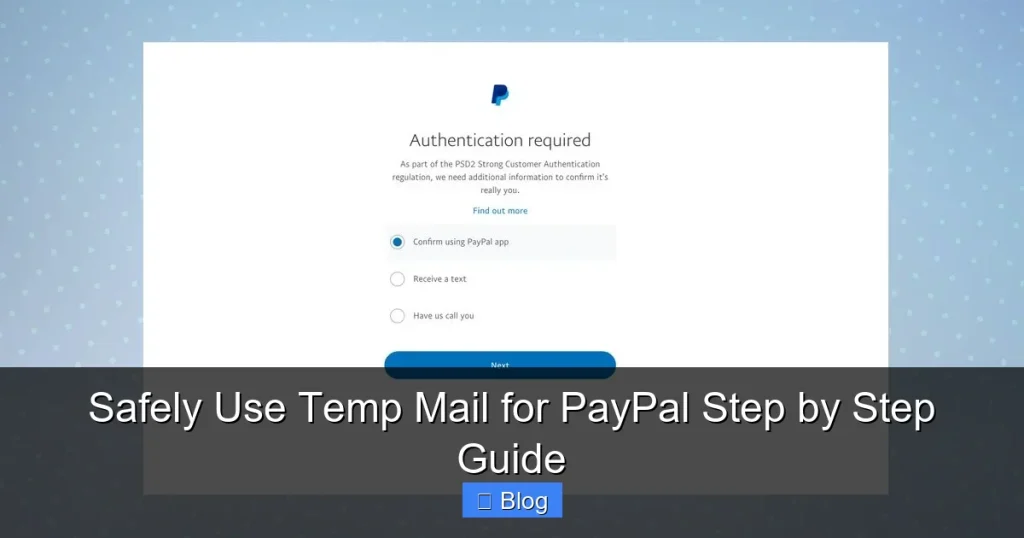
Before we dive into any “how-to,” let’s get crystal clear on the risks. Ignoring these could cost you time, money, and access to your PayPal account. PayPal’s terms of service explicitly require a valid, permanent email address you control. Temp mail violates this core rule, putting you in shaky legal territory right from the start.
Visual guide about Safely Use Temp Mail for PayPal Step by Step Guide
Image source: temp-mail.io
Account Suspension and Fund Freezing
This is the biggest nightmare. PayPal’s fraud detection systems are sophisticated. They analyze email domains, IP addresses, and user behavior. Disposable email domains (like those from temp mail services) are often on blocklists. When you sign up or link a payment method using temp mail, PayPal’s system may:
- Automatically flag your account as “high risk” during signup.
- Prevent you from verifying your email address (a mandatory step).
- Freeze your account the moment you try to add a bank card or receive money.
- Hold funds for 180 days or more while investigating “suspicious activity.”
Imagine selling an item online, getting paid, and then discovering your $500 is locked because PayPal thinks your email is fake. Recovery is a bureaucratic maze—you’ll need to submit ID, proof of address, and a permanent email. Many users give up entirely. Temp mail turns a simple transaction into a financial trap.
Failed Verification and Broken Workflows
PayPal doesn’t just check your email once. Verification happens at multiple points:
- Signup: You must click a link sent to your email to activate the account. Temp mail services often expire before you can check the inbox.
- Adding Payment Methods: Linking a bank account or card requires email confirmation. If the temp email is gone, you’re stuck.
- Receiving Payments: Some merchants require email verification before releasing funds. Temp mail = no access.
- Dispute Resolution: If a buyer opens a claim, PayPal emails you instructions. No permanent email = no way to respond, risking automatic refunds.
Even if you manage the initial signup, the first time PayPal needs to contact you (like for security alerts), that temp email is useless. Your account becomes a ghost—functional only until the next verification step, which is inevitable.
Security Vulnerabilities You Can’t Ignore
Temp mail services are notoriously insecure. Many are run by unknown entities with poor data practices:
- No Encryption: Emails sent to temp inboxes might not be encrypted, exposing sensitive PayPal notifications.
- Data Harvesting: Some free services sell user data or inject ads into your inbox.
- No Recovery: If the service shuts down (common with temp mail), you lose access forever—no “forgot password” option.
- Phishing Risks: Fake temp mail sites mimic legitimate ones to steal your PayPal login.
Using temp mail for PayPal is like handing your house keys to a stranger because you don’t want to remember your own address. Your financial data deserves ironclad security, not a disposable inbox.
Step-by-Step: If You Absolutely Must Use Temp Mail (Proceed with Extreme Caution)
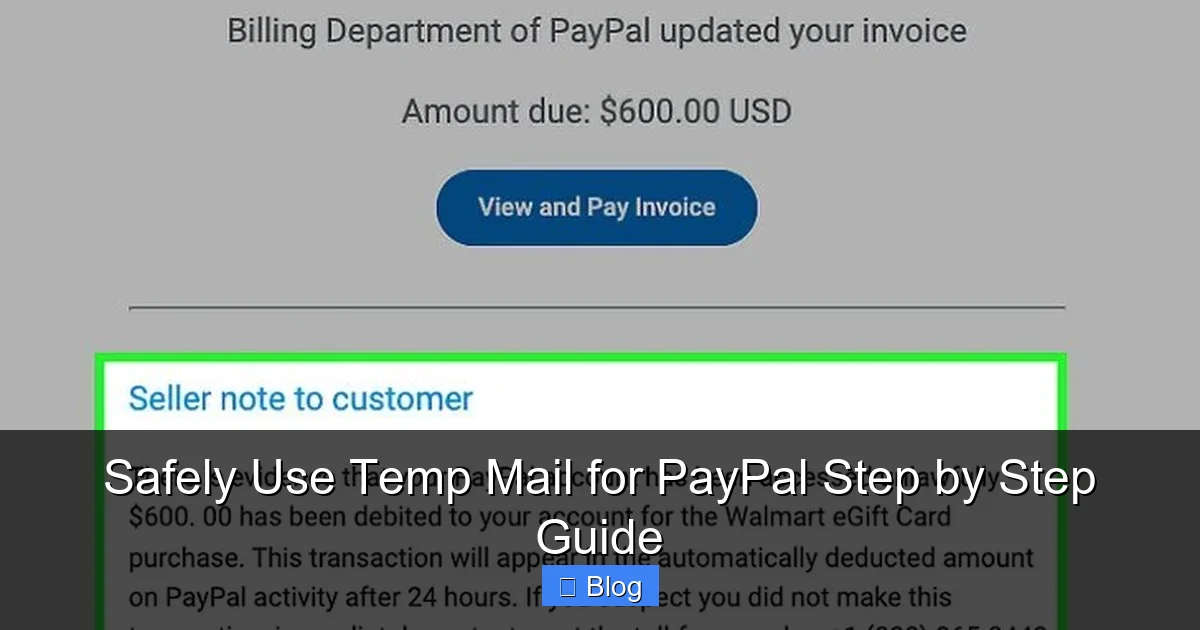
Okay, we’ve warned you. But if you’re still determined—maybe for a one-time, zero-risk trial signup where no payment is involved—here’s how to minimize damage. This is NOT recommended for verified accounts, transactions, or anything involving real money. Treat this as a last-resort experiment, not a strategy.
Visual guide about Safely Use Temp Mail for PayPal Step by Step Guide
Image source: wikihow.com
Choosing a (Slightly) Less Risky Temp Mail Service
Not all temp mail is equally sketchy. Avoid services with shady ads or “free PayPal” promises—they’re scams. Instead, look for:
- Reputable Providers: Services like TempMail.org or Guerrilla Mail have been around longer (but still carry risks).
- Custom Domain Options: Some let you create an email like “yourname@tempmail.com” instead of random strings—less likely to be instantly flagged.
- Longer Expiry: Pick services offering 1-24 hour inboxes (not 10 minutes). PayPal verification emails can take time to arrive.
Example: Sign up for Guerrilla Mail. It gives you an email like “bluecat42@guerrillamail.com” valid for 1 hour. Avoid services requiring phone verification—that defeats the purpose of “temp” mail.
The Signup Process: What Actually Happens
Here’s the reality check timeline:
- Go to PayPal.com and click “Sign Up.” Select “Personal Account” (business accounts have stricter checks).
- Enter your temp email address. Fill in fake but plausible name/address details (PayPal may cross-check later).
- Check the temp mail inbox IMMEDIATELY. PayPal sends a verification link within seconds. If you miss it, the email expires.
- Click the link FAST. If successful, your account is “created” but NOT verified for payments.
- Attempt to add a payment method (e.g., a debit card). PayPal will email a verification code to your temp address.
- Check the temp inbox again—if the email arrived. Enter the code. If it works, your card is linked… but your account is now high-risk.
Critical Reality: Steps 5-6 often fail. PayPal’s system may block the card addition outright because of the email domain. Or the verification email gets flagged as spam by the temp service. Even if you succeed, your account will likely be restricted within 24-48 hours.
What to Do When (Not If) Things Go Wrong
Assume your account will get flagged. Here’s your damage control plan:
- Have a Backup Permanent Email Ready: Before starting, create a new Gmail or Outlook address JUST for this experiment. If PayPal asks for verification later, switch to this.
- Don’t Add Real Payment Methods: Never link your actual bank account or credit card. Use a virtual card with a $1 limit if testing.
- Monitor for Suspicious Activity: Check your real email (not the temp one) for PayPal security alerts. They might contact you via alternate channels.
- If Frozen, Act Fast: Go to PayPal’s Resolution Center. Submit ID, proof of address, and explain you used a temporary email for testing. Emphasize you now have a permanent email.
Remember: PayPal’s support is notoriously slow. Recovery could take weeks. This isn’t worth the hassle for a $5 trial subscription.
Safer Alternatives to Temp Mail for PayPal Privacy
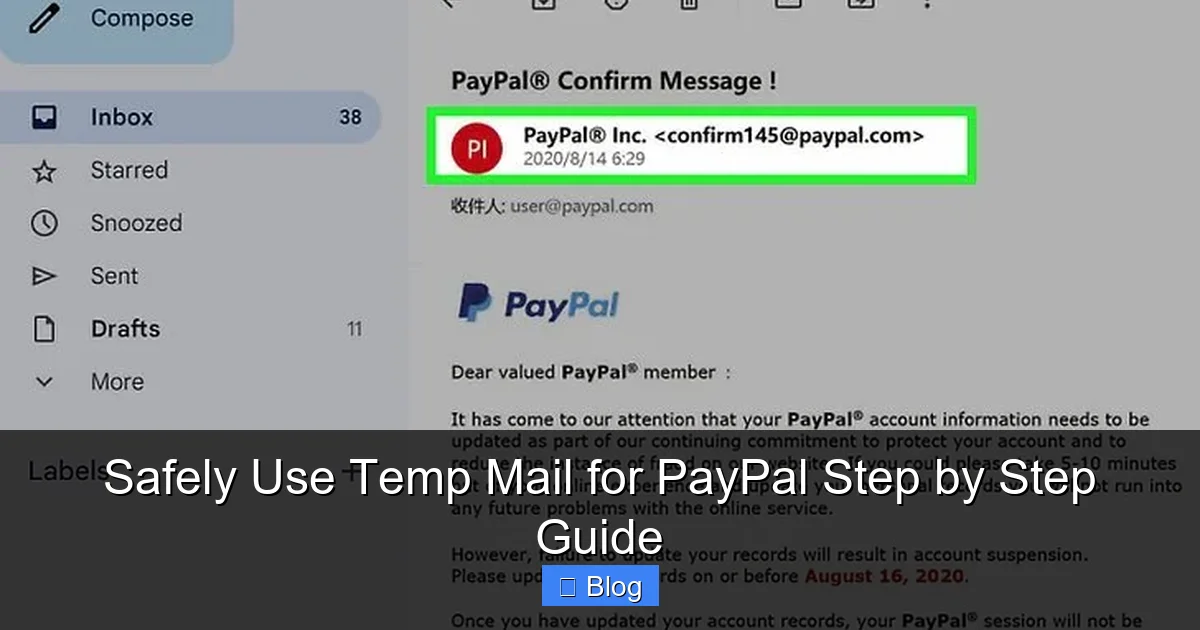
Why risk your account when better solutions exist? These methods give you privacy without violating PayPal’s terms:
Visual guide about Safely Use Temp Mail for PayPal Step by Step Guide
Image source: wikihow.com
Use PayPal’s Built-In Email Alias Feature
PayPal offers a free, secure alternative most users don’t know about:
- Log in to your PayPal account.
- Go to Settings > Account Settings > Email Addresses.
- Click “Update” next to your primary email.
- Select “Create email alias.”
- Choose a custom alias like “shopping.yourname@paypal.com”.
This alias forwards all PayPal emails to your real inbox but hides your personal email from merchants. It’s permanent, verified, and 100% compliant. No temp mail risks—just clean privacy.
Leverage Reputable Email Forwarding Services
Services like SimpleLogin or AnonAddy create permanent, masked emails:
- How it works: You get an address like “amazon@yourdomain.simplelogin.com” that forwards to your real email.
- Why it’s safer: These are legitimate services PayPal recognizes. Emails are encrypted, and you control the alias forever.
- Setup: Sign up for SimpleLogin (free tier available). Create an alias for PayPal. Use this alias when signing up—PayPal sees a “real” domain, not a disposable one.
Example: When signing up for a new app requiring PayPal, use “appname@simplelogin.com”. All emails route to you, but the merchant never sees your actual address. If spam starts, delete the alias—no account impact.
Create a Dedicated “Finance” Email Address
The simplest fix: make a separate email just for financial accounts.
- Use Gmail, Outlook, or iCloud to create “yourname.finance@gmail.com”.
- Use ONLY for PayPal, banks, and investment apps.
- Keep it pristine—no shopping newsletters or social media logins.
This takes 2 minutes to set up and eliminates spam from your main inbox. Plus, it’s fully verifiable by PayPal. No temp mail drama, no recovery headaches.
What to Do If Your PayPal Account Gets Flagged Due to Temp Mail
So you ignored the warnings and now your account is frozen. Don’t panic—but act quickly:
Step 1: Gather Documentation
PayPal will demand proof you’re legitimate. Have ready:
- Government-issued ID (driver’s license, passport).
- Proof of address (utility bill, bank statement—must match your PayPal profile).
- Details of recent transactions (if any).
- The permanent email address you’ll switch to.
Scanned copies must be clear and unedited. Blurry docs = automatic rejection.
Step 2: Submit Through Official Channels
Never trust “PayPal support” emails—they’re often phishing scams. Instead:
- Log in to your PayPal account (if possible) and go to the Resolution Center.
- Use the “Message Center” to submit documents directly.
- If locked out, call PayPal’s official support line (find it on paypal.com, not via email links).
Explain calmly: “I used a temporary email for initial testing but now have a permanent, verified address. Here’s my ID and proof of address.” Avoid blaming PayPal—focus on your commitment to compliance.
Step 3: Switch to a Permanent Email Immediately
Once you regain partial access:
- Go to Settings > Account Settings > Email Addresses.
- Add your new permanent email (e.g., your dedicated finance address).
- Verify it by clicking the confirmation link PayPal sends.
- Set it as your primary email.
- Remove the temp email address entirely.
This shows PayPal you’re serious about security. It may speed up unfreezing funds.
Step 4: Prevent Future Issues
After recovery:
- Never use temp mail again for PayPal.
- Enable two-factor authentication on your permanent email.
- Monitor account activity weekly for suspicious logins.
One freeze can trigger ongoing scrutiny. Protect your account like it’s your wallet—because it is.
Final Thoughts: Is Using Temp Mail for PayPal Ever Worth It?
Let’s cut to the chase: no, it’s not worth the risk. The potential consequences—frozen funds, banned accounts, hours of support calls—far outweigh the minor convenience of avoiding a few promotional emails. PayPal’s ecosystem is built on trust and verification. Temp mail undermines that foundation, painting you as a security risk in their systems.
We get it. Privacy matters. But sacrificing your financial access for an illusion of anonymity is like locking your front door but leaving your wallet on the porch. The alternatives—PayPal’s email aliases, forwarding services, or a dedicated finance email—are free, easy, and keep your account safe. They take minutes to set up and offer real, lasting privacy without the landmines.
Your PayPal account isn’t just a payment tool; it’s a gateway to your financial life. Treat it with the care it deserves. Skip the temp mail gamble. Use the smarter solutions outlined here, and sleep easy knowing your money is secure. If you take away one thing: permanent email for permanent accounts. It’s that simple.
Frequently Asked Questions
Can I use temp mail to sign up for PayPal without getting banned?
Technically, you might complete initial signup, but PayPal will likely freeze your account once verification is required—like when adding a payment method. Temp mail violates PayPal’s terms, making bans common. It’s not a reliable strategy.
Why does PayPal reject temporary email addresses?
PayPal uses fraud detection systems that flag disposable email domains as high-risk. These domains are associated with spam, fake accounts, and financial fraud. PayPal requires verifiable, permanent emails to comply with anti-money laundering laws and protect users.
What’s the safest temp mail service for PayPal if I insist on trying?
There is no “safe” option, but services with custom domains (like Guerrilla Mail) or longer expiry times (24+ hours) have slightly better odds. Still, expect verification failures. Never use it for transactions—only for non-payment signups.
How do I recover a PayPal account suspended due to temp mail?
Submit government ID, proof of address, and a permanent email via PayPal’s Resolution Center. Explain you’ve switched to a verified email. Recovery takes days to weeks, and success isn’t guaranteed—prevention is always better.
Are burner phones or virtual numbers safer than temp mail for PayPal?
Virtual numbers also risk rejection, but PayPal is stricter with emails. Burner phones won’t help with email verification. Focus on fixing the email issue first—use a permanent number linked to your real identity.
When is it acceptable to use temp mail with PayPal?
Almost never. The only exception might be testing a non-payment feature (like a demo account) where no financial data is involved. Even then, use PayPal’s sandbox environment instead—it’s designed for testing without real accounts.