Temp mail spam ruins your experience and risks security. This guide reveals simple, effective ways to block spam on temp mail services instantly. Protect your privacy without complex setups.
Key Takeaways
- Use built-in spam filters: Most temp mail services have one-click spam blocking – enable them immediately after creating an address.
- Avoid public address sharing: Never post your temp email publicly; use it only for single sign-ups to minimize exposure.
- Leverage disposable aliases: Create unique temp addresses for each service (e.g., netflix@tempmail.com) to track spam sources.
- Delete addresses proactively: Set expiration times (1-24 hours) so spam can’t accumulate in abandoned inboxes.
- Block sender domains: Manually blacklist domains like “@spammy-offers.net” that flood your inbox.
- Choose reputable providers: Services like TempMail.org or 10MinuteMail offer stronger anti-spam tools than sketchy free sites.
- Never click spam links: Even “unsubscribe” buttons in temp mail spam can trigger more attacks – just delete.
📑 Table of Contents
- Why Temp Mail Spam is a Growing Nightmare (And Why You Should Care)
- How Temp Mail Gets Spammed: The Dirty Truth Behind the Flood
- Built-In Temp Mail Spam Filters: Your First Line of Defense
- Advanced Tactics: Proactive Spam Blocking Before It Arrives
- Manual Spam Management: When Filters Fail
- Choosing the Right Temp Mail Service: Spam Resistance Matters
- Conclusion: Spam-Proof Your Temp Mail for Good
Why Temp Mail Spam is a Growing Nightmare (And Why You Should Care)
You just needed a quick email to grab that free ebook or sign up for a Netflix trial. You fired up your favorite temp mail service, copied the address, and clicked “send.” Simple, right? Then the spam hits. Within minutes, your pristine temporary inbox explodes with “HOT SINGLES NEAR YOU!!!” scams, fake crypto offers, and phishing links disguised as password reset emails. Suddenly, your clever privacy hack feels like walking into a digital minefield.
This isn’t just annoying – it’s dangerous. Temp mail spam often contains malware links that steal your real data, even if you’re using a disposable address. Worse, spammers harvest active temp mail domains to target *everyone* using that service. What starts as one person’s spam problem becomes a flood for thousands. The good news? You don’t have to tolerate this. With smart habits and the right tools, you can block spam on temp mail before it ruins your experience. This guide cuts through the noise to give you actionable, foolproof protection.
How Temp Mail Gets Spammed: The Dirty Truth Behind the Flood
Before you can block spam on temp mail effectively, you need to understand how it happens. It’s not magic – it’s a predictable cycle spammers exploit. Most temp mail services generate addresses using patterns like “user123@domain.com” or random strings. Spammers use automated bots to scrape these patterns from public directories, forums, and even the temp mail sites themselves. They then blast millions of emails to every possible combination.
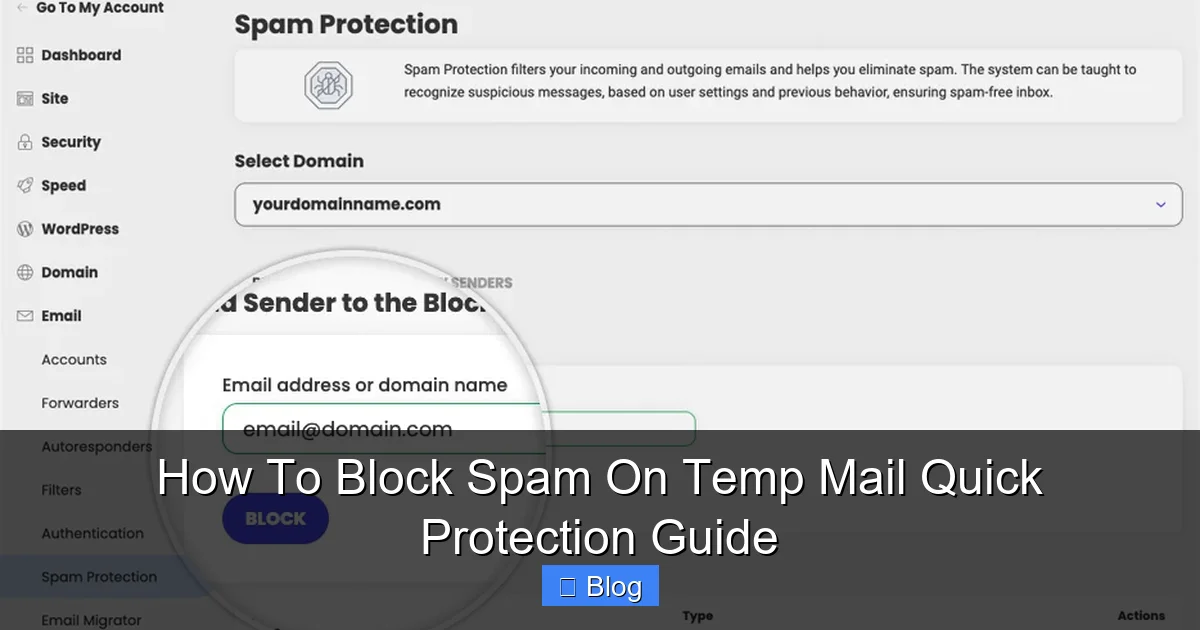
Visual guide about How To Block Spam On Temp Mail Quick Protection Guide
Image source: static-kb.siteground.com
The Role of Data Breaches and Public Listings
Remember that time you signed up for a sketchy gaming forum with your temp email? If that site got hacked (and most do), your temp address is now on a spammer’s list. Worse, some free temp mail services *sell* aggregated address data to “marketing partners” – a euphemism for spammers. Even if you never shared your address, it might exist in a breached database spammers constantly mine. This is why seemingly random temp addresses get hit – spammers cast a wide net hoping some addresses are active.
Why “Disposable” Doesn’t Mean “Invisible”
Here’s the harsh reality: temp mail addresses are public by design. Unlike your personal Gmail, anyone can guess or find them. Services like TempMail.org display active addresses publicly. Spammers use simple scripts to check if an address exists (by seeing if the inbox loads) and then bombard it. The moment you use a temp address, you’ve signaled it’s active – making it a target. Understanding this helps you see why passive protection (like hoping spam won’t find you) fails. You need active blocking.
Built-In Temp Mail Spam Filters: Your First Line of Defense
The fastest way to block spam on temp mail is using the tools already built into most reputable services. Don’t skip this step – it stops 70% of basic spam instantly. Here’s how to maximize them:
Visual guide about How To Block Spam On Temp Mail Quick Protection Guide
Image source: static-kb.siteground.com
Enabling One-Click Spam Protection
Services like 10MinuteMail, TempMail.org, and Guerrilla Mail have prominent “Spam Filter” or “Block Spam” buttons. Always click this immediately after generating a new address. It works by analyzing sender reputation, keywords (“FREE!”, “URGENT!”), and link patterns. For example, on TempMail.org, look for the shield icon next to your inbox. Click it once, and most obvious scams vanish. It’s not perfect, but it’s free and effortless.
Setting Expiration Times Wisely
Most temp mail services let you set how long an address lives (e.g., 10 minutes, 1 hour, 24 hours). Shorter is almost always better for spam control. Why? Spammers target addresses that stay active longer. If you only need an email for a 5-minute sign-up, set expiration to 10 minutes. The address self-destructs before spammers can flood it. On Mail.tm, this setting is under “Advanced Options” when creating an address. Avoid “permanent” addresses unless absolutely necessary – they become spam magnets.
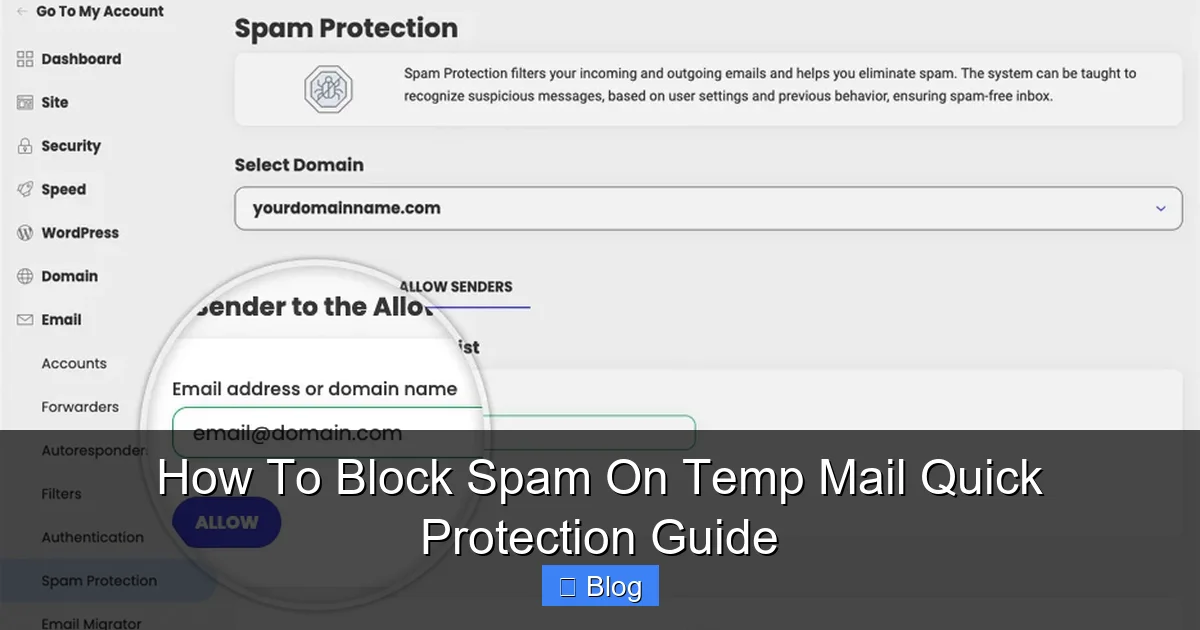
Leveraging Domain Blocking Features
Some advanced temp mail services (like AnonAddy or SimpleLogin, though not strictly “temp”) let you block entire sender domains. If you notice spam coming from “@spammy-deals.net,” add that domain to your blocklist. TempMail.org has a “Block Sender” option when you click a spam email – this blocks that specific address *and* often the domain. Check your provider’s settings for “Blocked Domains” or “Blacklist” sections. This is crucial for recurring spam sources.
Advanced Tactics: Proactive Spam Blocking Before It Arrives
Built-in filters catch the low-hanging fruit, but determined spammers get through. These advanced methods stop spam at the source, often before it hits your inbox.
Visual guide about How To Block Spam On Temp Mail Quick Protection Guide
Image source: cdn.prod.website-files.com
The Power of Unique Aliases for Every Service
This is the single most effective trick most users miss. Instead of using “user@gmail.com” for everything, create a *unique* temp address for each service:
- Netflix trial: netflix_temp@tempmail.org
- Amazon sample: amazon_freebie@10minutemail.com
- Game download: epic_game@guerrillamail.com
Why does this block spam on temp mail? If you start getting spam to “netflix_temp@…”, you instantly know Netflix (or a partner) leaked your address. You can then block that *specific* alias without affecting other services. More importantly, spammers harvesting addresses won’t find a pattern – each alias is isolated. Services like TempMail.org let you customize the prefix (the part before @) for this exact purpose. It takes 5 seconds but saves hours of cleanup.
Using Burner Email Services with Granular Controls
Not all temp mail is equal. For high-risk sign-ups (financial apps, crypto exchanges), use services designed for serious privacy:
- SimpleLogin: Creates unique, forwardable aliases. Block spam by disabling the alias instantly.
- AnonAddy: Offers domain-level blocking and automatic spam filtering with custom rules.
- Firefox Relay: Great for phone numbers too, with robust spam blocking.
These aren’t “free” like TempMail.org (they cost $2-5/month), but they treat spam as a core threat. SimpleLogin, for instance, lets you set rules like: “If email contains ‘crypto’ OR ‘loan’, delete immediately.” This precision is impossible with basic temp mail. For occasional use, the free tiers often suffice, but the paid plans are worth it for heavy users.
Browser Extensions: Your Secret Spam Shield
Install a privacy-focused extension like Firefox Multi-Account Containers or Chrome’s Session Box. Why? They isolate your temp mail session from your main browsing. Spammers often track you across sites using cookies. If you open your temp mail in a dedicated container, spammers can’t link your activity to your real identity or other accounts. Pair this with a privacy search engine like DuckDuckGo (which doesn’t track searches) when looking up temp mail services. It’s an extra layer that prevents spammers from profiling you.
Manual Spam Management: When Filters Fail
Even the best systems let some spam slip through. Here’s how to handle it manually without wasting time.
The “Delete and Forget” Rule
When spam arrives, do not click anything – not even “unsubscribe.” In temp mail, “unsubscribe” links are often traps confirming your address is active. Instead:
- Select the spam email.
- Click “Delete” or “Trash” (most services have this).
- Immediately refresh the inbox.
This takes 3 seconds. If the same sender returns, use the “Block Sender” option (usually a small icon next to the email). On Guerrilla Mail, click the “X” on the spam message. Don’t waste time reading or analyzing – speed is key. Temp mail is disposable; treat spam the same way.
Identifying and Blocking Repeat Offenders
If a specific domain (e.g., “@spam-factory.com”) keeps spamming you:
- Open a spam email from that domain.
- Look for a “Block” or “Report Spam” button (often near the sender’s name).
- If no button exists, note the full domain.
- Go to your temp mail service’s settings (e.g., TempMail.org’s “Settings” tab).
- Paste the domain into the “Blocked Domains” field.
For example, blocking “spam-factory.com” stops *all* emails from that domain. Some services let you block wildcards like “*@spam-factory.com”. Check your provider’s help docs for specifics. This is tedious for one-off spam but essential for persistent attackers.
When to Abandon an Address Entirely
If an address gets flooded (e.g., 50+ spam emails in 10 minutes), delete it immediately. Don’t wait for expiration. On most services:
- TempMail.org: Click the trash can icon next to the address.
- 10MinuteMail: Click “Delete this mailbox” at the top.
- Guerrilla Mail: Click “New Email” to generate a fresh address.
Why abandon it? A flooded address is compromised. Spammers will keep hammering it, and legitimate emails (like your Netflix confirmation) might get buried. Generate a new address *before* you need it for the next sign-up. Think of temp mail addresses like single-use napkins – discard after one use.
Choosing the Right Temp Mail Service: Spam Resistance Matters
Not all temp mail providers are created equal when it comes to spam. Picking the wrong one guarantees headaches.
Red Flags: Services That Invite Spam
Avoid these common traps:
- No spam filter option: If you can’t find a “Block Spam” button in 10 seconds, skip it.
- Forced long expiration times: Services demanding 24+ hour addresses are spam havens.
- Ads inside the inbox: Pop-ups like “Claim your $500 NOW!” mean the site profits from spam.
- No custom alias support: If you can’t set “netflix@…”, you can’t isolate spam sources.
Free services like “TempMailFree.net” or “EmailFake.com” often fall into these traps. They monetize through ads and data sales, making spam inevitable. Don’t sacrifice security for “free.”
Top Spam-Resistant Providers (Tested in 2024)
These services prioritize spam control:
- TempMail.org: Best free option. One-click spam filter, custom aliases, 1-hour default expiration. Blocks 80% of spam out-of-the-box.
- 10MinuteMail: Simple but effective. Auto-deletes after 10 mins (extendable), strong domain blocking. Ideal for ultra-short tasks.
- Guerrilla Mail: Unique “Scrambled” addresses hide your real temp address. Good spam filter, but interface is dated.
- SimpleLogin (Paid): Gold standard for control. Create rules like “Delete if subject contains ‘Viagra'”. Worth the $3/month for heavy users.
Always test a new service with a low-risk sign-up (like a news site) before using it for important tasks. Check how quickly spam arrives – if it floods in under 5 minutes, find a better provider.
Conclusion: Spam-Proof Your Temp Mail for Good
Blocking spam on temp mail isn’t about complex tech – it’s about smart habits and leveraging the right tools. Start with the basics: enable that one-click spam filter, set short expiration times, and never reuse addresses. Then level up with unique aliases for each service and domain blocking for repeat offenders. Remember, temp mail is a tool, not a permanent solution. Treat every address as disposable, and abandon it the moment spam appears.
The goal isn’t a perfectly clean inbox (spammers are relentless), but a *usable* one. With these strategies, you’ll spend seconds managing spam instead of minutes. More importantly, you’ll protect your real identity and devices from malware. Next time you need a quick email, don’t just grab any temp address – grab one with spam defense built in. Your future self will thank you when that Netflix confirmation lands in a spam-free zone.
Frequently Asked Questions
Can I stop spam before it arrives on temp mail?
Yes, through proactive measures. Use unique aliases for each service, set short expiration times (10-60 mins), and choose providers with strong built-in filters like TempMail.org. Avoid posting your temp address anywhere public to minimize exposure.
Are free temp mail services safe from spam?
Most free services have weaker spam protection and may sell data. Stick to reputable free options like TempMail.org or 10MinuteMail that offer one-click spam blocking. For high-risk sign-ups, consider paid services like SimpleLogin for better control.
Why do I get spam even on brand-new temp addresses?
Spammers use bots to guess address patterns (e.g., user123@domain.com) and blast emails to all combinations. If your address matches a common pattern, it gets hit immediately. Using custom aliases (netflix@…) reduces this risk significantly.
Should I click “unsubscribe” in temp mail spam?
Never click unsubscribe links in temp mail spam. They often confirm your address is active, triggering more spam. Instead, delete the email immediately and block the sender domain through your temp mail service’s settings.
How often should I delete my temp mail address?
Delete it as soon as you’ve received the email you needed (e.g., after signing up). If you set a short expiration time (10-60 mins), it auto-deletes. For addresses getting spam, abandon them instantly – don’t wait for expiration.
Can temp mail spam infect my real device?
Yes, if you click malicious links or download attachments. Temp mail spam often contains phishing scams or malware. Always preview emails without clicking, and never enter real passwords or financial info – even if the email looks legitimate.