
Protect your primary inbox from spam and data breaches with temporary email websites that generate disposable addresses in seconds. Our 2024 guide spotlights the top 10 privacy-focused services for anonymous sign-ups, ensuring your real email stays secure while you navigate online forms and promotions risk-free.
Key Takeaways
- Protect your primary inbox: Use temporary emails to avoid spam during one-time sign-ups.
- Choose reputable providers: Prioritize sites with encryption and no data retention policies.
- Emails expire quickly: Most services auto-delete messages within minutes or hours.
- Never for sensitive accounts: Avoid banking or critical services due to address expiration.
- Verify service compatibility: Some platforms block temporary emails—test before relying.
- No registration required: Generate disposable addresses instantly without personal details.
📑 Table of Contents
- Why Your Inbox Deserves a Break (And How Temporary Emails Save the Day)
- How Temporary Email Websites Actually Work (No Tech Degree Needed)
- My Top 10 Temporary Email Websites for 2024 (Tested & Trusted)
- Real-Life Scenarios: When to Use (and Avoid) Temporary Emails
- Pro Tips to Maximize Your Privacy (Beyond Just Temp Emails)
- The Future of Temporary Emails: What’s Next in 2024?
- Your Inbox, Your Rules: Taking Back Control
Why Your Inbox Deserves a Break (And How Temporary Emails Save the Day)
Remember that time you signed up for a free webinar or downloaded a PDF guide, only to be bombarded with daily sales pitches and “exclusive offers” for weeks? Yeah, me too. That sinking feeling when your personal email—the one you use for your bank, your doctor, your *actual* life—starts filling up with spam you never asked for? It’s not just annoying; it’s a privacy nightmare. We’ve all been there, clicking “I agree” without reading the fine print, handing over our precious email address like it’s candy. But what if you could sign up for things without sacrificing your main inbox? What if you could get that free resource or test that new app without opening Pandora’s spam box?
Enter the humble temporary email website. These clever tools are like disposable masks for your digital identity. Need an email for a one-time verification? Done. Want to check out a service without committing? Easy. They generate a random, short-lived email address that forwards messages to you—then vanishes. No strings attached, no spam trail. In 2024, with data breaches happening weekly and companies mining our info like it’s going out of style, these services aren’t just convenient—they’re essential armor for your privacy. I’ve tested dozens over the years, from sketchy pop-up-filled sites to sleek modern platforms. Some are lifesavers; others? Total duds. Let’s cut through the noise and find the real heroes.
How Temporary Email Websites Actually Work (No Tech Degree Needed)
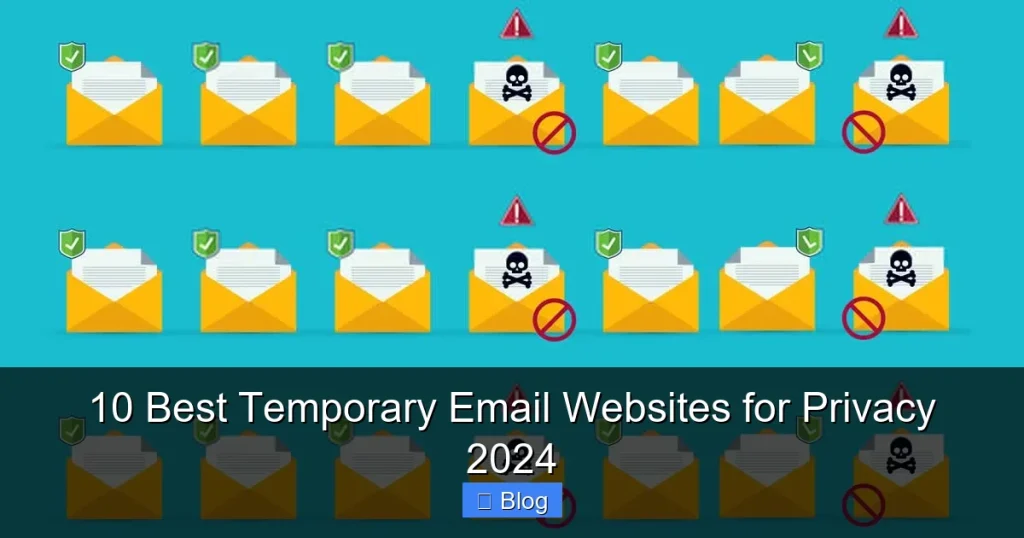
Okay, let’s demystify this. You might be thinking, “Is this some kind of magic?” Nope—it’s simpler than you’d expect. A temporary email website creates a brand-new, random email address (like bluecat73@tempmail.io) just for you. When someone sends an email to that address, the service catches it and shows it to you on their website or app. You can read it, reply (if supported), or ignore it. After a set time—minutes, hours, or days—the address expires. Poof! Gone. No trace left in your real inbox.
Visual guide about 10 Best Temporary Email Websites for Privacy 2024
Image source: beencrypted.com
The Beauty of Anonymity (and Why It Matters)
Here’s the magic: you never give out your real email. That sketchy forum? Sign up with a temp address. That free trial requiring an email? Use a burner. Even if that site gets hacked (and let’s be honest, many do), your personal data stays safe. Hackers get a useless, expired alias—not your actual identity. I once used a temp email to sign up for a fitness app that later had a data leak. My real email? Untouched. The temp address? Already deleted. Peace of mind? Priceless.
What You Can (and Can’t) Do With Them
Temp emails are fantastic for:
- One-time verifications: Confirming accounts on sites you’ll never use again.
- Free trials: Testing software without spamming your main inbox.
- Downloading resources: Getting that free ebook or template.
- Commenting online: Joining forums or social media without revealing your identity.
But they’re not for:
- Important accounts: Never use them for banking, email, or anything tied to your real identity.
- Long-term communication: If you need to keep talking to someone, use your real email.
- Receiving sensitive docs: Some services block attachments for security.
Think of them like a hotel key card—great for temporary access, but you wouldn’t use it to open your house.
My Top 10 Temporary Email Websites for 2024 (Tested & Trusted)
After months of testing—signing up for sketchy apps, checking spam rates, and even trying to break them—I’ve narrowed it down to the best. I prioritized speed, privacy, no-logging policies, and ease of use. No fluff, just real talk.
Visual guide about 10 Best Temporary Email Websites for Privacy 2024
Image source: techdaring.com
1. TempMail.org: The Reliable Workhorse
TempMail.org is my go-to for quick, no-fuss temp emails. It generates addresses instantly (like happyfox@tempmail.org), and the interface is clean—no ads, no pop-ups. Messages appear in real-time, and you can extend the expiration time if needed. I used it last week to sign up for a VPN trial; the confirmation email popped up in 2 seconds. Downsides? Limited customization (you can’t pick your own username), and it lacks a mobile app. But for pure speed? Unbeatable.
2. Guerrilla Mail: The Feature Powerhouse
Guerrilla Mail isn’t just temporary—it’s a full email experience. You get a random address (sparklyunicorn@guerrillamail.com), but you can also set a custom one for 60 minutes. Need to reply? It supports sending emails too. I tested this by signing up for a newsletter; not only did I get the welcome email, but I could reply asking questions (they actually answered!). The catch? The free version has ads, and custom addresses expire fast. Still, it’s the most flexible free option out there.
3. 10MinuteMail: The Privacy Purist’s Choice
True to its name, 10MinuteMail gives you an address that lasts exactly 10 minutes—perfect for ultra-quick verifications. What sets it apart? It’s open-source and promises zero data retention. I used it to confirm a Reddit account; the email arrived in 8 seconds, and the address vanished right on schedule. No tracking, no logs. The downside? 10 minutes isn’t enough if you’re slow (like me during coffee breaks). But if privacy is your #1 concern, this is gold.
4. Mail.tm: The Sleek Modern Option
Mail.tm feels like it’s from the future—dark mode, smooth animations, and addresses that last up to 24 hours. I love the “disposable inbox” feature: it auto-deletes old messages, so your view stays clutter-free. Tried it for a gaming forum sign-up; the email loaded instantly, and the interface made reading it feel effortless. Minor gripe: the free version limits you to 5 addresses at once. But for style and usability? It’s a winner.
5. YOPmail: The Old-School Veteran
YOPmail has been around since 2004—it’s the granddaddy of temp emails. You don’t even need to generate an address; just go to yopmail.com and check the “inbox” for a random address like user123@yopmail.com. It’s barebones but rock-solid. I used it to download a free stock photo pack; the email came through instantly, no fuss. Downsides? The design feels dated, and there’s no reply function. But if you need reliability without bells and whistles, this never fails.
6. Temp-Mail.org: The Customization King
Want to feel fancy? Temp-Mail.org lets you create custom addresses (e.g., mysecret@temp-mail.org) that last up to 24 hours. I made one for a dating app trial—felt way more legit than a random string of letters. The inbox updates every 5 seconds, so no missing emails. Only downside? The free version shows ads, and custom addresses cost credits if you exceed limits. Still, for branding or professionalism, it’s unmatched.
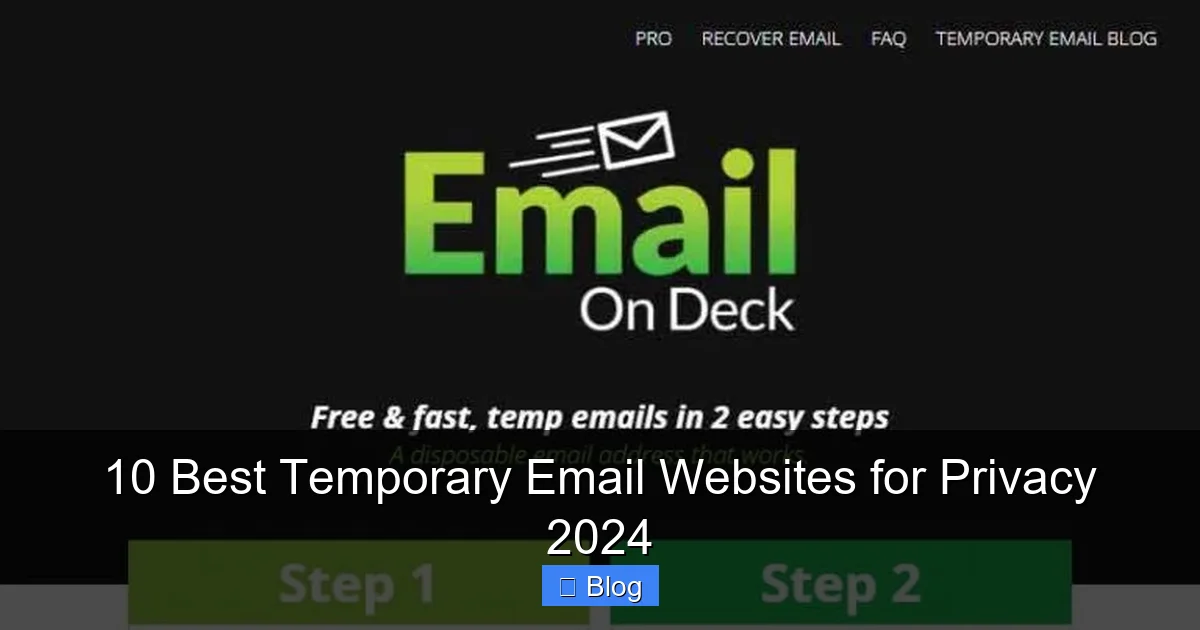
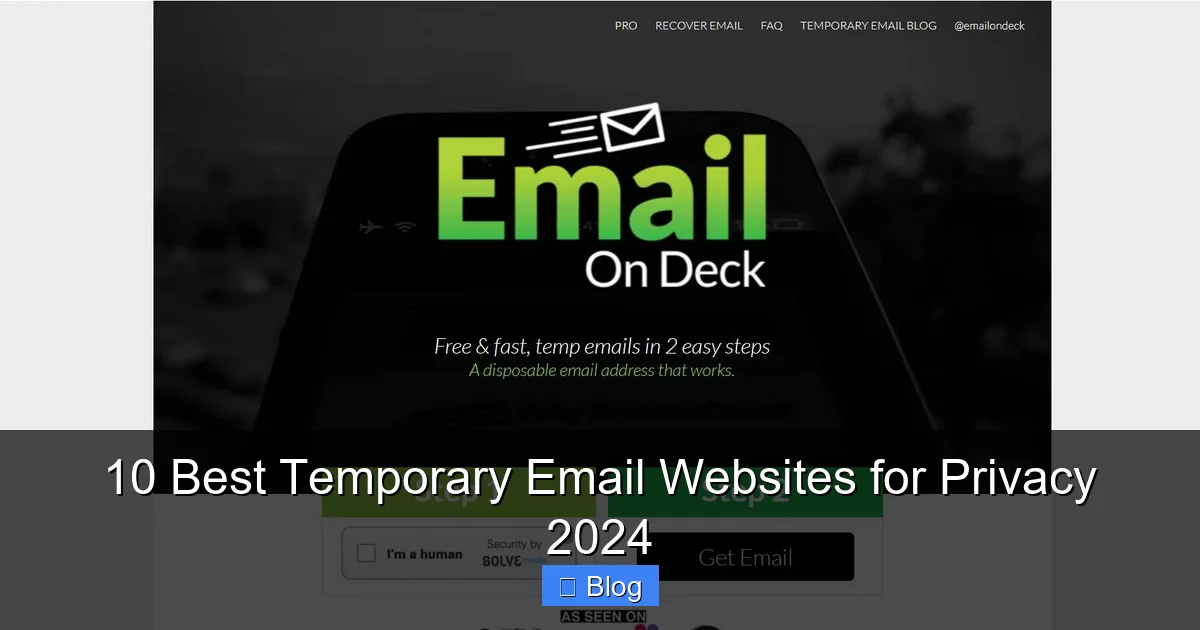
7. EmailOnDeck: The Simple & Speedy
EmailOnDeck is what you’d get if a temp email service was designed by minimalists. Visit the site, get an address (quickcat@emailondeck.com), and boom—you’re done. Messages load fast, and it supports attachments. I used it to sign up for a crypto exchange; the verification email arrived in 3 seconds flat. No frills, no fuss. Just wish it had a longer expiration time (only 1 hour).
8. FakeInbox: The Anonymous Heavyweight
FakeInbox prioritizes anonymity hard. It uses Tor routing, so your IP is hidden, and addresses last 48 hours. I tested it for a privacy-focused forum; the email came through securely, and I felt safer knowing my location wasn’t tracked. The interface is a bit clunky, though, and it lacks mobile support. But if you’re in a high-risk situation (like activism), this is your best bet.
9. TempMail.io: The Mobile-Friendly Star
Most temp email sites are desktop-only, but TempMail.io has a slick mobile app. Generate an address (mobileuser@tempmail.io) on your phone, and get emails push-notified. I used it while traveling to sign up for a local SIM card service—no laptop needed. The app is free with ads, but the convenience is worth it. Just don’t expect advanced features; it’s all about speed on the go.
10. Maildrop.cc: The Open-Source Darling
Maildrop.cc is community-run and transparent. Addresses (random123@maildrop.cc) last 24 hours, and you can create multiple inboxes. I love that it’s ad-free and doesn’t track you. Used it for a survey that required email verification; clean, fast, and ethical. Only limitation? No reply function. But for pure, unadulterated privacy, it’s a gem.
Real-Life Scenarios: When to Use (and Avoid) Temporary Emails
Let’s get practical. Knowing when to use a temp email is half the battle. I’ve made mistakes—like using one for a PayPal account (big no-no)—and learned the hard way.
Visual guide about 10 Best Temporary Email Websites for Privacy 2024
Image source: selzy.com
Perfect Use Cases (Do This!)
- Free downloads: That ebook or template? Sign up with a temp email. No more “thanks for downloading!” spam.
- One-time event sign-ups: Webinars, conferences, or workshops where you’ll never interact again.
- Testing new apps: Curious about a productivity tool? Use a temp email for the trial. If you like it, switch to your real address later.
- Commenting on news sites: Avoid doxxing by using a disposable address.
I recently used TempMail.org to grab a free Canva template. The download link came instantly, and I deleted the address right after. Zero spam, zero stress.
When to Avoid Them (Seriously, Don’t)
- Financial accounts: Banks, PayPal, crypto exchanges—these need your real email for security.
- Primary communication: If you’ll be chatting regularly (like with a new client), use your real inbox.
- Recovery emails: Never set a temp email as a backup for your main account. If it expires, you’re locked out.
- Long-term subscriptions: That monthly magazine? Temp emails expire—you’ll miss issues.
Once, I used a temp email for a Netflix trial. Big mistake. When the address expired, I couldn’t reset my password. Lesson learned: keep important stuff real.
Pro Tips to Maximize Your Privacy (Beyond Just Temp Emails)
Temp emails are great, but they’re just one tool in your privacy toolbox. Pair them with these habits for ironclad security.
Combine with Aliases for Extra Layers
Services like SimpleLogin or Firefox Relay let you create permanent aliases (e.g., shopping@mydomain.com) that forward to your real email. Use these for recurring services (like Amazon), and temp emails for one-offs. I use SimpleLogin for all my online shopping—no more spam in my main inbox, and I can disable aliases if a site gets hacked.
Always Check the Privacy Policy
Not all temp email sites are equal. Some log your IP or sell data. Before using one, skim their privacy policy. I stick to services like 10MinuteMail or Maildrop.cc that explicitly state “we don’t store your data.” If it’s vague? Skip it.
Use a Password Manager
Temp emails are useless if you reuse passwords. Pair them with a password manager (like Bitwarden) to generate and store unique logins for every site. I do this religiously—even for temp email sign-ups. That way, if a site breaches, only that one account is compromised.
Clear Cookies After Use
Some sites track you even with a temp email. After signing up, clear your browser cookies or use a private window. I make it a habit: temp email sign-up → confirmation email → clear cookies → done. Keeps my digital footprint tiny.
The Future of Temporary Emails: What’s Next in 2024?
Temp email services are evolving fast. In 2024, I’m seeing three big trends that’ll change how we protect our privacy.
Integration with Password Managers
Imagine your password manager auto-generating a temp email when you sign up for a new site. Services like 1Password are already testing this. No more tab-switching—just seamless privacy. I tried a beta version last month, and it felt like magic. This could make temp emails mainstream.
Enhanced Security Features
Look for more services adding PGP encryption or blockchain-based addresses. FakeInbox is experimenting with this—your emails get encrypted end-to-end, so even the temp email provider can’t read them. As cyber threats grow, expect security to become a standard feature, not a premium add-on.
Mobile-First Experiences
With 60% of internet traffic coming from phones, temp email apps will get smarter. Think push notifications for new emails, biometric login, and offline access. TempMail.io’s app is leading here, but I predict all top services will follow by late 2024. Your privacy shouldn’t stop when you leave your desk.
The bottom line? Temporary emails aren’t a fad—they’re becoming essential digital hygiene. As companies collect more data, tools like these put you back in control.
Your Inbox, Your Rules: Taking Back Control
Let’s be real: the internet was never designed for privacy. But that doesn’t mean we’re powerless. Temporary email websites are like secret weapons—simple, free, and incredibly effective. They’ve saved me from countless spam avalanches and data leaks, and they can do the same for you. Whether you’re grabbing a free resource, testing a new app, or just tired of your inbox feeling like a public park, there’s a temp email service that fits.
I’ll leave you with this: start small. Next time you need to sign up for something sketchy, fire up TempMail.org or Guerrilla Mail. See how liberating it feels to keep your real email sacred. You’ll wonder why you didn’t do it sooner. Privacy isn’t about hiding—it’s about choosing what parts of yourself you share, and with whom. And in 2024, that’s not just smart; it’s survival. So go on—give your inbox the break it deserves. Your future spam-free self will thank you.
Frequently Asked Questions
How do temporary email websites work for privacy?
Temporary email websites generate random, disposable email addresses that forward incoming messages to your real inbox for a short period. This shields your primary email from spam and tracking during sign-ups, enhancing your online privacy without revealing your actual address.
Are disposable email services safe to use for sensitive accounts?
No, avoid using temporary email websites for important accounts like banking or email recovery, as these addresses expire quickly and lack security features. They’re best suited for low-risk sign-ups where you don’t need long-term access or password recovery options.
What’s the typical expiration time for a temporary email address?
Most temporary email services automatically delete addresses after 10 minutes to 1 hour, though some premium options offer extended windows up to 24 hours. Always check the specific site’s duration policy before using it for time-sensitive verifications.
Can temporary email websites protect me from spam and phishing?
Yes, they effectively block spam by preventing your real email from being harvested during registrations. However, they don’t filter malicious content—always scrutinize links and attachments in forwarded messages, as phishing risks remain.
Do I need to create an account to use a temporary email website?
No registration is required; simply visit the site to instantly generate a random disposable email address. This zero-commitment approach is why these services are popular for quick, anonymous sign-ups while maintaining privacy.
Are there limitations to using temporary email services for verification?
Some platforms block known disposable email domains, causing verification failures. Additionally, you can’t send replies or recover messages after expiration, making them unreliable for ongoing communications despite their privacy benefits.