
Your inbox is under attack from spam, scams, and data breaches every day. A temporary email address is your secret weapon to shield your real email from unwanted clutter and privacy risks. This simple hack lets you sign up for services risk-free, keeping your primary inbox clean and secure.
Key Takeaways
- Stop spam at the source: Use temporary emails for one-time signups to prevent your main inbox from flooding with promotional junk.
- Protect your privacy: Avoid sharing your real email with sketchy websites, reducing exposure to data leaks and identity theft.
- Test services safely: Try free trials or new apps without commitment—discard the temp address if you don’t like the service.
- Easy and free: Most temporary email services require no registration; generate an address in seconds via browser extensions or websites.
- Avoid phishing traps: Isolate suspicious signup requests in a disposable inbox, so malicious links can’t reach your personal accounts.
- Stay organized: Use different temp addresses for different sites to track who sells your data or sends spam.
📑 Table of Contents
- Your Inbox Is a Battlefield—Here’s How to Win
- What Exactly Is a Temporary Email Address?
- Why You Absolutely Need a Temporary Email Address
- How to Use Temporary Email Addresses Like a Pro
- Top Temporary Email Services Compared
- Common Mistakes to Avoid with Temporary Emails
- Advanced Hacks for Privacy Nerds
- Conclusion: Take Back Control of Your Inbox Today
Your Inbox Is a Battlefield—Here’s How to Win
Let’s be real: your email inbox is probably a disaster. Between newsletters you never signed up for, promotional spam from that one-time online store purchase, and phishing attempts disguised as urgent messages, it’s a constant battle to keep things tidy. You’ve probably hesitated before signing up for a new app or website, wondering, “Will this company sell my email? Will my inbox become a spam graveyard?” If this sounds familiar, you’re not alone. Millions of people feel the same dread every time they hand over their email address.
The good news? There’s a simple, free hack to take back control: temporary email addresses. Think of them as disposable aliases for your inbox—perfect for one-time signups, free trials, or testing sketchy websites. No more worrying about spam piling up or your personal email getting leaked in a data breach. In this guide, you’ll learn exactly how temporary emails work, why they’re a game-changer for privacy, and how to use them like a pro. Whether you’re a casual internet user or a privacy-conscious pro, this hack will transform how you interact online.
What Exactly Is a Temporary Email Address?
A temporary email address is a short-lived, disposable email inbox you can create in seconds. Unlike your permanent Gmail or Outlook account, it’s designed to be used once (or for a few days) and then discarded. When you sign up for a service using a temp email, all confirmation emails, newsletters, or spam go straight to this throwaway inbox—not your main one. Once you’re done, you delete the temp address, and poof! The spam vanishes with it.
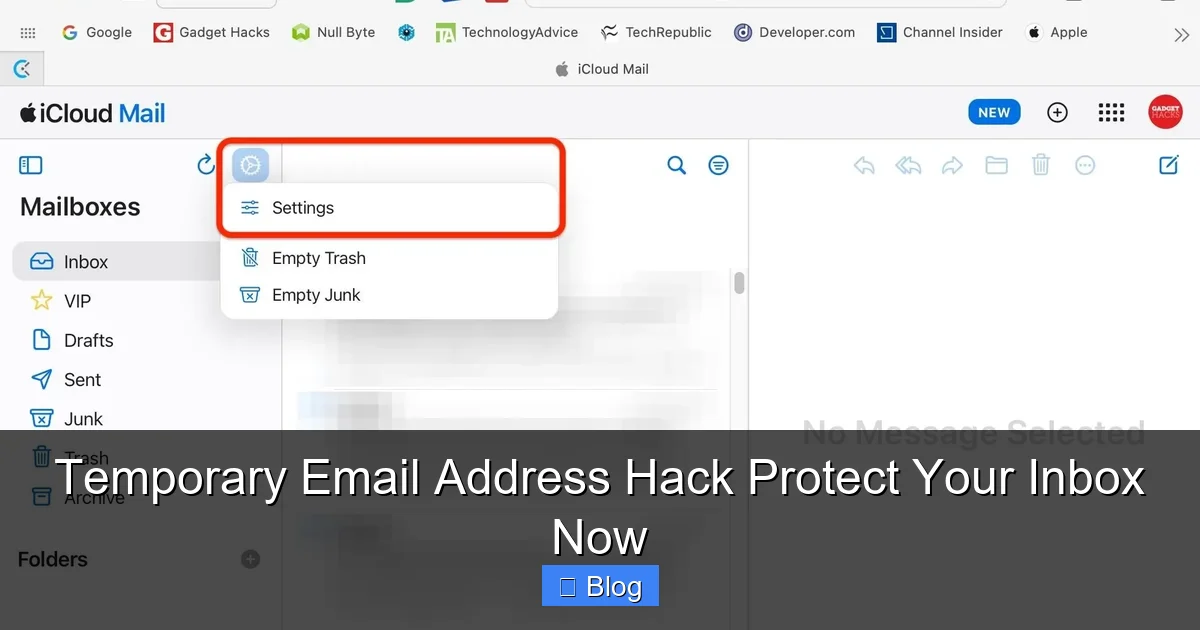
Visual guide about Temporary Email Address Hack Protect Your Inbox Now
Image source: img.gadgethacks.com
How Do They Actually Work?
Temporary email services operate through simple web interfaces or browser extensions. Here’s the magic:
- You visit a site like TempMail.org or install an extension like “Temp Mail for Chrome.”
- The service generates a random email address (e.g., bluecat73@tempmail.io) and gives you access to its inbox.
- When someone sends an email to that address, it appears in your temp inbox instantly—no app download needed.
- After 10 minutes, 1 hour, or 24 hours (depending on the service), the address expires. All emails are deleted forever.
No registration. No personal info. Just pure, anonymous emailing. It’s like renting a mailbox for an afternoon—use it, then walk away.
Real-Life Example: Signing Up for a Free Trial
Imagine you want to test a new meditation app offering a 7-day free trial. Normally, you’d use your real email, but then:
- Day 1: You get a welcome email.
- Day 3: A “special offer” spam email arrives.
- Day 7: The trial ends, but the app starts sending weekly newsletters.
- Day 30: Your inbox is cluttered, and you’ve forgotten to cancel.
With a temporary email address, you’d:
- Generate a new address (e.g., zenmaster@tempbox.me) for the signup.
- Check the temp inbox for the trial confirmation link.
- After 7 days, ignore the address—it auto-expires. No spam. No hassle.
Simple, right? Now your main inbox stays pristine.
Why You Absolutely Need a Temporary Email Address
Let’s cut to the chase: your permanent email is too valuable to risk on random websites. Here’s why temporary emails are non-negotiable for modern internet users.
Visual guide about Temporary Email Address Hack Protect Your Inbox Now
Image source: i.ytimg.com
1. Slay the Spam Dragon
Did you know 45% of all emails sent globally are spam? And once you give your email to one site, it often gets sold to data brokers who flood you with ads. A temporary email address acts as a spam shield. Use it for:
- Online shopping (e.g., signing up for a flash sale).
- Downloading free resources (like e-books or templates).
- Commenting on forums or blogs.
Result? Your real inbox stays focused on what matters—messages from friends, family, and important work.
2. Dodge Data Breaches
Data breaches happen all the time. In 2023 alone, over 6 billion records were leaked. If you used your real email on a compromised site, hackers now have it—and they’ll try it on banking, social media, or email accounts. A temporary email address isolates this risk. Even if the site gets hacked, your primary email stays safe.
3. Avoid Phishing Traps
Phishing scams often start with a fake “account verification” email from a service you “signed up for.” If you used a temp email for that sketchy signup, suspicious links stay confined to the disposable inbox. No chance of accidentally clicking malware on your main account.
4. Test Services Without Commitment
Curious about a new app but not ready to commit? Use a temporary email address to sign up. If you love it, switch to your real email later. If not? No trace left behind. It’s the ultimate “try before you buy” for digital services.
How to Use Temporary Email Addresses Like a Pro
Ready to give it a try? It’s easier than making coffee. Follow these steps to master temporary emails.
Visual guide about Temporary Email Address Hack Protect Your Inbox Now
Image source: bouncegeek.com
Step 1: Pick Your Tool
You have two main options:
- Web-Based Services: Visit sites like TempMail.org, 10MinuteMail.com, or Guerrilla Mail. They generate addresses instantly in your browser.
- Browser Extensions: Install tools like “Temp Mail” for Chrome or Firefox. They add a one-click button to your toolbar—generate addresses without leaving the page.
Pro Tip: For maximum convenience, use an extension. When signing up for a site, click the extension icon, and it auto-fills a new temp email address.
Step 2: Generate and Use Your Address
Here’s a real-world walkthrough:
- You’re on a news site offering a free PDF report. Click “Download Now.”
- The signup form asks for your email. Click your temp email extension.
- It fills in something like quickreader@tempinbox.co.
- Submit the form. Check your temp inbox (via the extension or website) for the download link.
- Grab the link, then forget the address—it expires in 10 minutes.
No spam. No follow-up emails. Just the resource you wanted.
Step 3: Manage Your Temp Inbox
Most services let you:
- Refresh the inbox to see new emails.
- Forward important messages to your real email (rarely needed, but handy for one-time verifications).
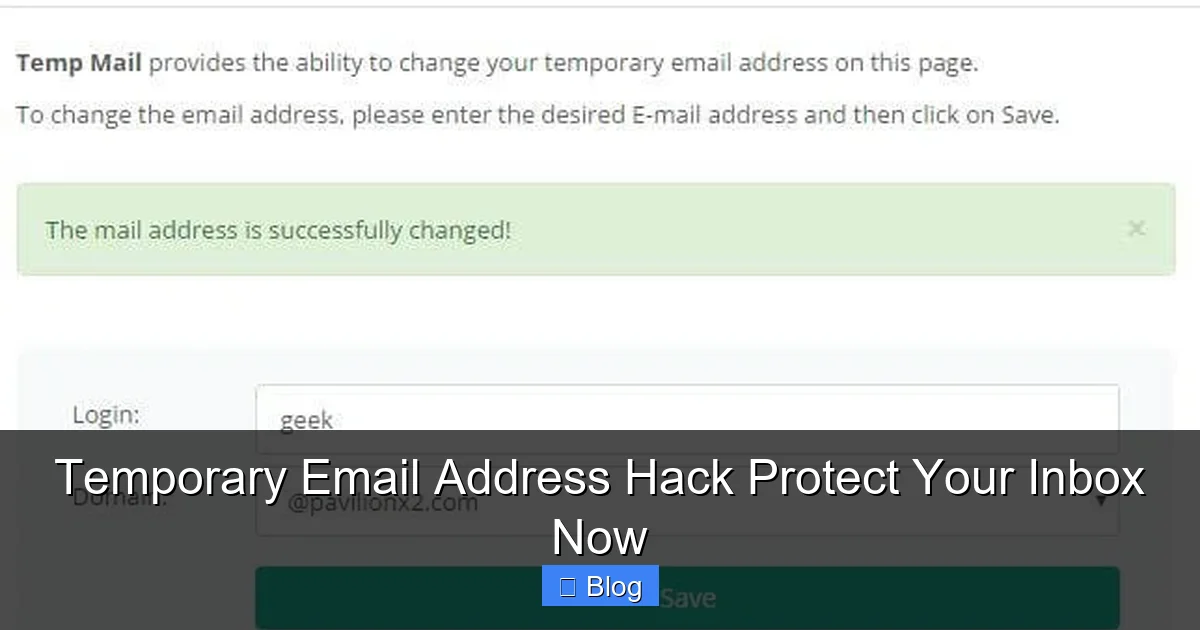
- Customize the address (e.g., myname@tempdomain.com instead of random gibberish).
Warning: Never use temp emails for critical accounts like banking, PayPal, or social media. Services often block disposable addresses, and you could lose access forever.
Top Temporary Email Services Compared
Not all temp email tools are created equal. Here’s a quick rundown of the best options based on speed, privacy, and ease of use.
1. TempMail.org
Best for: Beginners who want simplicity.
- Generates addresses in one click.
- Inbox stays active for 1 hour (extendable).
- No ads, clean interface.
- Downside: Limited customization.
Use Case: Downloading a free template from a design blog.
2. 10MinuteMail.com
Best for: Ultra-short tasks (e.g., one-time verifications).
- Addresses expire in exactly 10 minutes.
- Mobile-friendly.
- Downside: Too short for multi-step signups.
Use Case: Verifying an account on a forum that requires email confirmation.
3. Guerrilla Mail
Best for: Customizable, longer-term needs.
- Choose your own username (e.g., yourname@guerrillamail.com).
- Inbox lasts 1 hour (renewable).
- Supports attachments.
- Downside: Slightly cluttered ads.
Use Case: Signing up for a 3-day free trial of a productivity app.
4. Temp Mail Extension (Chrome/Firefox)
Best for: Power users who sign up for many sites.
- One-click address generation on any signup form.
- Auto-refreshes inbox.
- Downside: Browser-specific.
Use Case: Testing 5 different SaaS tools in one afternoon.
Common Mistakes to Avoid with Temporary Emails
Temporary emails are powerful, but misuse can backfire. Steer clear of these pitfalls.
Mistake 1: Using Them for Important Accounts
Never sign up for email, banking, or social media with a temp address. If the service locks you out (e.g., “verify your email”), you’re screwed. Reserve temp emails for low-stakes actions like:
- Downloading a coupon.
- Joining a webinar.
- Posting on a public forum.
Mistake 2: Ignoring Expiration Times
Most temp addresses die after 10 minutes to 1 hour. If you need to check back later (e.g., for a trial confirmation), use a service like Guerrilla Mail that lets you renew the inbox. Otherwise, you’ll miss critical emails.
Mistake 3: Assuming They’re 100% Anonymous
While temp emails hide your real address, they don’t make you invisible. Websites can still track your IP address or device. For true anonymity, pair temp emails with a VPN.
Mistake 4: Forgetting to Check the Inbox
Generated an address but closed the tab? Most services let you revisit the same inbox by reloading the page. But if you lose the URL, the address is gone forever—along with any emails sent to it.
Advanced Hacks for Privacy Nerds
Want to level up? These pro tips turn temporary emails into a privacy powerhouse.
Create “Identity Buckets”
Use different temp addresses for different activities:
- shopping@tempdomain.com for e-commerce sites.
- news@tempdomain.com for newsletters.
- forums@tempdomain.com for online communities.
If one bucket gets spammed, you know exactly who leaked it—and can block that address.
Combine with Aliases
Services like Firefox Relay or Apple Hide My Email generate permanent aliases that forward to your real inbox. Use these for semi-permanent signups (e.g., a favorite store), and temp emails for one-offs. Best of both worlds!
Automate with Browser Scripts
Tech-savvy users can write scripts (using Tampermonkey) to auto-fill temp emails on signup forms. No more manual copying—just seamless privacy.
Conclusion: Take Back Control of Your Inbox Today
Your email inbox shouldn’t feel like a war zone. Temporary email addresses are the simplest, most effective hack to protect your privacy, dodge spam, and keep your digital life organized. They’re free, easy to use, and take seconds to set up. Whether you’re downloading a free resource, testing a new app, or signing up for a flash sale, a temp email ensures your main inbox stays sacred.
Don’t wait for the next data breach or spam avalanche to hit. Start using temporary emails today—your future self will thank you. Install an extension, bookmark a service, and experience the relief of an uncluttered inbox. Remember: in the digital world, anonymity isn’t just smart—it’s self-defense. So go ahead, generate that first temp address, and reclaim your peace of mind.
Frequently Asked Questions
Are temporary email addresses legal?
Yes, using temporary email addresses is completely legal. They’re a legitimate privacy tool for avoiding spam and protecting your personal information. However, never use them for illegal activities like fraud or harassment.
Can websites block temporary email addresses?
Some sites do block known disposable email domains to prevent spam signups. If a site rejects your temp address, try a different service (e.g., Guerrilla Mail instead of 10MinuteMail) or use a permanent alias service like Firefox Relay.
How long do temporary email addresses last?
Most last between 10 minutes and 24 hours, depending on the service. TempMail.org offers 1-hour inboxes, while 10MinuteMail.com sticks to exactly 10 minutes. Always check the expiration time before signing up.
Can I recover emails from an expired temp address?
No—once the address expires, all emails are permanently deleted. If you need to keep a message, forward it to your real email before the temp address dies.
Do temporary emails work for SMS verification?
Generally, no. Most temp email services only handle email, not SMS. For phone verifications, use dedicated burner phone apps like Google Voice or MySudo.
Are temporary email addresses safe for sensitive tasks?
Never use them for banking, social media, or email accounts. They’re ideal for low-risk actions like downloading free content or testing apps, but lack the security needed for critical services.


