
Temp mail lets you bypass WhatsApp’s phone number requirement for initial setup, but it violates WhatsApp’s Terms of Service and carries significant risks like account bans. This method only works for basic registration—you can’t receive SMS codes or use full features long-term. Proceed with extreme caution and prioritize official verification methods for security.
Key Takeaways
- Temp mail is a workaround, not a solution: It helps bypass phone number entry during WhatsApp signup but fails for SMS verification, making accounts unstable and unusable for most functions.
- High risk of permanent bans: WhatsApp actively detects and blocks accounts using fake numbers or temp mail, as it violates their core security policies.
- Severe functional limitations: You can’t send/receive messages, make calls, or use backups without a real number linked to your account.
- Privacy trade-offs exist: While hiding your number, temp mail services often log data, potentially exposing more info than a real number would.
- Safer alternatives are available: Use WhatsApp’s official “email-only” business features, secondary numbers, or privacy-focused apps like Signal instead.
- Never use for sensitive activities: Avoid banking, 2FA, or important communications with temp mail-linked accounts due to security flaws.
📑 Table of Contents
- Why Would Anyone Want to Use WhatsApp Without a Phone Number?
- How WhatsApp Normally Works (And Why Phone Numbers Are Non-Negotiable)
- What Is Temp Mail? (And Why It’s a Poor Fit for WhatsApp)
- The “How-To” (Spoiler: It’s Not Reliable and Here’s Why)
- The Real Risks: Why This Isn’t Worth It
- Safer Alternatives to Protect Your Privacy
- Conclusion: Prioritize Safety Over Shortcuts
Why Would Anyone Want to Use WhatsApp Without a Phone Number?
Hey there! Ever felt uneasy about handing your real phone number to WhatsApp? You’re not alone. In today’s world, privacy concerns are sky-high. Maybe you’re traveling and don’t want to use your home number. Perhaps you’re managing multiple business accounts and need separation. Or you’re just cautious about sharing personal details online. WhatsApp requires a phone number for signup—no way around it officially. But some folks search for “temp mail for WhatsApp” hoping to skip this step. Let’s unpack why this idea pops up and why it’s trickier than it seems.
WhatsApp’s design centers around phone numbers. It’s how they verify users and prevent spam. But this frustrates people who value anonymity. Temp mail services promise disposable email addresses that expire quickly. The theory? Use one to register WhatsApp instead of a number. Sounds clever, right? Unfortunately, WhatsApp’s system isn’t built for this. Their verification relies heavily on SMS codes sent to your phone. No number means no code. No code means a dead-end account. Still, curious souls keep trying. In this guide, we’ll explore how people attempt this, why it usually fails, and what you can do instead. Buckle up—it’s a bumpy ride!
How WhatsApp Normally Works (And Why Phone Numbers Are Non-Negotiable)
Before diving into temp mail hacks, let’s clarify how WhatsApp legitimately operates. Understanding this helps explain why bypassing the phone number is nearly impossible. When you install WhatsApp, it asks for your phone number. Why? Two big reasons: security and spam prevention. Your number acts as your unique ID. WhatsApp sends an SMS code to verify you own that number. This stops bots from flooding the platform. It also links your account to a real person. Simple, right? But this creates a headache for privacy seekers.
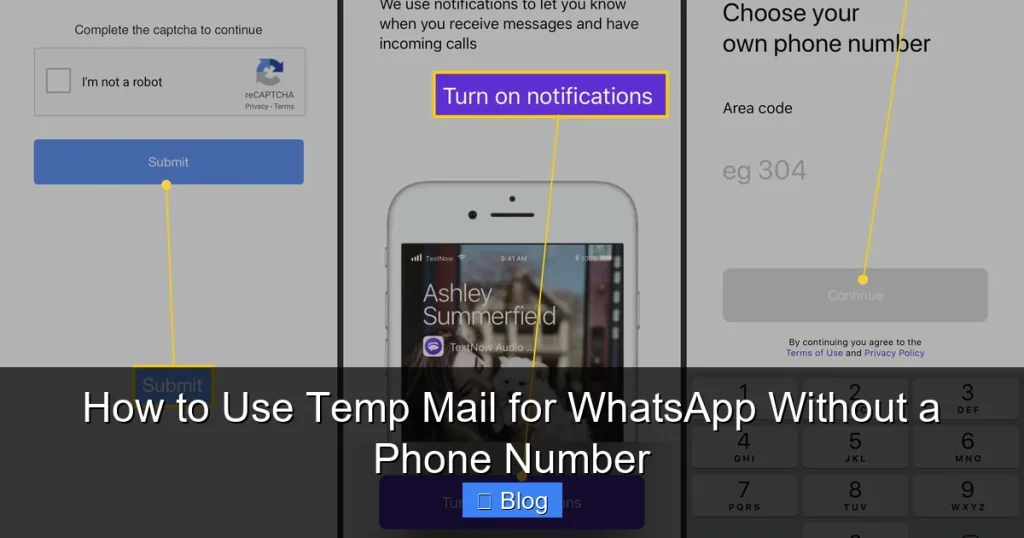
Visual guide about How to Use Temp Mail for WhatsApp Without a Phone Number
Image source: lifewire.com
The SMS Verification Hurdle
Here’s the kicker: WhatsApp requires SMS verification at multiple stages. First, during initial signup. Later, if you switch devices or reinstall the app. Even if you somehow register without a number (more on that soon), you’ll hit this wall. Temp mail gives you an email address—not a phone line. No phone line means no SMS. No SMS means you can’t prove you’re human. WhatsApp’s servers will flag your account as suspicious. Within hours or days, it gets locked. You’ll see errors like “Too many attempts” or “Verification failed.” Game over.
Why WhatsApp Won’t Budge on This
WhatsApp’s parent company, Meta, prioritizes security over anonymity. They argue phone numbers reduce scams and illegal activity. While frustrating for privacy advocates, this policy keeps the platform relatively safe. Temp mail services, on the other hand, are often used for spam or fraud. WhatsApp’s algorithms detect patterns from these services. If your “number” traces back to a temp mail provider, instant red flag. They’ve even sued companies offering fake number services. So, while the dream of “WhatsApp without a phone number” is appealing, the reality is harsh. The system is designed to reject workarounds.
What Is Temp Mail? (And Why It’s a Poor Fit for WhatsApp)
Temp mail—short for temporary email—is a service that generates disposable email addresses. They last minutes, hours, or days before vanishing. Popular sites like TempMail.org or 10MinuteMail let you grab an address like “bluecat42@tempmail.com” instantly. No signup needed. People use these for signing up to sketchy websites without spamming their real inbox. But here’s the problem: WhatsApp doesn’t care about your email. It wants a phone number. Always.
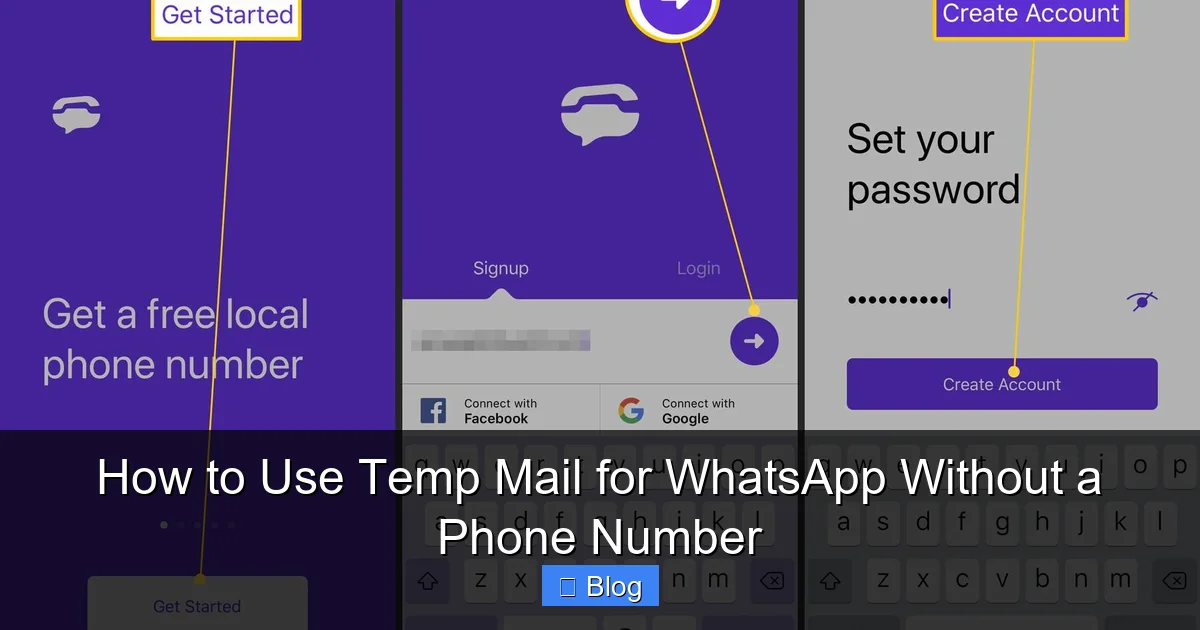
Visual guide about How to Use Temp Mail for WhatsApp Without a Phone Number
Image source: lifewire.com
How Temp Mail Services Actually Work
When you visit a temp mail site, it creates a random email address on its server. You can receive emails there temporarily. For example, if a website sends a confirmation link, it lands in your temp inbox. You click it, and the service forwards it to you. But crucially, temp mail provides no phone number. It’s email-only. WhatsApp’s registration flow has zero email fields. You tap “Register,” and it immediately asks for a country code and number. No email option exists. So how do people even attempt this? Through a loophole we’ll explore next—but it’s fragile.
The Misconception: “Email for WhatsApp Verification”
Some guides claim you can use temp mail to receive WhatsApp’s verification email. But here’s the truth: WhatsApp doesn’t send verification emails for standard accounts. They only use SMS. Business accounts (WhatsApp Business API) might use email, but those require official business verification—not temp mail. If you see a tutorial saying “use temp mail to get WhatsApp’s email code,” it’s outdated or wrong. WhatsApp abandoned email verification years ago for regular users. This confusion makes temp mail seem viable when it’s not. Always check WhatsApp’s current setup process—it’s SMS or bust.
The “How-To” (Spoiler: It’s Not Reliable and Here’s Why)
Okay, let’s address the elephant in the room. Some users report “success” with temp mail for WhatsApp by exploiting a tiny window during registration. But this is like balancing a pencil on its tip—it might stand for 10 seconds before collapsing. We’ll walk through the steps people try, but emphasize this violates WhatsApp’s Terms of Service. Use this knowledge responsibly, not recklessly.
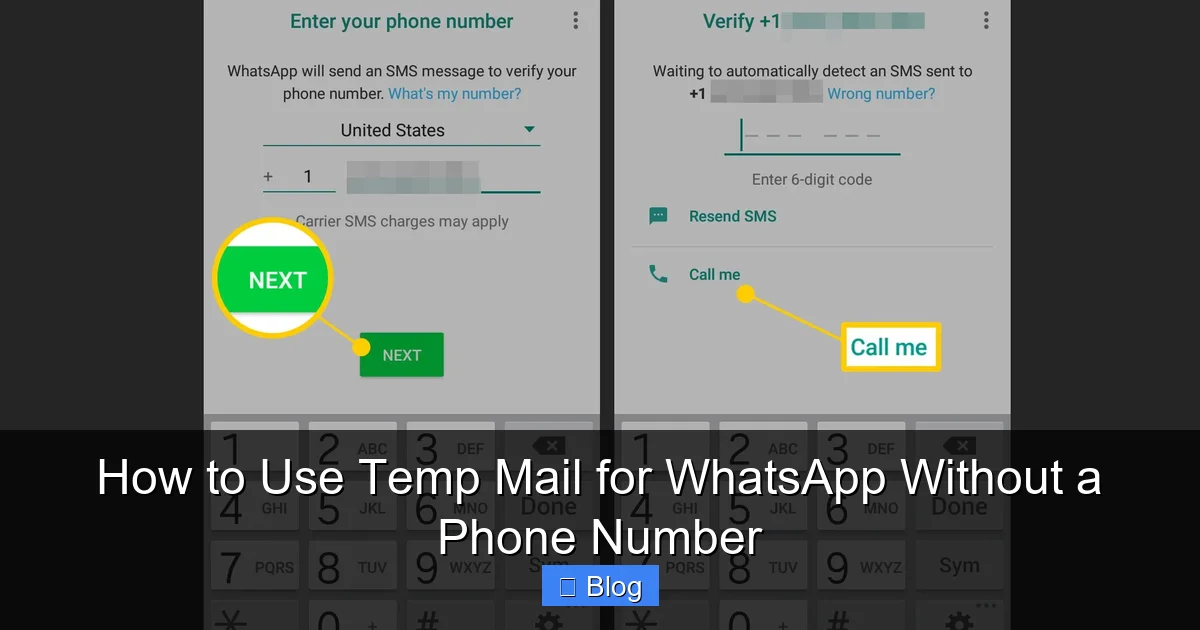
Visual guide about How to Use Temp Mail for WhatsApp Without a Phone Number
Image source: videoconvert.minitool.com
Step 1: The Registration Loophole (Briefly)
Here’s the theory: When you first open WhatsApp, it asks for your number. But if you enter a fake number (like one from a temp SMS service—not temp mail!), sometimes it proceeds to the next screen. Why? WhatsApp’s system checks if the number is active. Fake numbers often slip through initially because the check isn’t instant. Some guides suggest using temp mail to generate a fake number via third-party apps. But temp mail itself doesn’t provide numbers—it’s email-only. You’d need a separate “temp SMS” service, which is a different (and shadier) beast.
Step 2: The Verification Trap
This is where it all falls apart. After entering a fake number, WhatsApp sends an SMS code. Since you don’t have that number, you can’t get the code. Temp mail can’t help here—it handles emails, not texts. Some users try “burner phone” apps that rent virtual numbers. But these often get banned by WhatsApp within minutes. If you miraculously receive a code (e.g., through a friend’s number), you can proceed. But without that code? Stuck. WhatsApp locks the account after 3-5 failed attempts. Temp mail plays no role in this critical step. It’s a dead end.
Step 3: Why Your Account Will Die (Quickly)
Even if you bypass verification somehow, your account is on borrowed time. WhatsApp continuously checks number validity. Within 24-48 hours, it will demand re-verification. No real number = no access. You’ll see: “Your phone number isn’t connected. Tap to verify.” No SMS means no fix. Plus, WhatsApp limits features for unverified accounts. You can’t:
- Send or receive messages
- Make voice/video calls
- Use cloud backups
- Add profile photos
In short, you have a ghost account—visible but useless. Temp mail didn’t solve anything; it just delayed the inevitable ban.
The Real Risks: Why This Isn’t Worth It
Let’s be blunt: Attempting temp mail for WhatsApp is高风险. We’re not just talking inconvenience—it can backfire badly. Here’s what you risk:
Permanent Account Ban
WhatsApp’s systems are smart. They cross-reference numbers with known spam databases. Temp mail-associated numbers (or fake ones) get flagged fast. Once banned, you can’t appeal. Your device might even get blacklisted. Imagine losing years of chats because you tried a shortcut. Not worth it. WhatsApp states clearly: “You must use a real, active phone number.” Violating this = termination.
Security Nightmares
Temp mail services aren’t trustworthy. Many sell your data or inject ads. If you use one for WhatsApp, you’re handing over:
- Your IP address
- Device info
- Any messages sent to the temp inbox
Worse, if you link a real email to this account (some guides suggest it), hackers could hijack it. Temp mail offers zero encryption. Your “anonymous” WhatsApp could leak more data than your phone number ever would.
Scams and Malware
Sites offering “WhatsApp without number” tools are often scam hubs. They might:
- Charge for fake “premium” temp mail services
- Install malware on your device
- Steal your WhatsApp login if you enter credentials
We searched “temp mail for WhatsApp” and found dozens of shady sites. One promised “instant verification” but redirected to a phishing page. Another demanded payment via cryptocurrency. Stay far away.
Safer Alternatives to Protect Your Privacy
Feeling discouraged? Don’t worry. You can use WhatsApp more privately without risky hacks. Here are legit, safer options:
Use a Secondary Phone Number
Services like Google Voice (free in the US), MySudo, or Hushed give you disposable numbers. Link one to WhatsApp instead of your main line. Pros:
- Real SMS verification—no bans
- Keep personal number hidden
- Most are affordable ($2-5/month)
Google Voice even lets you text/call from your computer. Perfect for business or travel. It’s not temp mail, but it solves the core problem legally.
WhatsApp’s Official Privacy Features
WhatsApp itself offers privacy controls:
- Hide your number: Go to Settings > Privacy > Phone Number. Choose “Contacts Only” so strangers can’t see it.
- Use a business account: WhatsApp Business lets you display an email or website instead of a number (for business profiles).
- Two-step verification: Add a PIN to prevent unauthorized logins—no temp mail needed.
These are built-in, safe, and keep your account secure.
Consider Privacy-Focused Alternatives
If anonymity is your top goal, switch apps:
- Signal: Uses phone numbers but offers disappearing messages and minimal data collection.
- Element (Matrix): Decentralized, no phone number required for registration.
- Session: Fully anonymous, no phone number or email needed.
These prioritize privacy without bending rules. Temp mail for WhatsApp is a band-aid; these are the cure.
Conclusion: Prioritize Safety Over Shortcuts
Let’s wrap this up clearly: There is no reliable way to use temp mail for WhatsApp without a phone number. The method people describe is a myth—it fails at the SMS verification step, risks permanent bans, and exposes you to scams. WhatsApp’s architecture demands a real number, and for good reason. Privacy is important, but not at the cost of security or functionality.
Instead of chasing risky workarounds, use legitimate tools. Get a secondary number for WhatsApp. Tweak the app’s privacy settings. Or switch to an app designed for anonymity. These approaches keep your data safe and your account active. Remember, if something sounds too easy (like “WhatsApp without a number!”), it usually is. Stick with what works—your future self will thank you when you’re not frantically trying to recover a banned account. Stay smart, stay safe, and chat on!
Frequently Asked Questions
Can I really use WhatsApp without any phone number?
No, WhatsApp requires a valid phone number for all standard accounts. The only exception is WhatsApp Business API for verified businesses, which still needs official documentation. Any “no number” method violates their terms and will fail during SMS verification.
Will WhatsApp ban me if I try temp mail?
Yes, extremely likely. WhatsApp actively blocks accounts using fake numbers or services associated with spam. Attempts to bypass verification trigger instant flags, leading to permanent bans with no appeal process.
What happens if I use a friend’s number for WhatsApp?
This violates WhatsApp’s policies and risks both accounts. If your friend verifies their number elsewhere, your account gets locked. Plus, you’ll lose access if they change numbers or uninstall WhatsApp.
Are there any safe “temp number” services for WhatsApp?
Most virtual number services (like burner apps) get banned quickly. Google Voice is the most reliable option in supported regions, but it’s not temporary—it’s a real secondary number requiring SMS verification.
Can I receive WhatsApp messages without a phone number?
No. Without a verified number, you can’t send/receive messages, make calls, or use any core features. An unverified account is essentially a ghost—visible but non-functional.
What’s the best way to protect my number on WhatsApp?
Use WhatsApp’s built-in privacy settings: Go to Settings > Privacy > Phone Number and select “Contacts Only.” For extra security, add a secondary number via Google Voice or similar services—never temp mail.