

Recovering temp mail is usually impossible because disposable email services delete messages automatically after hours or days. This guide explains why recovery fails and offers practical workarounds like using permanent emails for critical accounts or checking limited retention features. Learn how to avoid future headaches with smart email habits.
Key Takeaways
- Temp mail is designed to disappear: Most services auto-delete emails within 24-72 hours, making recovery impossible after deletion.
- No “inbox recovery” exists: Unlike Gmail or Outlook, temp mail providers don’t offer trash folders or recovery tools for deleted messages.
- Use permanent emails for important stuff: Always use a real email (Gmail, Outlook) for banking, social media, or subscriptions.
- Check service retention policies: Some temp mail sites keep emails for 7-30 days; act fast if you need to save something.
- Forward critical emails immediately: If you must use temp mail, forward important messages to your permanent inbox right away.
- Prevention beats recovery: Avoid temp mail for anything requiring long-term access—it’s a one-time-use tool.
📑 Table of Contents
- Why You Can’t Actually “Recover” Temp Mail (And What to Do Instead)
- How Temp Mail Works: The Reason Recovery Fails
- When Recovery *Might* Be Possible: Rare Exceptions
- Smart Workarounds: How to Salvage the Situation
- Prevention Is Your Best Recovery Tool
- The Truth About “Temp Mail Recovery” Scams
- Building Better Email Habits for the Future
- Conclusion: Ditch the Recovery Dream, Embrace Smart Habits
Why You Can’t Actually “Recover” Temp Mail (And What to Do Instead)
Let’s cut to the chase: recovering temp mail is almost always impossible. If you’re searching for a way to get back an email from a disposable address like TempMail, 10MinuteMail, or Guerrilla Mail, you’re likely fighting a losing battle. Here’s why: these services are built to vanish. They’re meant for one-time sign-ups, avoiding spam, or testing websites—not storing your bank statements or password reset links.
Imagine temp mail like a paper cup at a coffee shop. You use it once, then toss it. The shop doesn’t keep your cup “just in case” you want it back tomorrow. Similarly, temp mail providers delete your inbox—and every email in it—after a short time. No backups. No trash folders. No customer support to beg for help. If you deleted that crucial email from your temp address? It’s gone forever. Poof. Like smoke.
But don’t panic yet. While true recovery is off the table, this guide will show you smart alternatives to salvage the situation. We’ll cover why temp mail fails for recovery, how to check if your specific service offers limited retention, and—most importantly—how to avoid this mess next time. Think of it as damage control plus a permanent fix for your email habits.
How Temp Mail Works: The Reason Recovery Fails
To understand why recovery is nearly impossible, you need to know how temp mail services operate. Unlike Gmail or Yahoo, these platforms aren’t designed for storage. They’re ephemeral by nature. Here’s the breakdown:

Visual guide about Recover Temp Mail Now Complete Step By Step Guide
Image source: cdn2.dicloak.net
The Lifecycle of a Temp Mail Inbox
When you visit a temp mail site like TempMail.org, it instantly generates a random email address (e.g., bluecat42@tempmail.com). This address exists only for a short window—usually 10 minutes to 48 hours. During this time:
- Emails sent to this address appear in a web-based inbox.
- You can read, reply to, or forward messages.
- After the time limit, the inbox self-destructs. All emails vanish.
No copies are saved on the provider’s servers. No backups exist. It’s like writing on a foggy bathroom mirror—once the steam clears, your message disappears.
Why There’s No “Recovery” Option
Legitimate email services (Gmail, Outlook, etc.) invest heavily in data redundancy. They store emails across multiple servers, keep trash folders for 30 days, and offer recovery tools. Temp mail providers? They’re the opposite. Their entire business model relies on not storing data. Here’s what this means for you:
- Zero retention policies: Most services state clearly: “Emails are deleted immediately after the session ends.”
- No user accounts: Since you don’t sign up, there’s no profile to “restore.”
- Anonymity focus: Keeping emails would defeat the purpose of privacy-focused temp mail.
Even if you contact support (if they have any), they’ll tell you the same thing: “We don’t store data. Recovery isn’t possible.”
When Recovery *Might* Be Possible: Rare Exceptions
Okay, let’s be real: 99% of the time, you’re out of luck. But in that tiny 1% window, here’s where you *might* have a shot—if you act fast.
Visual guide about Recover Temp Mail Now Complete Step By Step Guide
Image source: trendoxygen.com
Services with Limited Email Retention
A handful of temp mail providers keep emails longer than others. For example:
- TempMail.org: Keeps emails for up to 48 hours. If you deleted something within the last day, refresh your inbox—it might still be there.
- 10MinuteMail: Default is 10 minutes, but you can extend to 60 minutes. No recovery after expiration.
- Guerrilla Mail: Offers 60-minute sessions. Emails disappear when the timer runs out.
Pro tip: Always check the provider’s FAQ before using temp mail. Look for phrases like “emails are stored for X days.” If it says “deleted immediately,” assume recovery is impossible.
Browser Cache or History (The Long Shot)
If you recently read the email in your browser, there’s a sliver of hope:
- Open your browser’s history (Ctrl+H on Windows, Cmd+Y on Mac).
- Search for the temp mail site URL (e.g., “tempmail.com/inbox”).
- If you visited the inbox page, the email content might be cached.
This rarely works—modern browsers clear cache aggressively—but it’s worth a try if the email was critical. Don’t get your hopes up though; it’s like finding a needle in a digital haystack.
Smart Workarounds: How to Salvage the Situation
Since recovery is off the table, let’s focus on what you can actually do. These steps won’t bring back deleted temp mail, but they’ll help you move forward.
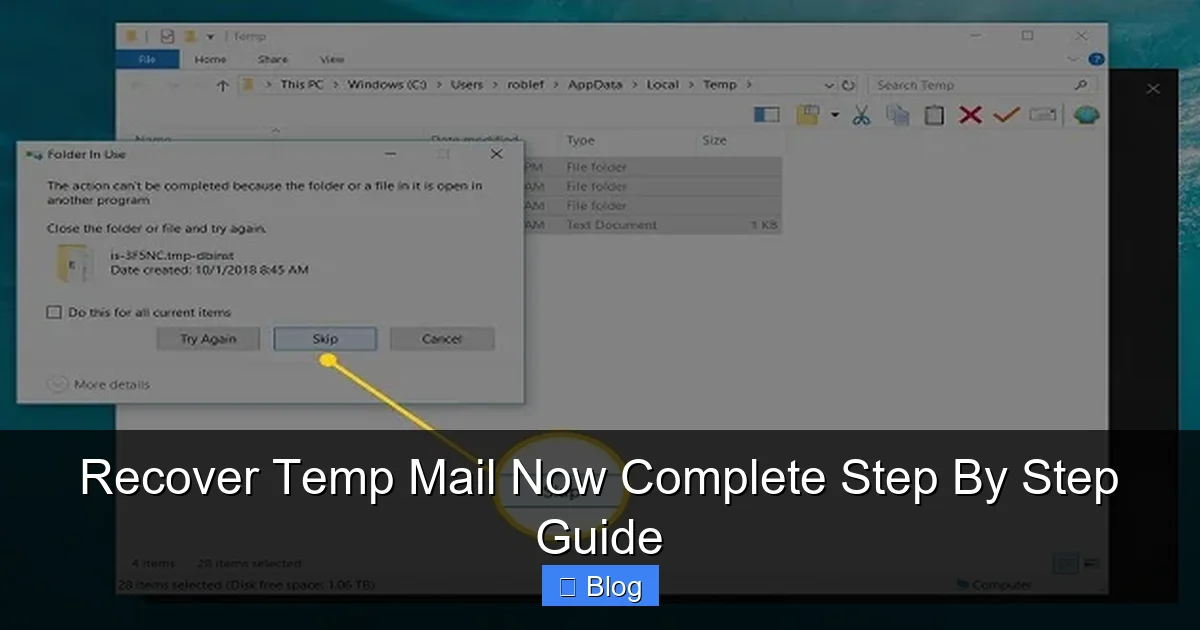
Visual guide about Recover Temp Mail Now Complete Step By Step Guide
Image source: betutech.com
Step 1: Contact the Sender Immediately
If the email came from a service (like a password reset link), reach out to their support team. Explain:
- You used a temp mail address by mistake.
- You need the email resent to a permanent address.
Most companies (Netflix, Amazon, etc.) will comply if you verify your identity. Example script:
“Hi, I accidentally used a disposable email for my account. Can you resend the verification link to my real email: yourname@gmail.com? I can confirm my account details for security.”
Step 2: Check Your Permanent Email’s Spam Folder
Sometimes, emails sent to temp mail addresses get forwarded to your main inbox automatically. Check:
- Gmail’s “Spam” or “Promotions” tabs.
- Outlook’s “Junk Email” folder.
Why? Some temp mail services (like TempMail) let you forward messages. If you set this up earlier, the email might be lurking in spam.
Step 3: Use Account Recovery Options
If the temp mail was for a critical account (e.g., social media), use built-in recovery tools:
- Facebook: Click “Forgot Password?” → “Recover via email or phone.”
- Instagram: Tap “Need more help?” on the login screen.
- Banks: Call customer service—they’ll verify via ID or security questions.
These bypass the need for the original email entirely.
Prevention Is Your Best Recovery Tool
Let’s be honest: the real solution isn’t “recovering” temp mail—it’s never needing to recover it. Here’s how to avoid this nightmare:
Rule #1: Never Use Temp Mail for Important Accounts
Temp mail is perfect for:
- Signing up for newsletters you’ll unsubscribe from.
- Testing website forms.
- Avoiding spam on sketchy sites.
But never use it for:
- Banking or financial services.
- Social media (Facebook, Instagram, Twitter).
- Email-based password resets.
If a service requires email verification for security, use your real address. Period.
Rule #2: Forward Critical Emails Immediately
If you must use temp mail for something semi-important (like a one-time discount code):
- Open the email in your temp inbox.
- Click “Forward” (if the service offers it).
- Send it to your permanent email right now.
Don’t wait. Temp mail inboxes expire fast—sometimes in minutes.
Rule #3: Use Aliases for Semi-Important Sign-Ups
Services like SimpleLogin or Firefox Relay create permanent email aliases (e.g., amazon@yourdomain.simplelogin.com). These:
- Forward emails to your real inbox.
- Let you disable aliases if spam starts.
- Keep your primary email private.
Unlike temp mail, aliases stick around forever. No recovery needed.
The Truth About “Temp Mail Recovery” Scams
Search “recover temp mail” online, and you’ll find shady sites promising miracles. They’re all scams. Here’s how to spot them:
Red Flags to Watch For
- “Guaranteed recovery!” claims: No legitimate service can retrieve deleted temp mail.
- Requests for payment: Real email providers don’t charge for basic recovery.
- Phishing forms: Sites asking for your temp mail password? They’re stealing it.
These scams prey on desperation. Remember: if it sounds too good to be true, it is.
What to Do If You’ve Been Scammed
If you entered personal info on a “recovery” site:
- Change passwords for all accounts using that email.
- Enable two-factor authentication (2FA) everywhere.
- Report the site to Google Safe Browsing.
Don’t waste money on “premium recovery tools.” They don’t exist.
Building Better Email Habits for the Future
Temp mail is a tool—not a solution. Used wisely, it protects your privacy. Used carelessly, it causes headaches. Here’s how to master it:
When to Use Temp Mail (Safely)
Reserve temp mail for low-stakes scenarios:
- One-time downloads: Getting a free ebook from a site you’ll never visit again.
- Contests/giveaways: Where spam is inevitable.
- Testing: Checking if a website’s sign-up form works.
Always assume the email will vanish in 10 minutes. Act fast.
When to Use Alternatives
For anything requiring follow-up, skip temp mail:
- Permanent aliases: Use SimpleLogin for newsletters.
- Dedicated “junk” email: Create a free Gmail just for spammy sign-ups.
- Phone verification: Opt for SMS codes instead of email when possible.
These keep your main inbox clean without the risk of losing access.
Your Email Safety Checklist
Before hitting “sign up” anywhere, ask:
- “Will I need to access this account again?” → If yes, use a real email.
- “Is this site trustworthy?” → If no, use temp mail.
- “Can I forward this email elsewhere?” → If yes, do it immediately.
Answering these takes 5 seconds but saves hours of frustration.
Conclusion: Ditch the Recovery Dream, Embrace Smart Habits
Let’s recap the hard truth: you can’t recover temp mail. It’s not a flaw—it’s the whole point of disposable email. Services like TempMail or 10MinuteMail exist to vanish, not to store your data. So if you’re scrolling through forums begging for a recovery tool, stop. You’re chasing a ghost.
Instead, focus on what you can control: your habits. Use temp mail like a disposable coffee cup—for one-time sips, not as your daily mug. For anything important, reach for your permanent email. Forward critical messages instantly. And when in doubt, ask: “Will I need this tomorrow?” If the answer is yes, skip the temp address.
Email is your digital identity. Treat it like one. Protect it with smart choices, not false hopes of recovery. You’ve got this—and your future self will thank you when they’re not frantically Googling “how to recover temp mail” at 2 a.m.
Frequently Asked Questions
Can I recover deleted temp mail after the session ends?
No, recovery is impossible once the temp mail session expires. These services delete all data automatically—no backups, no trash folders. Act fast if you need to save something.
How long do temp mail services keep emails?
Most keep emails for 10 minutes to 48 hours. Check the provider’s FAQ: TempMail.org retains for 48 hours, while 10MinuteMail deletes after 60 minutes max.
What if I used temp mail for my bank account?
Contact your bank immediately. Use phone verification or in-branch ID checks to reset your email. Never use temp mail for financial accounts—it’s a security risk.
Are there any legit temp mail recovery tools?
No. Sites claiming to recover temp mail are scams. They’ll steal your data or charge for fake services. Real email providers don’t offer this for disposable addresses.
Can I extend my temp mail inbox time?
Some services (like TempMail.org) let you “renew” the inbox for extra hours. But once deleted, emails are gone forever—no extensions help.
What’s a safer alternative to temp mail?
Use permanent email aliases via SimpleLogin or Firefox Relay. They forward emails to your real inbox but let you disable spam—without the risk of losing access.