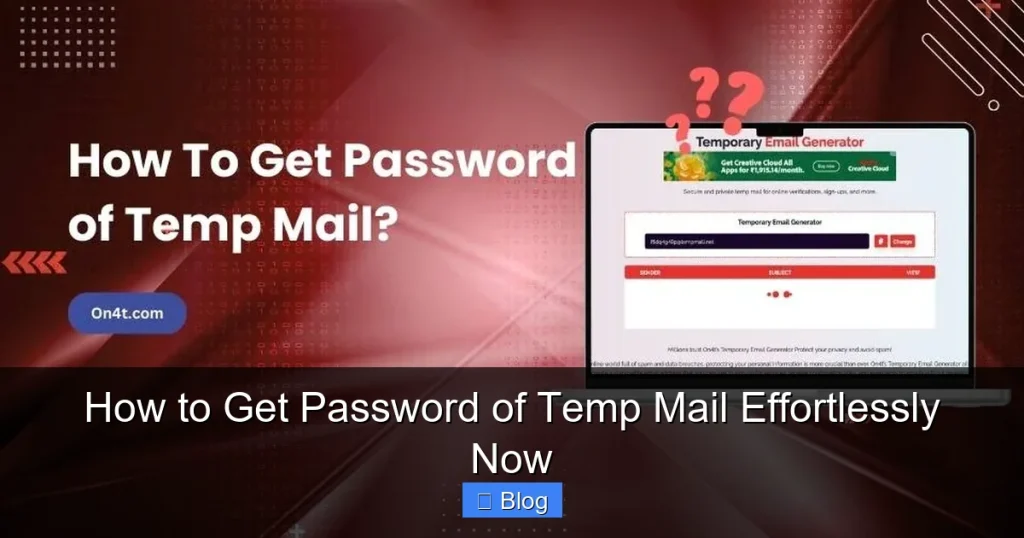

Temp mail services don’t use passwords—they’re designed for instant, anonymous access without login credentials. Trying to “get a password” is unnecessary and potentially risky. This guide explains how temp mail actually works, why password recovery is impossible, and how to use these services safely for maximum privacy protection.
Key Takeaways
- No Passwords Exist: Temp mail services generate disposable addresses instantly—no signup or password required. Access is automatic via the service’s website or app.
- Security Risk Alert: Sites claiming to “reveal temp mail passwords” are scams. They steal your real data or install malware.
- Self-Expiring Access: Temp mail inboxes vanish after inactivity (e.g., 10 mins–1 hour). Save critical links immediately.
- Use Legit Services: Stick to trusted providers like TempMail, 10MinuteMail, or Guerrilla Mail for safe, ad-free temp email.
- Never Share Real Info: Temp mail is for one-time verifications only. Never use it for banking, social media, or sensitive accounts.
- Bookmark Wisely: Save the temp mail URL *before* signing up elsewhere to retain access to your inbox.
- Privacy First: Temp mail protects your real email from spam—but always verify sender legitimacy to avoid phishing.
📑 Table of Contents
- Why You Can’t “Get a Password” for Temp Mail (And What to Do Instead)
- How Temp Mail Really Works: The Password-Free Magic
- Why “Temp Mail Password Recovery” Is a Dangerous Scam
- How to Access Your Temp Mail Inbox (Without a Password)
- When Temp Mail Fails: Smart Alternatives for Secure Access
- Top 5 Temp Mail Security Mistakes (And How to Avoid Them)
- Conclusion: Embrace the Password-Free Future of Temp Mail
Why You Can’t “Get a Password” for Temp Mail (And What to Do Instead)
Hey there! Let’s cut straight to the chase: you don’t need a password for temp mail—and you never will. If you’re searching for “how to get password of temp mail,” you’ve likely hit a dead end (or worse, a scam site). Here’s the truth: temporary email services are built for zero login friction. You visit a website, and boom—a brand-new disposable email address appears instantly. No signup. No password. No email confirmation. It’s like grabbing a disposable cup at a coffee shop: you use it once, then toss it.
So why do people hunt for temp mail passwords? Usually, it’s confusion. Maybe you signed up for a service using a temp email, then lost access to the inbox. Or you saw a sketchy tutorial promising “password recovery.” Either way, you’re chasing a myth. Temp mail isn’t like Gmail or Outlook—it’s ephemeral by design. The moment you close the tab or the timer runs out, that inbox vanishes forever. There’s nothing to “recover” because nothing was stored securely in the first place. In this guide, we’ll dismantle the password myth, show you how temp mail actually works, and give you foolproof tips to use it safely—no passwords required.
How Temp Mail Really Works: The Password-Free Magic
Let’s demystify temp mail once and for all. Imagine you’re signing up for a free trial on a sketchy website. You don’t want spam flooding your real inbox, right? That’s where temp mail saves the day. Services like TempMail.org or 10MinuteMail.com generate a random email address (e.g., bluecat789@tempmail.com) the second you land on their page. You don’t create an account—you just use the address. Emails sent to it appear in your browser instantly. When you’re done? Close the tab. The address self-destructs.
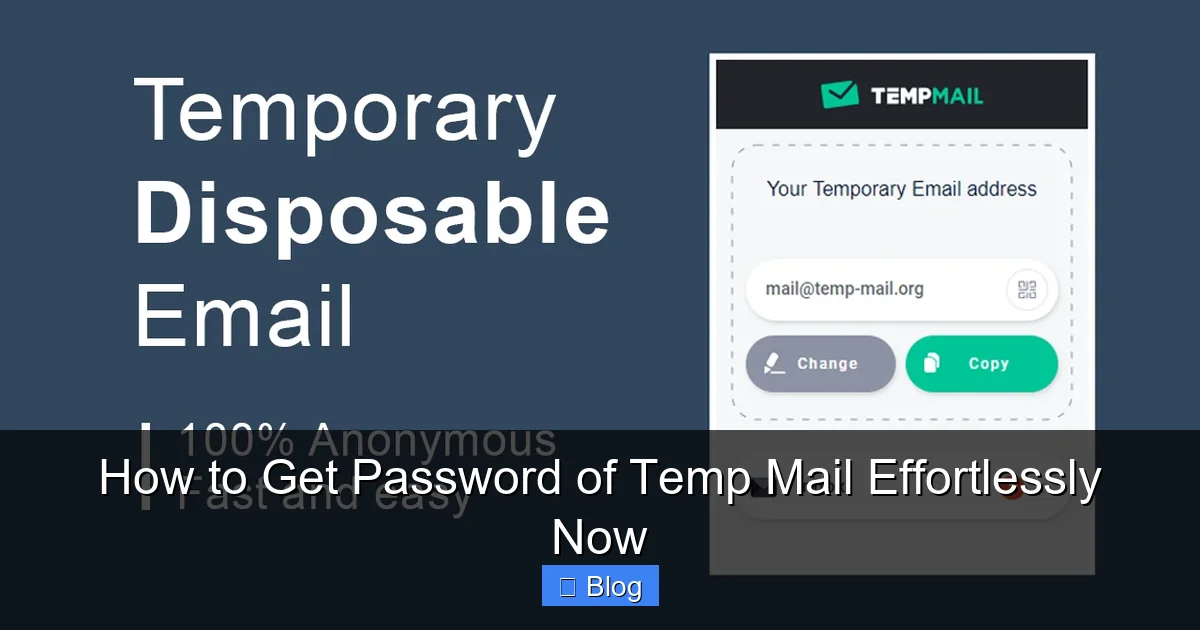
Visual guide about How to Get Password of Temp Mail Effortlessly Now
Image source: addons.mozilla.org
The Tech Behind the Scenes: No Passwords Needed
Here’s the cool part: temp mail services use session-based technology. Your “inbox” exists only while your browser session is active. No databases store your emails long-term—they’re purged automatically. Think of it like a pop-up shop: it opens for business, serves customers, then disappears. Since there’s no permanent account, there’s no password to set or reset. This is why “getting a password” is impossible—it was never created!
Real-Life Example: Signing Up for a Newsletter
Say you want to download a free ebook from a site requiring an email. Instead of using your personal address:
- Go to TempMail.org.
- Copy the auto-generated address (e.g.,
jollypanda42@tempmail.com- Paste it into the ebook site’s signup form.
- Check TempMail’s inbox—the confirmation email arrives in seconds.
- Click the download link. Done!
Notice how you never typed a password? That’s the beauty of temp mail. It’s designed for speed and anonymity, not long-term access.
Why "Temp Mail Password Recovery" Is a Dangerous Scam
If you’ve Googled "how to get password of temp mail," you’ve probably seen ads for tools like "Temp Mail Password Cracker" or "Inbox Recovery Pro." Delete these immediately—they’re 100% scams. Here’s how they work:
Visual guide about How to Get Password of Temp Mail Effortlessly Now
Image source: tempstick.com
The Bait: "Recover Your Temp Mail Inbox!"
These sites claim they can "hack" into expired temp mail inboxes. They’ll ask for:
- Your temp email address (e.g.,
user@10minutemail.com) - "Verification" via a suspicious link
- Your real email or phone number
Once you comply, they either:
- Steal your real credentials: That "verification" link leads to a phishing page mimicking Google or Facebook.
- Install malware: Downloading their "recovery tool" infects your device with spyware.
- Charge you for nothing: They take your payment, then vanish.
A Shocking Case Study: The $200 "Recovery" Trap
Sarah, a college student, used temp mail to sign up for a gaming forum. When she lost access to the inbox, she searched "how to get password of temp mail." A site called MailRecoverPro promised instant access for $19.99. She paid—and got nothing. Worse, her laptop started showing pop-up ads for "virus scans." Turns out, the "tool" installed adware that stole her Netflix password. Moral: If it sounds too good to be true, it’s a scam.
How to Access Your Temp Mail Inbox (Without a Password)
Since passwords don’t exist, how do you check your temp mail? It’s simpler than you think. Follow these steps for stress-free access:
Step 1: Use a Trusted Temp Mail Service
Not all temp mail sites are equal. Avoid shady platforms riddled with ads. Stick to these verified, password-free services:
- TempMail.org: Clean interface, 1-hour inbox life, no ads.
- 10MinuteMail.com: Exactly 10 minutes of access—perfect for quick verifications.
- GuerrillaMail.com: Customizable addresses, 60-minute sessions.
Bookmark your favorite! This saves time and prevents typos.
Step 2: Generate & Use Your Address Instantly
Here’s the foolproof method:
- Open your bookmarked temp mail site.
- Copy the auto-generated address (it’s usually highlighted).
- Paste it into the signup form on the other website.
- Switch back to your temp mail tab—emails appear automatically.
Pro Tip: Keep the temp mail tab open while signing up elsewhere. If you close it, the inbox disappears!
Step 3: Save Critical Links Immediately
Temp mail inboxes expire fast. If you get a password reset link or download URL:
- Right-click the link → "Copy link address."
- Paste it into a notes app or email to yourself right now.
Example: You sign up for a free course using temp mail. The "access your materials" email arrives—copy that link immediately before the inbox vanishes.
When Temp Mail Fails: Smart Alternatives for Secure Access
Temp mail is great for one-off signups, but it has limits. If you need longer access (e.g., for a 7-day trial), try these password-protected alternatives:
Option 1: Aliased Email Services (Like SimpleLogin)
Services like SimpleLogin or Firefox Relay create permanent masked emails. Here’s how they work:
- You sign up once with your real email (and set a strong password).
- Generate aliases like
yourname+netflix@simplelogin.com. - Emails forwarded to the alias go to your real inbox.
- If spam starts, delete the alias—no password reset needed!
Why it’s better: You control access via your main email account’s password. No temp mail limitations!
Option 2: Dedicated "Burner" Email Accounts
Create a free, long-term secondary email (e.g., yourname.temp@gmail.com) just for signups:
- Use Gmail’s "+" trick:
yourname+netflix@gmail.comdelivers toyourname@gmail.com. - Set up filters to auto-archive these emails.
- Never use this for sensitive logins—just spam-prone sites.
This gives you password-based access without risking your primary account.
When to Avoid Temp Mail Altogether
Never use temp mail for:
- Banking or financial services: Password resets require permanent access.
- Social media: Platforms like Facebook block temp mail domains.
- Job applications: Employers won’t take disposable addresses seriously.
For these, use your real email or an aliased service.
Top 5 Temp Mail Security Mistakes (And How to Avoid Them)
Using temp mail safely isn’t just about avoiding scams—it’s about smart habits. Here’s what not to do:
Mistake #1: Using Temp Mail for Important Accounts
Why it’s bad: If you sign up for PayPal with temp mail and lose access, you can’t reset your password. Your account is locked forever.
Fix it: Reserve temp mail for low-stakes sites (e.g., coupon newsletters, forum comments).
Mistake #2: Ignoring Sender Legitimacy
Why it’s bad: Scammers send fake "password reset" emails to temp inboxes. Clicking links steals your real data.
Fix it: Hover over links to check URLs. If it says bit.ly/xyz instead of the official site, delete it.
Mistake #3: Not Saving Critical Links
Why it’s bad: That ebook download link vanishes when the inbox expires. Poof—free resource gone.
Fix it: Always copy links to a notes app before closing the temp mail tab.
Mistake #4: Trusting "Premium" Temp Mail Upgrades
Why it’s bad: Sites like "TempMail Pro" charge $5/month for "longer access." But temp mail is meant to be temporary—paying defeats the purpose.
Fix it: Use free services. If you need longer access, switch to aliased email (see above).
Mistake #5: Using Temp Mail on Public Wi-Fi
Why it’s bad: Hackers on coffee shop networks can intercept your temp mail session.
Fix it: Always use a VPN when accessing temp mail on public networks.
Conclusion: Embrace the Password-Free Future of Temp Mail
Let’s wrap this up with a reality check: the idea of "getting a password for temp mail" is fundamentally flawed. These services thrive on simplicity—no logins, no passwords, no fuss. If you’re trying to "recover" a temp mail inbox, you’re chasing smoke. Instead, master the art of using temp mail correctly: bookmark trusted sites, save critical links instantly, and know when to switch to aliased emails for longer access.
Remember, temp mail’s superpower is disposability. It’s your digital rubber glove—perfect for handling messy tasks, then tossing away. Don’t overcomplicate it. By avoiding scammy "password recovery" tools and following the tips here, you’ll keep your real inbox spam-free and your data safe. So next time you need a quick email for a sketchy signup? Fire up TempMail.org, grab that address, and breathe easy. No passwords. No stress. Just pure, anonymous convenience.
Frequently Asked Questions
Can I recover a temp mail password if I lost access?
No—temp mail services don’t use passwords at all. Your inbox exists only while the browser session is active. Once closed, it’s gone forever. There’s nothing to "recover."
Why do some sites ask for a password when I use temp mail?
Legitimate sites never ask for temp mail passwords. If a site demands a password after you enter a temp email, it’s likely a scam trying to steal your credentials. Close the tab immediately.
How long does a temp mail inbox stay active?
It varies by service: TempMail.org offers ~1 hour, 10MinuteMail.com gives exactly 10 minutes, and GuerrillaMail.com allows 60 minutes. Inactivity (e.g., not checking emails) shortens this time.
Is it safe to click links in temp mail?
Only click links from trusted senders. Scammers often send fake "account verification" emails to temp inboxes. Always check the URL before clicking—if it looks suspicious, delete the email.
Can I use temp mail for PayPal or banking?
Absolutely not. Financial services require permanent email access for password resets. Using temp mail here will lock you out of your account permanently. Use your real email instead.
What’s the best temp mail service for beginners?
TempMail.org is ideal—it’s ad-free, has a 1-hour inbox lifespan, and works on all devices. Bookmark it for instant access without passwords or signups.