
Disposable email addresses are your secret weapon against spam and privacy invasions. They let you sign up for services without revealing your real email, automatically filtering junk. Use them wisely to keep your primary inbox clean and secure.
Key Takeaways
- Spam Defense: Disposable emails act as a shield, absorbing spam and phishing attempts so your real inbox stays clean.
- Privacy Protection: They prevent companies from harvesting and selling your primary email address to data brokers.
- Easy Setup: Services like 10MinuteMail or Firefox Relay generate temporary addresses in seconds—no technical skills needed.
- Smart Usage: Reserve disposables for low-trust sites, trials, or one-time logins; never for banking or critical accounts.
- Limited Lifespan: Most expire after hours or days, stopping long-term spam but requiring new addresses for repeat visits.
- Not Foolproof: Some sites block disposable domains, and they won’t stop targeted attacks on your main email.
- Complement Security: Pair disposables with strong passwords and 2FA for maximum protection.
📑 Table of Contents
- Your Inbox Is Under Attack: Why Spam Is a Real Problem
- What Exactly Is a Disposable Email Address?
- How Disposable Email Addresses Work: Simple Tech, Big Impact
- Why You Need a Disposable Email Address: Beyond Just Spam
- How to Use Disposable Email Addresses: A Step-by-Step Guide
- When to Use (and Avoid) Disposable Email Addresses
- Limitations and Risks: What Disposable Emails Can’t Do
- Conclusion: Your Inbox, Reclaimed
Your Inbox Is Under Attack: Why Spam Is a Real Problem
Let’s be honest: your email inbox is a mess. Between newsletters you never signed up for, sketchy promo offers, and phishing scams disguised as urgent alerts, it’s a battlefield. You open your mail expecting important updates—only to drown in digital junk. Sound familiar? You’re not alone. Over 50% of all email traffic is spam, clogging inboxes and risking your security. Every time you hand out your real email address, you’re rolling out a welcome mat for spammers. They harvest addresses from data breaches, sell them on dark web marketplaces, and bombard you with irrelevant (or dangerous) content. The result? Wasted time, anxiety, and potential identity theft.
But what if you could stop spam at the source? Imagine signing up for a new app, forum, or coupon site without ever revealing your actual email. No more frantic searches for “unsubscribe” links. No more fear that your address is floating around hacker forums. That’s where disposable email addresses come in. Think of them as disposable gloves for your digital life—they handle the dirty work so your hands stay clean. In this guide, we’ll explore how these clever tools work, why they’re your ultimate spam shield, and how to use them without hassle. Ready to reclaim your inbox? Let’s dive in.
What Exactly Is a Disposable Email Address?
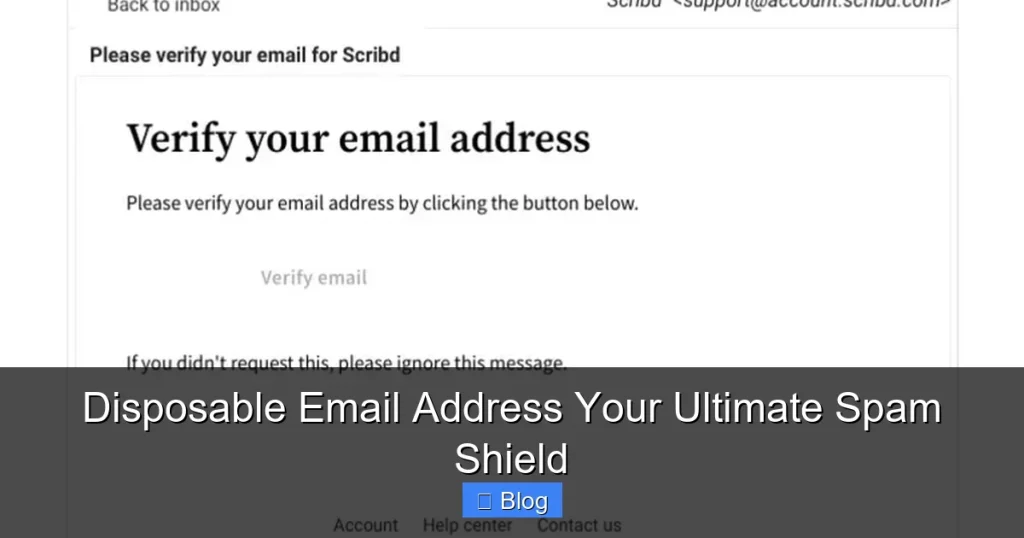
A disposable email address (DEA) is a temporary, throwaway email you use instead of your real one. It forwards messages to your primary inbox but vanishes after a set time—or when you decide it’s done. Unlike aliases (which are permanent), DEAs are designed for short-term use. Need to grab a free ebook from a shady website? Sign up for a one-day software trial? A DEA handles it while keeping your main address hidden.

Visual guide about Disposable Email Address Your Ultimate Spam Shield
Image source: atempmail.com
How They Differ From Email Aliases
Don’t confuse DEAs with aliases like “yourname+shopping@gmail.com.” Aliases are permanent extensions of your real email—great for organizing subscriptions but useless against spam. If spammers get “yourname+shopping,” they’ve still got your core address. DEAs, however, are entirely separate addresses on temporary domains (e.g., “user7x3@10minutemail.net”). Once expired, they’re gone forever. No forwarding, no traces. It’s like using a fake name at a party—you get the perks without the hangover.
Real-Life Example: The Coupon Site Trap
Picture this: You’re hunting for 20% off sneakers. A pop-up screams, “ENTER EMAIL FOR DISCOUNT!” You hesitate—this site looks sketchy. Instead of risking your real email, you fire up a DEA service. In 10 seconds, you have “temp123@guerrillamail.com.” You paste it, grab your code, and walk away. Later, that site gets hacked. Spammers now have “temp123@guerrillamail.com”—but since it expired after 24 hours, your real inbox stays untouched. Crisis averted.
How Disposable Email Addresses Work: Simple Tech, Big Impact
DEAs seem like magic, but the tech is refreshingly straightforward. Here’s the breakdown:
Visual guide about Disposable Email Address Your Ultimate Spam Shield
Image source: muratakdere.github.io
The Forwarding Mechanism
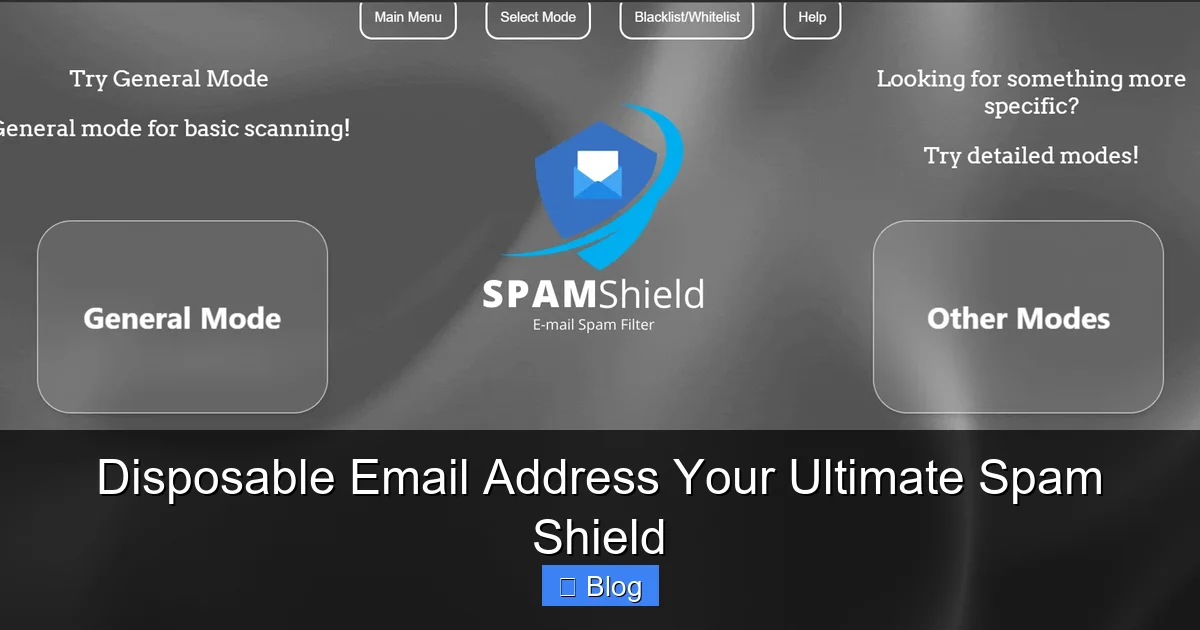
When you create a DEA, it’s linked to your real email behind the scenes. Any message sent to the disposable address gets automatically forwarded to your primary inbox. But crucially, the sender only sees the temporary address—not yours. It’s like having a PO box: companies mail stuff there, but your home address stays private.
Expiration: Why “Temporary” Matters
Most DEAs self-destruct after a window (e.g., 10 minutes, 1 hour, or 24 hours). Why? Spammers often test addresses by sending follow-up emails. If your DEA expires quickly, those “Thanks for joining!” or “Your account is ready!” spam emails bounce back—or vanish into the void. Services like 10MinuteMail auto-delete addresses after 10 minutes, while Firefox Relay lets you set custom lifespans. No more “unsubscribe” battles.
Domain Rotation: Staying Ahead of Blocklists
Smart DEA services use rotating domains (e.g., “@temp-mail.org,” “@dropmail.me”). If spammers flood one domain, the service swaps to another. This avoids blacklists that block known disposable domains—a common tactic used by strict sites like PayPal. It’s a cat-and-mouse game, but top providers stay agile.
Why You Need a Disposable Email Address: Beyond Just Spam
Sure, DEAs kill spam—but their benefits go deeper. Let’s explore why they’re a privacy powerhouse.
Visual guide about Disposable Email Address Your Ultimate Spam Shield
Image source: dailystory.com
Stop Data Brokers in Their Tracks
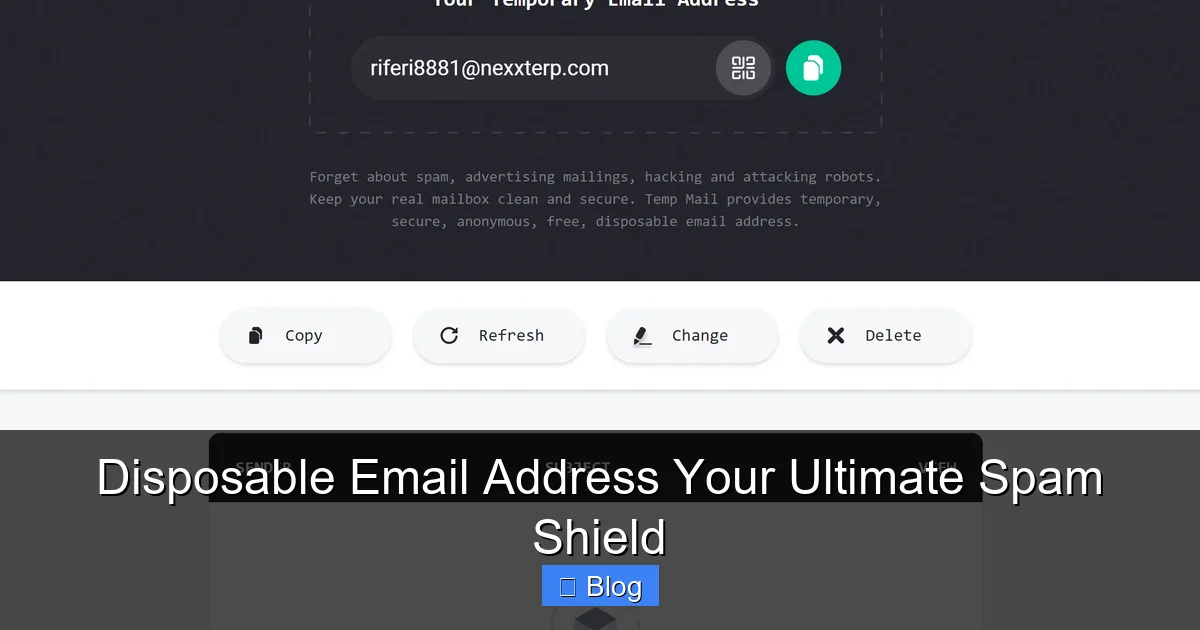
Every time you give out your email, you’re feeding the data broker beast. Companies like Acxiom or LiveRamp buy/sell your address, building invasive profiles of your habits. DEAs act as a firewall. Sign up for a fitness app with “user55@sharklasers.com”? Data brokers get that address—not yours. When it expires, your digital footprint shrinks.
Prevent Targeted Phishing Attacks
Phishing scams often start with “We noticed suspicious activity on your account…” emails. If spammers have your real address, they can personalize attacks (“Hi [Your Name], your Netflix subscription expired!”). DEAs break this chain. Even if a disposable address leaks, attackers can’t tie it to your identity or other accounts.
Test Services Risk-Free
Trying a new app? Use a DEA for the trial. If you love it, switch to your real email. If it’s junk? Delete the disposable address and move on. No more “free trial” traps that spam you for months.
Real-World Win: The Job Search Shield
Job hunting? Recruiters often share your email with third parties. Create a DEA just for applications. When you land the job, hand over your real address. Until then? All those “career coaching” spam emails hit the disposable inbox—and vanish when you’re done job hunting.
How to Use Disposable Email Addresses: A Step-by-Step Guide
Using DEAs is easier than brewing coffee. Here’s how to get started:
Pick Your Weapon: Top Disposable Email Services
Not all DEAs are equal. For quick tasks, try:
- 10MinuteMail: Free, no signup. Addresses last 10 minutes. Perfect for one-off verifications.
- Firefox Relay: Free (with Firefox account). Custom lifespans (1 hour to 1 year). Masks your number too!
- Guerrilla Mail: Free. Choose domain themes (e.g., “@pokemail.net”). 60-minute lifespan.
- AnonAddy: Paid ($25/year). Permanent aliases + disposables. Best for power users.
Avoid sketchy sites promising “free forever” DEAs—they often steal your data.
Creating Your First Disposable Address
Let’s use Firefox Relay as an example:
- Go to relay.firefox.com and sign in with Firefox.
- Click “Generate Relay Email.”
- Set lifespan (e.g., “1 day”) and click “Create.”
- Copy the address (e.g., “user7x3@relay.firefox.com”).
- Paste it anywhere you’d normally use your real email.
Done! Messages sent here will pop up in your main inbox. When the address expires, spam stops dead.
Pro Tips for Maximum Effectiveness
- Label Your DEAs: Some services let you add notes (e.g., “Amazon trial”). Helps track where addresses are used.
- Don’t Reuse: If a site requires logins, create a new DEA each time. Reusing invites spam.
- Check Expiry: If you need longer access (e.g., a week-long trial), pick a service with adjustable lifespans.
- Pair with 2FA: Always enable two-factor authentication on critical accounts—even with DEAs.
When to Use (and Avoid) Disposable Email Addresses
DEAs are powerful, but misusing them can backfire. Know the rules:
Perfect Use Cases
- One-time signups: Coupon sites, event registrations, or free downloads.
- Low-trust platforms: Forums, comment sections, or apps with poor privacy policies.
- Trial periods: Software demos, streaming services, or premium tools.
- Public Wi-Fi logins: Hotel or airport portals that demand an email.
When to Stick With Your Real Email
- Financial accounts: Banks, PayPal, or investment platforms. DEAs can trigger fraud alerts.
- Work or school: Professional communication requires traceability.
- Long-term services: Email newsletters you actually read (use an alias instead).
- Government services: Tax portals or official portals often block disposable domains.
The “Alias vs. Disposable” Cheat Sheet
Confused? Here’s a quick guide:
- Use an alias (e.g., “you+netflix@gmail.com”) when: You want to keep the account long-term but organize emails.
- Use a disposable address when: You’ll likely abandon the account or distrust the site.
Example: Signing up for Netflix? Use an alias. Signing up for a random gaming forum? Use a DEA.
Limitations and Risks: What Disposable Emails Can’t Do
DEAs aren’t a silver bullet. Understand their limits:
They Won’t Stop All Spam
If you accidentally use your real email somewhere, spammers will still get it. DEAs only protect addresses you’ve shielded. Also, sophisticated phishers might bypass DEAs by targeting your main inbox directly.
Some Sites Block Disposable Domains
Services like LinkedIn, Airbnb, or banking apps often reject emails from known disposable domains. Why? They want verified users. If a site blocks your DEA, you’ll need your real email—or an alias.
No Recovery for Critical Accounts
Lost access to a DEA? Too bad. If you used it for a password reset and it expired, you’re locked out. Never use DEAs for email recovery options!
The “False Sense of Security” Trap
DEAs protect your inbox but don’t encrypt messages. If a hacker intercepts a forwarded email, they see its contents. Always use HTTPS sites and strong passwords.
Real Talk: The Data Breach Dilemma
Suppose a site using your DEA suffers a breach. Spammers now have “temp123@guerrillamail.com.” While your real email is safe, they might try guessing your actual address (e.g., “temp123@gmail.com”). DEAs reduce—but don’t eliminate—this risk.
Conclusion: Your Inbox, Reclaimed
Disposable email addresses aren’t just a nifty trick—they’re a fundamental shift in how we control our digital lives. By acting as a spam shield, privacy guardian, and risk mitigator, they put you back in charge. No more drowning in promotional noise. No more fear that your email is for sale on the dark web. Just a clean, intentional inbox where only what matters gets through.
Start small: next time you’re forced to hand over an email for a discount code or forum login, fire up Firefox Relay or 10MinuteMail. Feel that sigh of relief when spam never follows? That’s the power of disposables. Pair them with smart habits—like using aliases for trusted services and enabling 2FA—and you’ve built a fortress around your digital identity. Your email isn’t just a mailbox; it’s your passport to the online world. Protect it fiercely, use it wisely, and never let spam win again.
Frequently Asked Questions
Are disposable email addresses safe to use?
Yes, when used correctly. They protect your real email from spam and data harvesting. However, avoid using them for sensitive accounts like banking, as some services block disposable domains or may flag them as suspicious.
Can companies detect and block disposable emails?
Absolutely. Many reputable sites (e.g., banks, social media) maintain blocklists of known disposable email domains. If a site rejects your DEA, you’ll need to use your real email or a permanent alias instead.
Do disposable emails work for password resets?
Only if the address is still active. Since most DEAs expire quickly, they’re unreliable for password resets. Never use a disposable address as a recovery option for critical accounts.
Are free disposable email services trustworthy?
Stick to well-known providers like Firefox Relay or 10MinuteMail. Avoid obscure sites—they might log your activity or inject ads into forwarded emails. Paid services like AnonAddy offer more reliability.
Can I use disposable emails for long-term subscriptions?
Not recommended. If the address expires, you’ll lose access to important emails (e.g., billing notices). For long-term use, create a permanent alias (e.g., “you+netflix@gmail.com”) instead.
Do disposable emails protect against phishing?
They reduce risk by hiding your real email, but won’t stop targeted phishing attacks on your primary inbox. Always verify sender legitimacy and never click suspicious links—even in forwarded DEA messages.