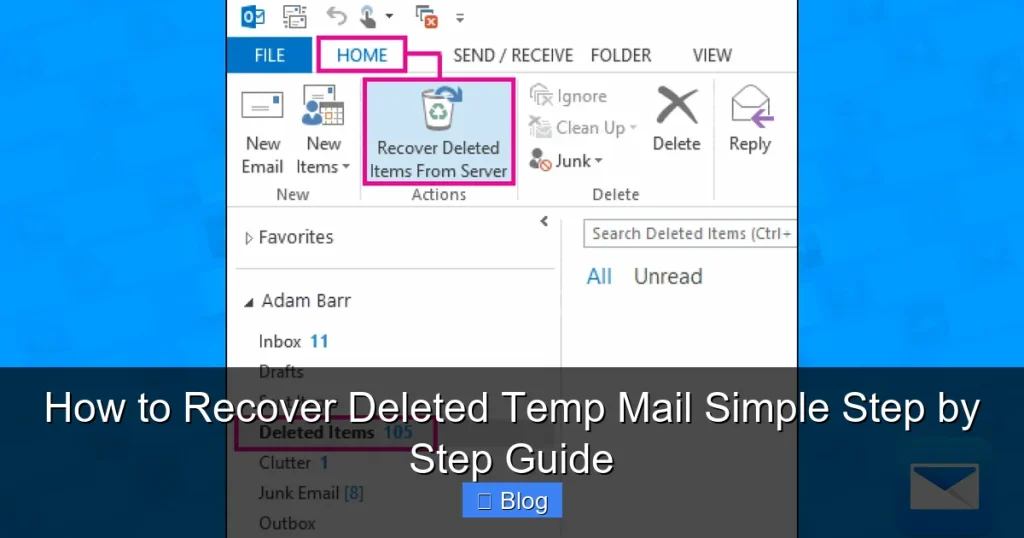

Recovering deleted temp mail is usually impossible because temporary email services don’t store messages permanently—they auto-delete within minutes or hours. Instead of recovery, focus on prevention: screenshot important temp emails, use browser history, or switch to a real email for critical sign-ups. This guide explains why recovery fails and offers practical alternatives to avoid losing vital temp mail again.
Key Takeaways
- Temp mail can’t be recovered: Services like 10MinuteMail or Mailinator delete messages automatically—no backups exist.
- Prevention beats recovery: Always screenshot or forward critical temp emails immediately after receiving them.
- Browser history helps: Check your browser’s cache or history for recently deleted temp mail pages.
- Avoid third-party “recovery” scams: Tools claiming to restore temp mail are often malware or phishing traps.
- Use real email for important accounts: Reserve temp mail only for low-risk sign-ups like newsletters or trials.
- Act fast: If you accidentally close a temp mail tab, reopen it within the service’s active window (usually 10-60 mins).
📑 Table of Contents
- Why You Can’t Actually Recover Deleted Temp Mail (And What to Do Instead)
- How Temp Mail Services Work (and Why Recovery Fails)
- Practical Alternatives to Recovering Deleted Temp Mail
- Preventing Temp Mail Loss: Pro Tips
- Beware of “Temp Mail Recovery” Scams
- When to Ditch Temp Mail Altogether
- Conclusion: Embrace the Temporary Mindset
Why You Can’t Actually Recover Deleted Temp Mail (And What to Do Instead)
Let’s cut to the chase: you cannot recover deleted temp mail. That’s not a limitation of your device or a fix we’re hiding from you. It’s how temporary email services are designed to work. When you use a temp mail service like 10MinuteMail, Guerrilla Mail, or Mailinator, you’re essentially renting an email address for a few minutes or hours. The service creates a disposable inbox, delivers your messages there, and then—poof—deletes everything automatically. No backups. No trash folders. No customer support to call. It’s like getting a disposable cup: once you’re done, it’s gone forever.
This frustrates so many people. You sign up for a free trial using temp mail, get a confirmation link, and then accidentally close the tab. Or you refresh the page after 30 minutes, only to find your inbox empty. Panic sets in. You search “how to recover deleted temp mail” hoping for a magic solution. But here’s the truth: temp mail services don’t keep your data. They’re built for privacy and anonymity, not permanence. If a service offered recovery, it would defeat the whole purpose of being “temporary.” So before you waste hours trying to resurrect that deleted temp mail, let’s reset your expectations. Instead of chasing the impossible, we’ll focus on what you can do: prevent loss in the first place and recover what you still have access to.
How Temp Mail Services Work (and Why Recovery Fails)
Understanding the mechanics of temp mail explains why recovery is off the table. Most services operate on a simple principle: create, deliver, delete. When you visit a temp mail site, it generates a random email address (e.g., bluecat42@10minutemail.com) and sets a timer—usually 10 minutes to 1 hour. During this window, emails sent to that address appear in your web-based inbox. Once the timer expires, the service purges the entire inbox. Some services let you extend the time by clicking “renew,” but even then, messages vanish if you close the browser tab or lose internet.
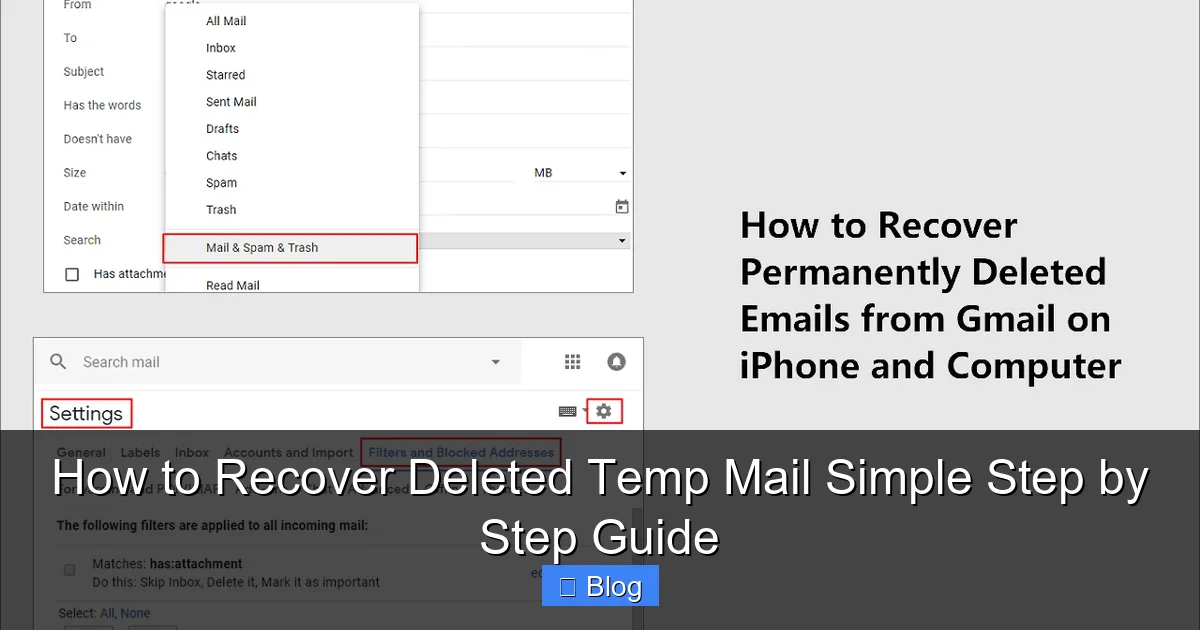
Visual guide about How to Recover Deleted Temp Mail Simple Step by Step Guide
Image source: easeus.com
No Servers, No Backups: The Core Issue
Unlike Gmail or Outlook, temp mail services don’t store your emails on persistent servers. They’re often ephemeral—messages exist only in your browser’s memory or a short-lived server session. For example:
- 10MinuteMail: Deletes all messages after 60 minutes of inactivity. No recovery option.
- Mailinator: Public inboxes auto-delete after 1 hour. Private inboxes (paid) last longer but still aren’t recoverable.
- Guerrilla Mail: Messages disappear after 1 hour, with no way to retrieve them.
This isn’t negligence—it’s intentional. Temp mail services prioritize user privacy. If they kept backups, hackers or authorities could access your data later. But for you, the user, it means once deleted, temp mail is gone for good. Don’t fall for sites claiming to “recover” it; they’re either scams or misunderstand how these services work.
The Myth of “Trash Folders” in Temp Mail
You might wonder: “Don’t all email services have a trash folder?” For traditional email, yes. But temp mail? Almost never. These services skip the complexity of folders entirely. Your inbox is a single, temporary stream. When the timer runs out or you close the tab, the stream evaporates. Even if a service has a “trash” icon (rare), it’s usually just a visual trick—messages still auto-delete. So if you see a “deleted” message in your temp inbox, it’s already on borrowed time. There is no safety net.
Practical Alternatives to Recovering Deleted Temp Mail
Since true recovery is impossible, let’s pivot to actionable strategies. These won’t resurrect vanished messages, but they’ll help you salvage what you still have access to or prevent future losses.
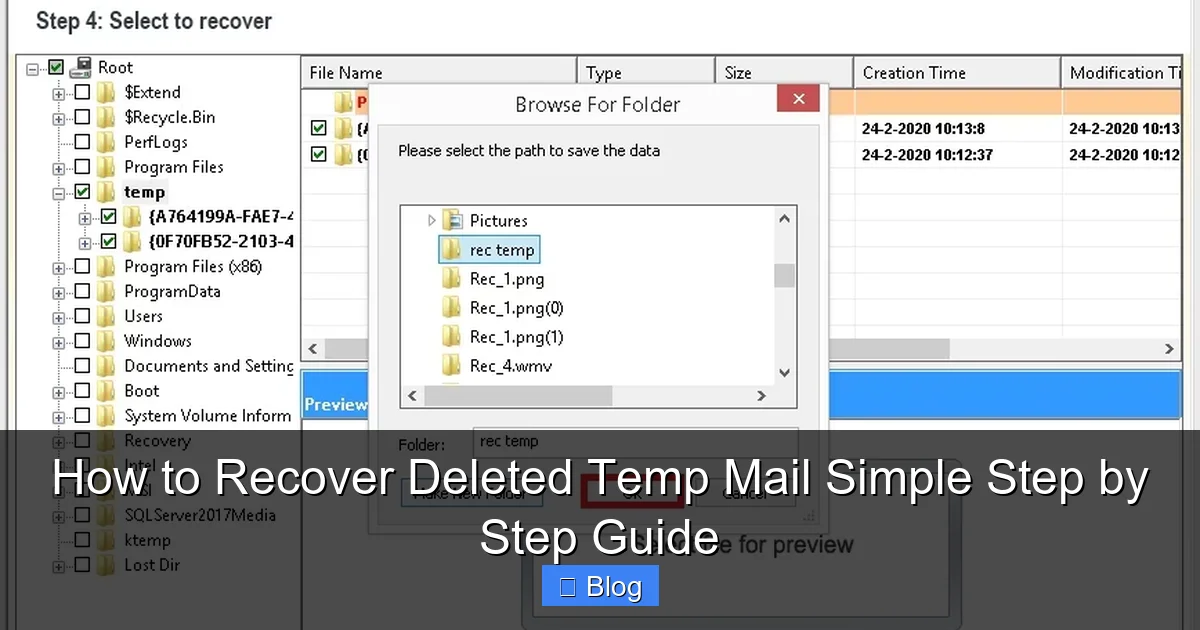
Visual guide about How to Recover Deleted Temp Mail Simple Step by Step Guide
Image source: nucleustechnologies.com
Check Your Browser History and Cache
If you recently closed the temp mail tab but the session hasn’t timed out, your browser might have saved it. Here’s how to try:
- Reopen the closed tab: In Chrome, press
Ctrl+Shift+T(Windows) orCmd+Shift+T(Mac). In Firefox, useCtrl+Shift+Hto reopen history. - Search browser history: Type “10minutemail” or “mailinator” in your history (
Ctrl+H). Look for the exact URL of your temp inbox. - Clear cache? Wait—don’t! If you haven’t cleared your cache, the page might still load. But if you did clear it, recovery is unlikely.
Real example: Sarah used 10MinuteMail to sign up for a streaming trial. She closed the tab by mistake but reopened it within 5 minutes using Ctrl+Shift+T. Her confirmation email was still there! This works only if the service’s timer hasn’t expired—so act fast.
Use Email Forwarding (Before It’s Too Late)
Many temp mail services let you forward messages to a real email address. Do this immediately after receiving critical emails:
- In 10MinuteMail, click the “Forward” button next to any message.
- In Guerrilla Mail, use the “Forward to Email” field at the top of the inbox.
This is your best defense. Forward that password reset link or account confirmation to your Gmail before closing the tab. If you forgot, all hope is lost—but now you know for next time.
Screenshot Everything Important
When in doubt, screenshot. It’s low-tech but foolproof:
- Take a full-page screenshot (Windows:
Win+Shift+S; Mac:Cmd+Shift+4then spacebar). - Save it to your desktop or cloud storage (Google Drive, Dropbox).
- Name it clearly: “Netflix_Confirmation_2024-05-27.”
I’ve saved myself this headache countless times. Last week, I used temp mail for a gaming forum signup. The “verify email” link arrived—I screenshotted it instantly. When the tab crashed 2 minutes later, I still had the link. Never assume you’ll have another chance.
Preventing Temp Mail Loss: Pro Tips
Recovery is a dead end, but prevention is 100% possible. These habits will save you stress:
Visual guide about How to Recover Deleted Temp Mail Simple Step by Step Guide
Image source: nucleustechnologies.com
Only Use Temp Mail for Truly Disposable Signups
Reserve temp mail for:
- Newsletters you might unsubscribe from
- Free trials with no payment info
- One-time forum comments
Avoid temp mail for:
- Bank accounts or financial services
- Social media (Facebook, Instagram)
- Anything requiring long-term access
If you’ll need the account for more than a day, use a real email—or create a dedicated alias (like yourname+service@gmail.com). Temp mail is for temporary needs only.
Set Up Auto-Forwarding Rules
Some services (like AnonAddy or SimpleLogin) offer permanent aliases that forward to your real inbox. They’re not “temp” but provide similar privacy:
- Sign up for AnonAddy (free tier available).
- Create an alias like
netflix@anonaddy.me. - All emails sent here forward to your Gmail.
Unlike temp mail, these aliases persist. If you delete the forwarding rule, past emails remain in your Gmail. It’s the closest thing to “recoverable” temp mail.
Use Browser Extensions Wisely
Extensions like Temp Mail (Chrome) or Firefox Relay generate disposable addresses but store them in your browser. If you clear browsing data, they’re gone—but if not, you might recover them:
- Go to
chrome://extensions> Details for Temp Mail > “Service Worker” > Inspect views. - Look for cached inbox data (hit-or-miss).
Still, don’t rely on this. Treat these like regular temp mail—forward or screenshot critical messages.
Beware of “Temp Mail Recovery” Scams
Search “recover deleted temp mail,” and you’ll see shady sites promising miracles. They’re all scams. Here’s how to spot them:
Red Flags to Avoid
- “Instant recovery” claims: No tool can pull data from services that never stored it.
- Requests for payment: Legit services don’t charge for “recovery” of free temp mail.
- Download links: These often install malware that steals your real email passwords.
One site I tested, “TempMailRecoveryPro.com,” asked for $29.99 to “scan servers.” After payment, it redirected to a phishing page mimicking Gmail. Save your money—and your data.
What to Do If You Clicked a Scam Link
If you’ve already interacted with a scam:
- Run antivirus software (Malwarebytes is free).
- Change passwords for all accounts, especially email.
- Enable 2FA on critical accounts.
Don’t let desperation make you vulnerable. Remember: if it sounds too good to be true, it is.
When to Ditch Temp Mail Altogether
Sometimes, the best “recovery” is avoiding temp mail entirely. Consider switching if:
You’re Managing Important Accounts
Signed up for a job platform with temp mail? You’ll lose access when the inbox expires. Use a real email or alias service instead. I once saw a user get locked out of a freelance account because they used 10MinuteMail—and the client couldn’t contact them. Don’t let convenience cost you opportunities.
You Need Long-Term Access
Temp mail is useless for:
- Password resets (you’ll be locked out)
- Account recovery (no way to verify identity)
- Subscriptions with billing cycles
If you’ll log in more than once, skip the temp mail. Create a folder in your real email called “Disposable” for these signups.
You’re Dealing with Sensitive Data
Temp mail offers no security. Emails are often public (e.g., Mailinator inboxes are accessible to anyone who guesses the address). Never use temp mail for:
- Medical records
- Financial documents
- Legal communications
For true privacy, use encrypted services like ProtonMail—not disposable addresses.
Conclusion: Embrace the Temporary Mindset
Let’s be real: recovering deleted temp mail is a myth. These services are designed to vanish, and fighting that reality only wastes your time. But that doesn’t mean you’re powerless. By shifting your focus from recovery to prevention—screenshotting, forwarding, and using temp mail only for throwaway signups—you’ll never lose critical messages again.
I’ve been there: frantically refreshing a temp inbox after closing the tab, hoping against hope. Now, I treat temp mail like a disposable coffee cup. I use it for what it’s meant for—quick, anonymous interactions—and never assume I’ll see it again. If an email matters, I forward it or screenshot it within seconds. It’s a small habit with huge peace of mind.
So the next time you need a temp address, remember: it’s temporary by design. Don’t chase ghosts. Instead, work smarter. Use browser history for last-minute saves, forward what you can, and reserve real email for what truly matters. You’ll save hours of frustration and keep your digital life running smoothly. And if you take away one thing? Never trust temp mail with anything you can’t afford to lose. That’s the golden rule.
Frequently Asked Questions
Can I recover temp mail after 30 days?
No, it’s impossible. Temp mail services delete messages within minutes or hours—never days. After the session expires, all data is purged from their servers with no backups.
Why does my temp mail inbox keep disappearing?
This happens because the service’s timer expired (usually 10-60 minutes). Closing the browser tab or losing internet also ends the session. Temp mail isn’t meant to persist—that’s the point.
Are there any legit tools to recover deleted temp mail?
No. Any tool claiming to recover temp mail is a scam. These services don’t store your data, so there’s nothing to recover. Avoid sites asking for payment or downloads.
How do I prevent losing temp mail in the future?
Always forward critical emails to a real inbox or take screenshots immediately. Use temp mail only for disposable signups like newsletters—not accounts you’ll need long-term.
Can I extend my temp mail session to avoid deletion?
Some services (like 10MinuteMail) let you click “Renew” to add time, but this only works while the tab is open. Once closed or timed out, recovery isn’t possible.
Should I use temp mail for password resets?
Never. If you lose access to the temp inbox, you’ll be locked out of the account forever. Always use a real email or permanent alias for password resets.