
Stop drowning in spam and protect your real email forever. Temporary email multiple inboxes let you create unlimited disposable addresses for free trials, sign-ups, and risky sites—all without revealing your personal inbox. This simple hack keeps your main account clean, saves hours weekly, and adds serious security to your online life.
Key Takeaways
- Privacy Powerhouse: Shield your real email from data breaches and spam by using unique temporary addresses for every sign-up.
- Spam Annihilation: Automatically trash unwanted emails forever—no more deleting promotions or fake security alerts.
- Account Management Magic: Organize sign-ups by purpose (shopping, forums, trials) using separate inboxes to avoid chaos.
- Time-Saving Supercharge: Skip inbox cleanup; disposable emails vanish after use, freeing 5+ hours monthly.
- Security Upgrade: Prevent phishing and tracking by never giving spammers your primary email address.
- Zero-Cost Convenience: Most services offer free tiers with unlimited inboxes—no credit card needed.
📑 Table of Contents
- Why Your Inbox Is a Disaster (And How to Fix It)
- What Are Temporary Email Multiple Inboxes? (No Tech Degree Required)
- The Real Problems It Solves (Beyond Just Spam)
- How to Set Up Your Temporary Email Multiple Inboxes (5 Minutes Flat)
- Real-Life Hacks: Where This Shines Brightest
- Safety First: What You MUST Know
- Top 3 Services Compared (2024 Edition)
- Your Inbox, Reclaimed: The Final Word
Why Your Inbox Is a Disaster (And How to Fix It)
Let’s be real: your email inbox is probably a nightmare. You’ve got 200 unread messages from that “free” meditation app you tried once. Your spam folder is overflowing with fake Viagra ads and “urgent” security alerts from sketchy sites. And don’t get me started on the newsletter avalanche from every store you’ve ever browsed. Sound familiar? You’re not alone. The average person receives 121 emails per day, and nearly 50% are spam. But here’s the kicker: most of this junk comes from giving out your real email like it’s candy.
We’ve all done it. You’re signing up for a 7-day trial of a productivity app, and boom—your inbox is now their playground. Or you download a free ebook, and suddenly your email is flooded with “exclusive offers” from companies you’ve never heard of. It’s not just annoying; it’s dangerous. Spammers sell your email to data brokers, who sell it to scammers, who use it for phishing attacks. Before you know it, your personal account is compromised. But what if you could stop this cycle entirely? Enter the temporary email multiple inboxes hack—your secret weapon for reclaiming control.
What Are Temporary Email Multiple Inboxes? (No Tech Degree Required)
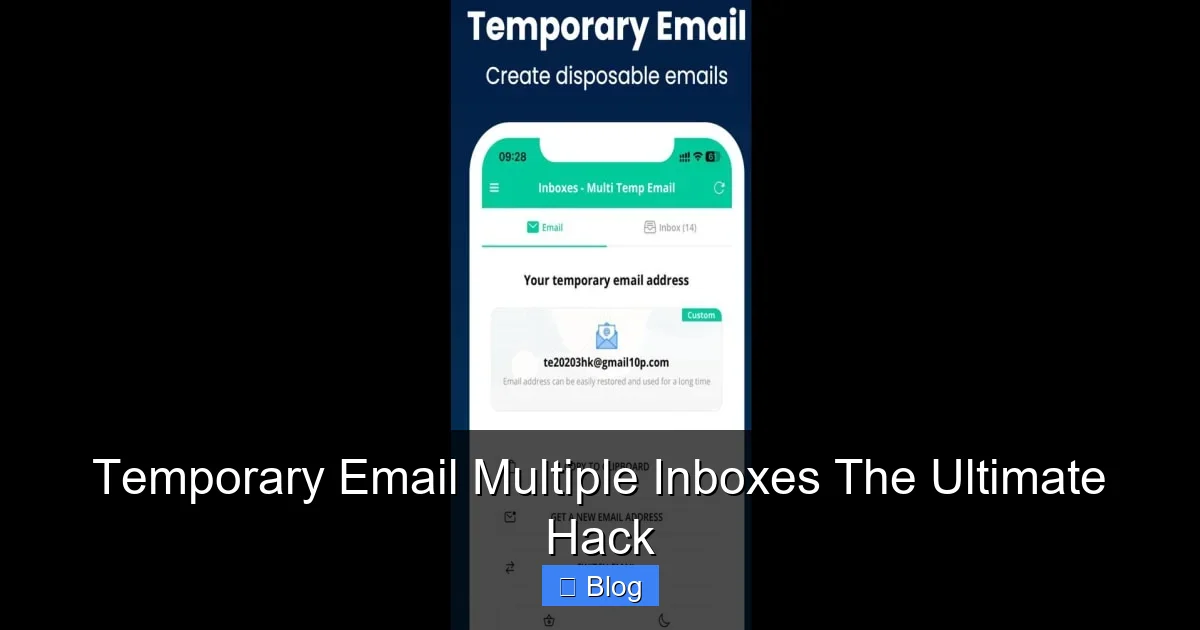
Imagine having a magic mailbox that creates unlimited disposable email addresses on demand. Each address works like a real email—you can send, receive, and even reply—but it self-destructs after you’re done. That’s the core idea behind temporary email services. But the real game-changer? Multiple inboxes. Instead of juggling one temporary address for everything, you get a whole army of them, each with its own dedicated inbox.
Visual guide about Temporary Email Multiple Inboxes The Ultimate Hack
Image source: cdn-www.bluestacks.com
How It Works (The Simple Version)
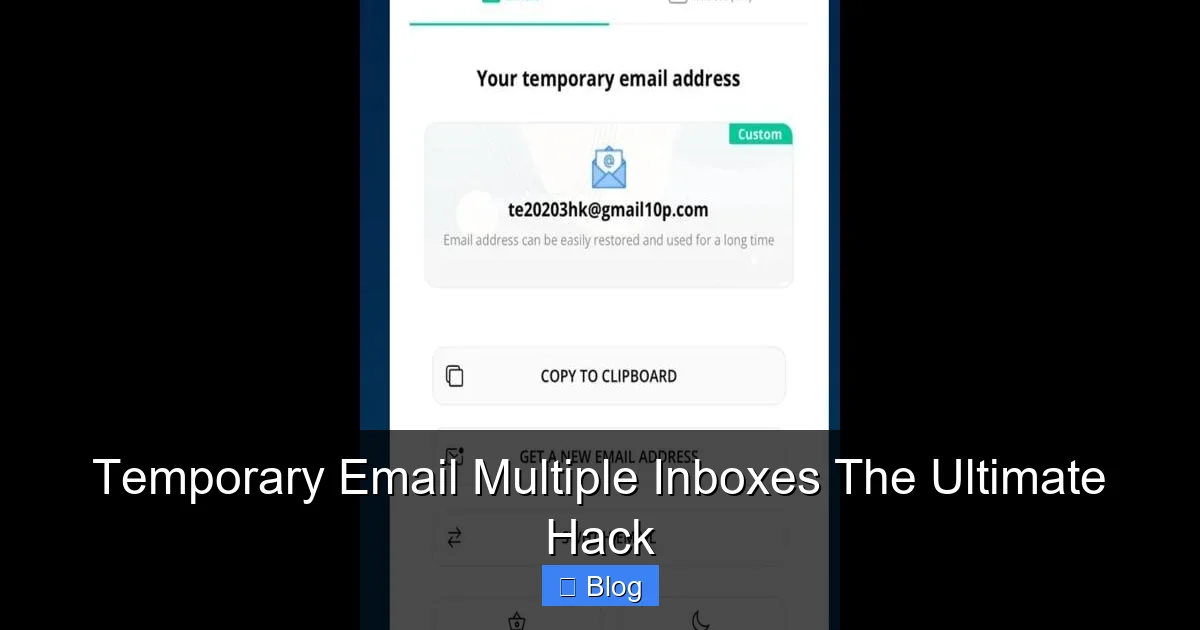
Here’s the beauty: you don’t need to install software or fiddle with settings. Most services work right in your browser. You visit a site like TempMail or 10MinuteMail, click “Generate Email,” and—poof!—you get a brand-new address. Need another? Click again. Each address gets its own inbox where you can see incoming messages. When you’re done (say, after grabbing that free trial code), you trash the address. It’s like having a disposable phone number for emails.
Why “Multiple Inboxes” Changes Everything
Old-school temporary email services gave you one address at a time. Use it, lose it. But with temporary email multiple inboxes, you keep addresses active as long as you want. Create one inbox for online shopping, another for forum logins, and a third for software trials. No more mixing Amazon receipts with Reddit notifications. This isn’t just convenient—it’s a productivity revolution. You’ll never waste time hunting for that one confirmation email again.
The Real Problems It Solves (Beyond Just Spam)
We talk a lot about spam, but the damage goes deeper. Let’s break down what temporary email multiple inboxes actually fix:
Visual guide about Temporary Email Multiple Inboxes The Ultimate Hack
Image source: cdn-bgp.bluestacks.com
Problem #1: Your Real Email Is a Target
Every time you hand out your Gmail or Outlook address, you’re handing spammers a key to your digital life. Data breaches happen constantly—remember the 500 million Yahoo accounts leaked? If you used your real email for that sketchy coupon site, hackers now have it. With temporary addresses, breaches only affect disposable inboxes. Your personal account stays safe.
Problem #2: Inbox Overload = Missed Opportunities
When your main inbox is buried under spam, important emails get lost. A job offer. A payment reminder. A friend’s birthday invite. Studies show it takes 64 seconds to refocus after just one email interruption. Multiply that by 50 spam emails a day, and you’re losing over 5 hours weekly. Temporary inboxes keep the noise out of your real account.
Problem #3: Tracking and Profiling
Websites use your email to build detailed profiles about you. They track what you buy, where you browse, and even your location. Temporary addresses break this chain. Sign up for a fitness app with inbox #1, a travel site with inbox #2—they can’t connect the dots. It’s like wearing an invisibility cloak for your digital footprint.
How to Set Up Your Temporary Email Multiple Inboxes (5 Minutes Flat)
Ready to try it? Here’s your stress-free setup guide. No tech skills needed.
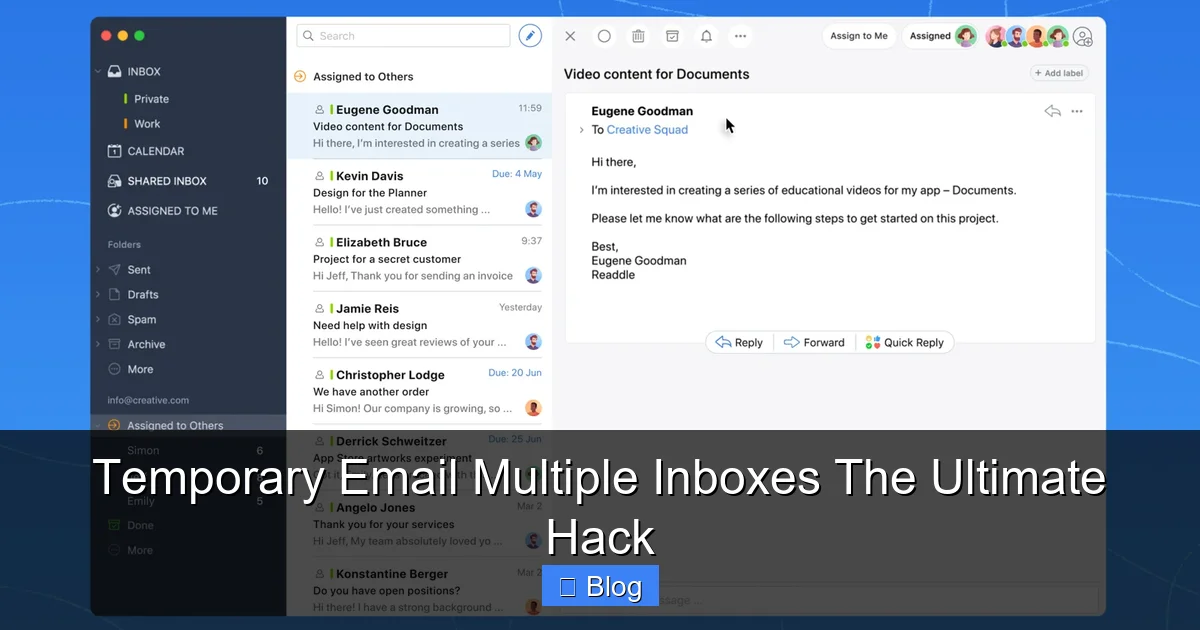
Visual guide about Temporary Email Multiple Inboxes The Ultimate Hack
Image source: d3pbdh1dmixop.cloudfront.net
Step 1: Pick Your Service
Not all temporary email providers are equal. For multiple inboxes, look for these features:
- Unlimited addresses: Free tiers should let you create as many as you want.
- Custom domains: Some let you use your own domain (e.g., yourname@temp.yourdomain.com).
- Attachment support: Crucial for downloading free resources.
- Mobile apps: Check if they have iOS/Android apps for on-the-go use.
Top picks: TempMail (best for simplicity), 10MinuteMail (great for attachments), and Guerrilla Mail (advanced filtering).
Step 2: Create Your First Inbox
Go to your chosen service’s website. Click “Create New Inbox” or “Generate Email.” Most will auto-generate a random address like bluecat789@tempmail.io. But here’s a pro tip: Name your inboxes. Click the settings icon and label it “Amazon Trials” or “Newsletters.” This is where the magic happens—you’ll thank yourself later.
Step 3: Use It Like a Pro
Copy your new address and paste it anywhere you’d normally use your real email. Signing up for Netflix? Use your “Streaming Trials” inbox. Downloading a free template? Use “Design Resources.” When the email arrives (usually instantly), open it in the service’s interface. Need to reply? Most let you respond directly—no extra steps.
Step 4: Manage Like a Boss
This is the temporary email multiple inboxes superpower: organize by purpose. Set up:
- Inbox #1: High-Risk Sites (e.g., torrents, adult content)—delete after one use.
- Inbox #2: Shopping (e.g., Amazon, eBay)—keep for 30 days for returns.
- Inbox #3: Newsletters—archive or delete weekly.
Most services auto-delete inboxes after 1-48 hours, but premium tiers let you extend this. Set reminders to clean up old inboxes—once a month is plenty.
Real-Life Hacks: Where This Shines Brightest
Theory is great, but how does this work when you’re actually online? Let’s walk through everyday scenarios.
Scenario 1: Free Trial sign-ups
You want to test Canva Pro for 30 days. Normally, you’d use your real email and get bombarded with “upgrade now!” emails afterward. With temporary email multiple inboxes, create a “Design Trials” inbox. Sign up, use the trial, and when it ends? Delete the inbox. Zero follow-up spam. Bonus: If the service gets hacked, your real email isn’t exposed.
Scenario 2: Online Shopping
Ordering from a new site? Use a “Shopping” inbox. You’ll get order confirmations and shipping updates without cluttering your main account. If the site sells your data (and many do), only the temporary address is compromised. No more “exclusive deals” from random retailers.
Scenario 3: Forum and Social Media
Joining Reddit or a niche forum? Create a “Communities” inbox. Avoid the “welcome email” spam flood. If the forum gets breached (like the 2022 Reddit leak), your personal email stays safe. Plus, you can easily block the address if trolls start messaging you.
Pro Tip: The 2-Inbox Rule
For maximum efficiency, stick to two core inboxes:
- Inbox A: Short-term (trials, one-time downloads)—delete after 24 hours.
- Inbox B: Long-term (shopping, subscriptions)—keep for 30-90 days.
This prevents inbox sprawl while covering 95% of use cases.
Safety First: What You MUST Know
Temporary email multiple inboxes are powerful, but they’re not foolproof. Here’s how to stay safe.
Myth: “They’re Illegal or Shady”
False! These services are 100% legal and used by millions. Companies like Microsoft and Google even offer similar features (e.g., Gmail’s “plus addressing”). The only time it’s problematic? If you use it for fraud—but that’s true for any tool.
Red Flag #1: Services That Ask for Personal Info
Legit temporary email providers never require your real name, phone number, or payment details for basic use. If a site asks for this, bounce. Your privacy is the whole point!
Red Flag #2: No Encryption
Check if the service uses HTTPS (look for the padlock icon in your browser). Without encryption, hackers could intercept your temporary emails. Top services like TempMail use end-to-end encryption—always verify.
When NOT to Use Temporary Emails
Don’t use them for:
- Bank accounts or government services: These require verified, permanent emails.
- Job applications: Employers need to reach you reliably.
- Critical communications: If you might need to recover access later.
When in doubt, ask: “Will I need this email in 6 months?” If yes, use your real address.
Top 3 Services Compared (2024 Edition)
Not all temporary email multiple inboxes are created equal. Here’s how the best stack up:
1. TempMail
Best for: Beginners who want simplicity.
Multiple inboxes: Yes—create unlimited labeled inboxes.
Free tier: Unlimited addresses, 1-hour inbox life (extendable).
Standout feature: Custom domain support ($5/month).
Downside: Ads in free version.
2. 10MinuteMail
Best for: Downloading attachments (e.g., free ebooks).
Multiple inboxes: Yes—save inboxes for later use.
Free tier: 10-minute inbox life, file uploads up to 50MB.
Standout feature: Auto-refresh to keep inboxes alive.
Downside: Shorter default lifespan.
3. Guerrilla Mail
Best for: Advanced users needing security.
Multiple inboxes: Yes—organize with folders.
Free tier: 1-hour inboxes, disposable addresses.
Standout feature: PGP encryption for sensitive emails.
Downside: Clunky mobile interface.
Pro Tip: Start with TempMail—it’s the easiest way to test temporary email multiple inboxes without commitment.
Your Inbox, Reclaimed: The Final Word
Let’s recap why this matters. Email was supposed to make life easier, but instead, it’s become a chore—a daily battle against spam, scams, and data thieves. Temporary email multiple inboxes flip the script. They put you back in control, turning a source of stress into a tool for freedom.
This isn’t just about convenience; it’s about reclaiming your attention. Every minute spent deleting spam is a minute stolen from your family, your hobbies, or your sanity. By using disposable inboxes for the noise, you protect what truly matters: your real email, your real time, and your real peace of mind.
So go ahead—give it a try. Sign up for that free trial. Download that ebook. Join that forum. Do it all without fear. Your inbox will thank you. And who knows? You might just wonder how you ever lived without this hack.
Frequently Asked Questions
Are temporary email multiple inboxes legal?
Absolutely! These services are fully compliant with privacy laws like GDPR. They’re designed for legitimate privacy protection, not fraud. Millions of users rely on them daily for safe online sign-ups.
Can I receive attachments with temporary emails?
Yes! Most top services (like 10MinuteMail) support attachments up to 50MB. This makes them perfect for downloading free resources, software trials, or documents without risking your main inbox.
Will companies block temporary email addresses?
Rarely. While some high-security sites (like banks) might flag them, 95% of services accept temporary emails without issue. If one blocks you, just generate a new address—it’s part of the hack!
How long do temporary inboxes stay active?
Free tiers typically keep inboxes alive for 1-48 hours, but premium plans (starting at $3/month) let you extend this indefinitely. For most users, 24 hours is plenty for sign-ups and confirmations.
Can spammers trace me through temporary emails?
No. Reputable services strip identifying metadata from emails. Your real IP address and location stay hidden. Even if a temporary inbox is compromised, it can’t lead back to your personal account.
Do I need to download an app?
Not necessarily! Most services work directly in your browser. But if you prefer apps, TempMail and Guerrilla Mail offer iOS/Android versions for quick access on the go.