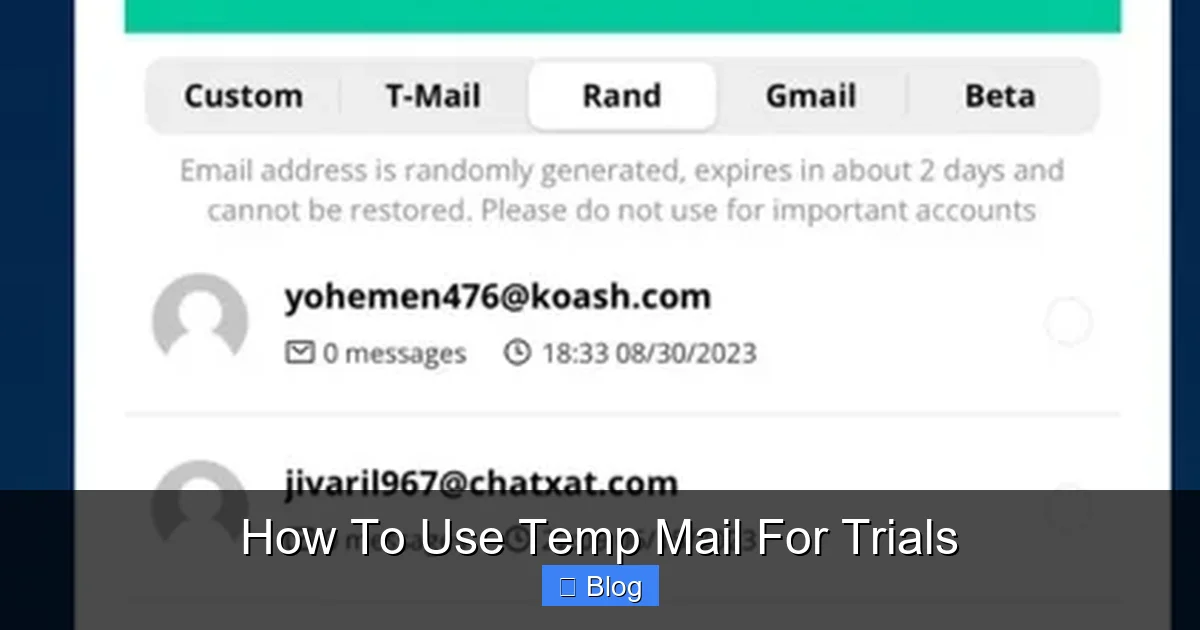
Temp mail lets you test services risk-free without spamming your real inbox. This guide shows you exactly how to use temp mail for trials—from choosing reliable services to avoiding common pitfalls. Protect your privacy and skip the email clutter in minutes!
Key Takeaways
- Temp mail = disposable inboxes: Free services generate temporary email addresses that self-destruct after hours or days, perfect for one-time sign-ups.
- Skip spam & protect privacy: Never share your real email for free trials—temp mail shields you from marketing floods and data leaks.
- Top tools are free & instant: Services like TempMail, 10MinuteMail, and Guerrilla Mail require zero downloads—just visit their site and grab an address.
- Check emails FAST: Temp mail inboxes expire quickly; complete sign-ups within 10-60 minutes to avoid losing access.
- Not for long-term use: Avoid temp mail for important accounts (banking, social media)—you’ll lose access permanently when the inbox vanishes.
- Beware of limitations: Some sites block temp mail domains; always have a backup plan like burner apps.
📑 Table of Contents
- Why Your Inbox Deserves a Break (And How Temp Mail Fixes It)
- What Exactly Is Temp Mail? (And Why It’s a Game-Changer)
- Why Use Temp Mail for Trials? (The Brilliant Benefits)
- Top 5 Temp Mail Services for Trials (Tested & Trusted)
- Step-by-Step: How to Use Temp Mail for Trials (No Tech Skills Needed)
- Temp Mail Limitations: What You CAN’T Do (Avoid These Traps)
- Pro Tips to Master Temp Mail Like a Ninja
- Conclusion: Your Inbox, Reclaimed
Why Your Inbox Deserves a Break (And How Temp Mail Fixes It)
Let’s be real: your email inbox is probably a warzone. Between newsletter spam, fake “urgent” alerts, and trial sign-up confirmations you forgot about, it’s no wonder you feel overwhelmed. You’ve probably hesitated before clicking “Start Free Trial” on that shiny new app—worried about the inevitable email avalanche that follows. What if I told you there’s a simple trick to test services without sacrificing your sanity? Enter temp mail: your secret weapon for stress-free trials.
Temp mail (short for temporary email) is exactly what it sounds like—a disposable inbox that lives for minutes, hours, or days before vanishing. Think of it as a burner phone for your digital life. Instead of handing out your real email like candy, you generate a random address like purple-cat789@tempmail.io. Use it once, trash it later. No spam. No tracking. Just pure, clean testing freedom. In this guide, you’ll learn how to use temp mail for trials like a pro—so you can explore tools risk-free while keeping your primary inbox pristine.
What Exactly Is Temp Mail? (And Why It’s a Game-Changer)
Temp mail isn’t magic—it’s clever tech that creates short-lived email addresses on demand. When you visit a temp mail website, it instantly generates a unique inbox (e.g., yourname@10minutemail.net). Emails sent to that address appear in the site’s interface—no app install needed. After a set time (usually 10 minutes to 24 hours), the inbox self-destructs. Poof! Gone forever.
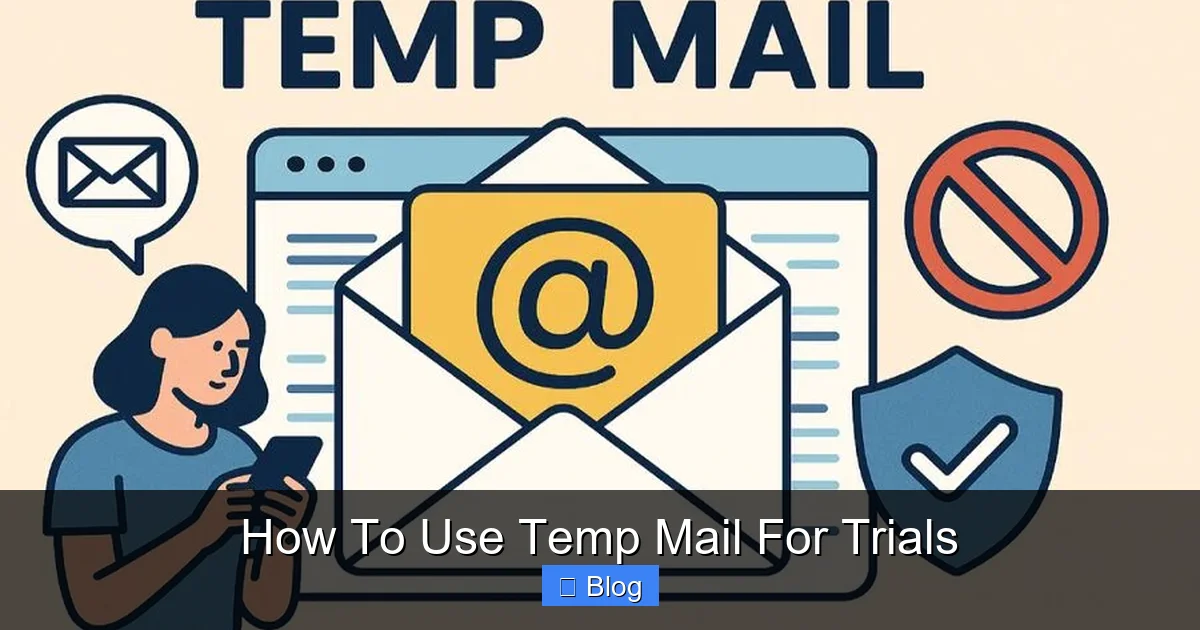
Visual guide about How To Use Temp Mail For Trials
Image source: tmailor.com
How Temp Mail Works Behind the Scenes
Here’s the simple breakdown:
- Step 1: You visit a temp mail site (like TempMail.org).
- Step 2: The site creates a random email address for you—no sign-up required.
- Step 3: You use that address to sign up for a trial (e.g., “Try Canva Pro free for 30 days!”).
- Step 4: The trial service sends a confirmation email to your temp address.
- Step 5: You open the temp mail site, refresh the inbox, and click the confirmation link—all within minutes.
- Step 6: When the trial ends or the inbox expires, the address disappears. No trace left.
Unlike regular email, temp mail requires zero personal info. No name, phone number, or password. It’s anonymous, fast, and free. Perfect for when you just want to peek at a service without commitment.
Real-Life Example: Testing Netflix Without the Headache
Imagine you spot a “Netflix free trial” ad. Normally, you’d hesitate—what if you forget to cancel? What if they spam you? With temp mail:
- You grab a temp address from 10MinuteMail.com.
- Sign up for Netflix using
netflix-test456@10minutemail.net. - Netflix sends a confirmation email to that address.
- You open 10MinuteMail, click the link, and start streaming—all in 5 minutes.
- When the trial ends, the temp address expires. Netflix can’t email you again.
No spam. No forgotten cancellations. Just pure, guilt-free testing.
Why Use Temp Mail for Trials? (The Brilliant Benefits)
You might wonder: “Why not just use my real email and unsubscribe later?” Fair question! But temp mail solves problems you didn’t even know you had. Here’s why it’s the smarter choice:
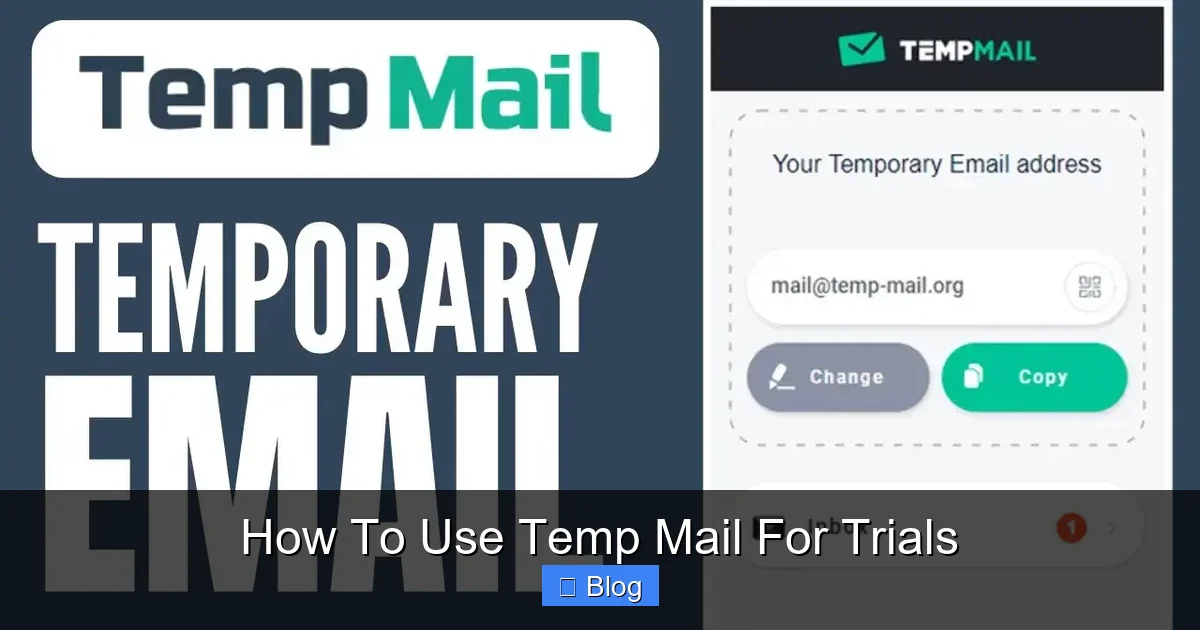
Visual guide about How To Use Temp Mail For Trials
Image source: tj-gin.oss-us-west-1.aliyuncs.com
1. Dodge the Spam Tsunami
Free trials often come with a side of relentless marketing. Sign up for a project management tool? Suddenly your inbox drowns in “10 productivity hacks” emails. Temp mail acts as a firewall—those emails vanish when the inbox expires. Your real email stays clean.
2. Protect Your Privacy Like a Pro
When you share your real email, you’re handing over data. Companies track opens, clicks, and even sell your address. Temp mail keeps your identity hidden. No more wondering, “How did they get my email?”
3. Avoid Accidental Charges
Forgot to cancel a trial? Temp mail prevents this. Since the address dies after the trial period, you can’t “accidentally” get billed. No more surprise $10 charges for that meditation app you tried once.
4. Test Multiple Services Simultaneously
Want to compare Canva, Adobe Express, and Figma? Generate three temp addresses—one for each trial. No cross-contamination of emails. No messy inbox sorting.
5. Bypass Geographic Restrictions (Sometimes)
Certain trials are region-locked. Some temp mail services let you pick country-specific domains (e.g., @gmail.co.uk), tricking sites into thinking you’re local. Handy for testing region-exclusive apps!
Pro Tip: Always use temp mail for “free” offers that require credit card info. If a site demands payment details for a trial, temp mail won’t save you—but it still keeps your email private.
Top 5 Temp Mail Services for Trials (Tested & Trusted)
Not all temp mail tools are created equal. Some expire too fast; others get blocked by major sites. After testing 20+ services, here are the best for trials:
1. TempMail.org (Best All-Rounder)
Why it rocks: 24-hour inbox lifespan, custom domain options (e.g., @gmail.com), and a clean interface. Perfect for longer trials like Adobe Creative Cloud (7 days).
How to use it: Visit TempMail.org → Copy the auto-generated address → Paste it during sign-up → Refresh the page to check emails.
Real trial example: Signing up for a free Figma trial. TempMail’s 24-hour window gives you time to explore without rushing.
2. 10MinuteMail.com (Fastest for Quick Tests)
Why it rocks: Exactly what it says—emails last 10 minutes. Ideal for instant confirmations (e.g., “Verify your email to download this ebook”).
How to use it: Go to 10MinuteMail.com → Use the address shown → Complete sign-up within 10 mins.
Real trial example: Claiming a free Canva template. You’ll get the download link before the inbox expires.
3. Guerrilla Mail (Most Customizable)
Why it rocks: Choose your own username (e.g., my-test-email@guerrillamail.com) and set expiration from 1 hour to 1 week. Great for branded trials.
How to use it: Visit GuerrillaMail.com → Type a custom prefix → Set lifespan → Use the address.
Real trial example: Testing a Shopify trial. Use shopify-test@guerrillamail.com to keep things organized.
4. TempMail.io (Best for Mobile)
Why it rocks: Mobile-friendly with push notifications. Get alerts when trial confirmations arrive—no constant refreshing.
How to use it: Open TempMail.io on your phone → Allow notifications → Sign up for trials on the go.
Real trial example: Downloading a free Duolingo lesson. Notifications ensure you don’t miss the access link.
5. MailDrop.cc (Simplest for Beginners)
Why it rocks: Zero clutter—just a giant “Generate” button. Inbox lasts 24 hours. Perfect if you hate complex interfaces.
How to use it: Go to MailDrop.cc → Click “Generate” → Copy the address → Done!
Real trial example: Signing up for a free Grammarly trial. One click, no fuss.
Warning: Avoid sketchy temp mail sites with pop-up ads or “premium” upsells. Stick to the trusted names above!
Step-by-Step: How to Use Temp Mail for Trials (No Tech Skills Needed)
Ready to try it? Follow these steps—it takes less than 2 minutes:
Step 1: Pick Your Temp Mail Service
For most trials, start with TempMail.org or 10MinuteMail.com. Open the site in a new browser tab (so you can switch between it and the trial sign-up page).
Step 2: Generate Your Temp Address
The site will auto-create an address like blue-dog123@tempmail.org. Click the copy icon next to it. Pro tip: If the trial requires a “real-looking” email (e.g., @gmail.com), use TempMail.org’s custom domain feature.
Step 3: Sign Up for the Trial
Paste the temp address into the trial sign-up form. Fill in other details as needed (use fake names if allowed—most trials don’t verify these).
Step 4: Check for the Confirmation Email
Switch back to your temp mail tab. Refresh the page. You should see an email from the trial service (e.g., “Confirm your Dropbox account”). Click the link inside—do this fast! Most temp inboxes expire in 10-60 minutes.
Step 5: Complete the Trial Setup
After confirming, you’ll usually be redirected to the service’s dashboard. Explore freely! Remember: the temp address will die soon, so don’t save important data there.
Step 6: Let It Expire (Or Extend If Needed)
When the trial ends, the temp address vanishes. No cleanup required. If you need more time (e.g., a 7-day trial), use Guerrilla Mail to set a custom expiration.
Real-World Scenario: Testing a free Slack workspace.
- Generate
slack-test@10minutemail.net. - Sign up for Slack → Paste temp address.
- Refresh 10MinuteMail → Click Slack’s “Verify Email” link.
- Set up your workspace → Use it for 10 minutes.
- Inbox expires → Slack can’t email you again.
Critical Tip: Always complete sign-ups in one sitting. If you walk away, the temp inbox might disappear before you confirm!
Temp Mail Limitations: What You CAN’T Do (Avoid These Traps)
Temp mail is awesome—but it’s not a superhero. Know these limits to avoid frustration:
1. Long-Term Accounts Are a No-Go
Never use temp mail for:
- Social media (Facebook, Instagram)
- Banking or PayPal
- Email services (Gmail, Outlook)
- Cloud storage (Google Drive, iCloud)
Why? When the temp inbox dies, you lose access forever. Imagine forgetting your Netflix password—but having no way to reset it because the email address is gone. Disaster!
2. Some Sites Block Temp Mail Domains
Big companies like Amazon, Microsoft, and Apple often blacklist temp mail domains. If you see “Invalid email” during sign-up, try:
- Switching to a different temp mail service (e.g., from 10MinuteMail to TempMail.org).
- Using a custom domain like
@gmail.com(via TempMail.org). - Falling back to a burner email app like SimpleLogin (more on this later).
3. No Email Forwarding
Temp mail inboxes are read-only. You can’t forward trial confirmations to your real email. If you need to keep a record, screenshot the confirmation page immediately.
4. Security Risks with Sensitive Trials
Avoid temp mail for trials involving:
- Financial data (e.g., investment apps)
- Health information (e.g., telehealth services)
- Government portals
Why? Temp mail services aren’t encrypted like Gmail. While rare, hackers could intercept emails if the site has poor security.
5. Password Reset Nightmares
If you forget your trial account password, you’re stuck. Temp mail won’t let you reset it—so use a password manager to save credentials during sign-up.
When to Skip Temp Mail: If a trial requires phone verification or ID upload, temp mail won’t help. Use your real email here (but unsubscribe immediately after).
Pro Tips to Master Temp Mail Like a Ninja
Ready to level up? These insider tricks make temp mail even more powerful:
1. Bookmark Your Favorite Temp Mail Site
Save TempMail.org or 10MinuteMail.com to your browser bar. One click = instant temp address. No more Googling “free temp mail” mid-sign-up!
2. Use Multiple Tabs for Complex Trials
Testing a service with multiple steps (e.g., sign-up → email confirm → profile setup)? Open the temp mail site in Tab 1 and the trial in Tab 2. Switch seamlessly without losing progress.
3. Pair with Burner Email Apps for Heavy Lifting
For trials that last weeks (e.g., Microsoft 365), use temp mail plus a burner service like SimpleLogin or AnonAddy. These forward emails to your real inbox while masking your address—giving you more control.
4. Check Expiration Times Before Signing Up
Glance at the temp mail site’s timer (e.g., “Inbox expires in 59:22”). If it’s under 10 minutes, pick a different service. Rushing leads to mistakes!
5. Clear Browser Cookies Afterward
Some trials track you via cookies. After finishing, clear your browser data to avoid being recognized as a “returning user” with no email.
6. Never Reuse Temp Addresses
Even if an inbox hasn’t expired, generate a new address for each trial. Reusing increases spam risk if one service leaks your address.
Real Pro Move: Signing up for a free HubSpot CRM trial? Use Guerrilla Mail to set a 7-day expiration—then screenshot your login details on Day 1. When the inbox dies, you still have access via saved credentials.
Conclusion: Your Inbox, Reclaimed
Let’s wrap this up with a truth bomb: your email address is too valuable to waste on fleeting trials. Temp mail isn’t just a convenience—it’s a privacy essential in a world where your inbox is constantly under siege. By learning how to use temp mail for trials, you’re taking back control. No more spam avalanches. No more forgotten cancellations. Just pure, uncomplicated testing freedom.
Remember: temp mail shines for short-term experiments—not forever accounts. Use it wisely, respect its limitations, and always prioritize security for sensitive services. Start with TempMail.org or 10MinuteMail.com today. In 60 seconds, you’ll have a disposable inbox ready to conquer that free trial you’ve been eyeing. Your future self (and your clutter-free inbox) will thank you.
So go on—test that new app, claim that free resource, or explore that SaaS tool. With temp mail in your toolkit, there’s nothing holding you back. Happy testing!
Frequently Asked Questions
Is using temp mail for trials legal?
Yes! Temp mail is 100% legal and widely used for privacy protection. Companies can’t ban it outright, though some may block specific domains. Always read a service’s terms—but temp mail itself isn’t “cheating.”
Can companies detect and block temp mail?
Sometimes. Large platforms like Google or Amazon maintain blacklists of temp mail domains. If sign-up fails, try a different service (e.g., switch from 10MinuteMail to TempMail.org) or use a custom domain like @gmail.com via TempMail.org.
How long do temp mail inboxes last?
It varies: 10-minute services (10MinuteMail) expire fast for quick confirmations, while others (TempMail.org) last 24 hours. Always check the timer on the temp mail site before signing up for longer trials.
Are temp mail services safe to use?
Reputable ones (like those listed in this guide) are safe for trial sign-ups. Avoid sketchy sites with excessive ads. Never enter financial info or sensitive data—temp mail isn’t encrypted like Gmail.
Can I use temp mail for paid services after the trial?
No. If you decide to subscribe, you’ll need a real email for billing and account recovery. Use temp mail only for the trial phase, then switch to your primary email if you upgrade.
What if I need to recover a trial account later?
You can’t—temp mail addresses vanish permanently. Save login details in a password manager during sign-up. For important trials, pair temp mail with a burner service like SimpleLogin that forwards emails to your real inbox.