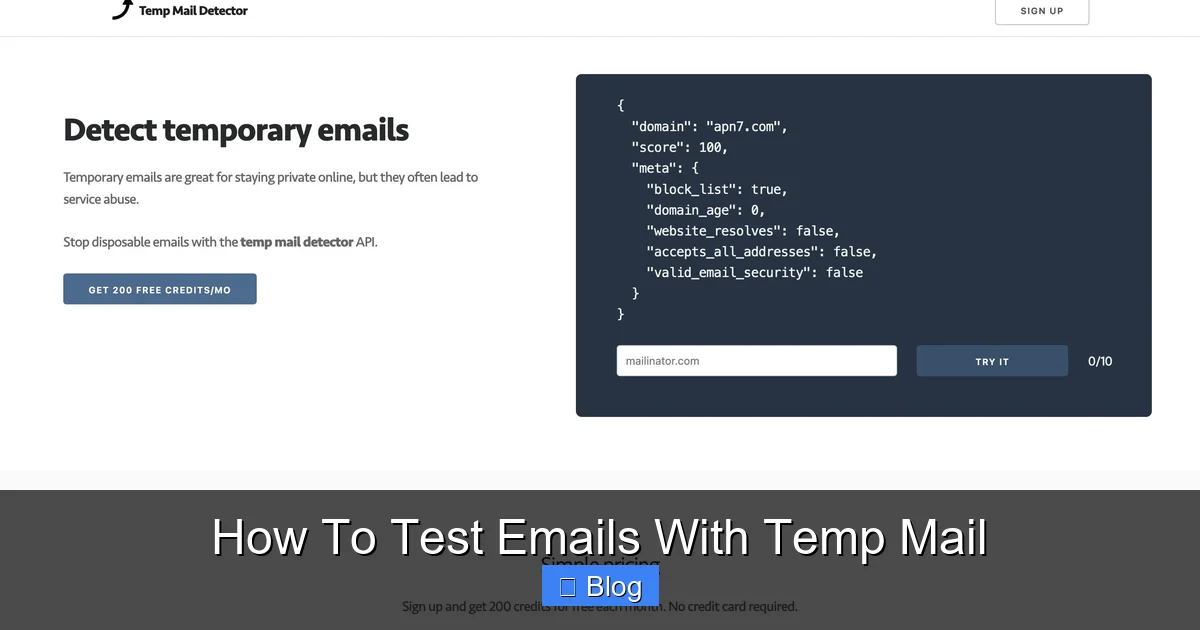
Stop risking your real inbox—temp mail delivers instant, disposable email addresses for foolproof testing without spam or security threats. Generate unique inboxes in seconds to validate sign-ups, debug templates, and verify workflows while keeping your primary account pristine. This essential hack ensures efficient, anonymous testing that saves time and safeguards your privacy.
This is a comprehensive guide about how to test emails with temp mail.
Key Takeaways
- Protect your primary inbox: Always use temp mail to shield real email addresses during testing.
- Generate unique addresses per test: Create disposable emails for each scenario to prevent data contamination.
- Verify content instantly: Preview email formatting and links in real-time with temp mail inboxes.
- Test deliverability metrics: Check spam scores and inbox placement using temp mail analytics tools.
- Automate validation workflows: Integrate temp mail APIs to streamline email testing in development pipelines.
- Ensure security compliance: Safely handle sensitive test data without exposing real accounts.
- Validate attachments securely: Test file downloads without risking your main email account.
Frequently Asked Questions
How do I use temp mail to test email functionality?
Sign up for a temporary email service like TempMail.org or 10MinuteMail, then use the generated address during your sign-up or form testing process. Check the temp mail inbox provided by the service to verify emails like welcome messages or password resets are delivered correctly. This avoids cluttering your real inbox while confirming your email workflows function as expected.
Is temp mail reliable for testing email delivery?
Temp mail services are generally reliable for basic email testing, as they simulate a real inbox and capture most standard transactional or marketing emails. However, some services might filter or block emails sent to disposable addresses, so always verify critical emails arrive and consider using dedicated email testing tools for complex scenarios.
Are temp mail services secure for testing sensitive emails?
While convenient, avoid using temp mail for testing emails containing highly sensitive data like financial details or personal identifiers, as the inbox is public and temporary. They are suitable for testing non-critical flows like newsletter sign-ups or basic verification emails, but prioritize security by never sending real confidential information to disposable addresses.
Can I integrate temp mail with email testing tools like Mailtrap?
Yes, many email testing platforms (e.g., Mailtrap, SendGrid’s sandbox) allow you to route test emails to a temporary inbox for inspection. Configure your application to send test emails to your temp mail address, then monitor the temp service’s web interface to check content, headers, and delivery without affecting real users.
Why don’t emails stay in my temp mail inbox for testing?
Temporary email inboxes are designed to expire quickly (often within minutes or hours) to prevent abuse, so emails disappear once the session ends or the address is discarded. For longer-term testing, use services offering extended durations or export email content immediately. For persistent testing needs, consider dedicated email sandbox environments instead of standard temp mail.
What are alternatives to temp mail for thorough email testing?
For more robust testing, use dedicated email sandbox services (like Mailosaur or Mailtrap) that provide persistent inboxes, API access, and advanced features like spam scoring. Browser extensions (e.g., Temp Mail for Chrome) also offer quick temp addresses, but lack the reliability and depth of professional testing tools for complex email validation workflows.