

Temp mail blocking frustrates users seeking privacy. This guide reveals simple detection methods and practical workarounds. Stop guessing and start verifying site compatibility instantly.
Key Takeaways
- Check for instant error messages: Sites often reject temp mail during signup with clear warnings like “Invalid email domain”
- Test with multiple temp services: If one provider fails, try alternatives like TempMail or 10MinuteMail to confirm blocking
- Watch for verification failures: Sites blocking temp mail rarely send activation links or password resets to these addresses
- Review site privacy policies: Many explicitly prohibit disposable emails in their terms of service
- Use browser developer tools: Network tab errors (403/404) during email submission indicate backend blocking
- Recognize common blocked sites: Financial services, social media, and e-commerce platforms frequently ban temp mail
- Employ hybrid solutions: Services like SimpleLogin create unique aliases that bypass temp mail restrictions
📑 Table of Contents
- Why Temp Mail Blocking Happens (And Why You Should Care)
- Obvious Signs a Site Blocks Temp Mail (Spot These Fast)
- Subtle Detection Methods (When Sites Hide Their Blocks)
- Common Sites That Block Temp Mail (And Why)
- Workarounds That Actually Work (When You Must Use Temp Mail)
- When to Avoid Temp Mail Altogether (Critical Exceptions)
- Conclusion: Master Temp Mail Without the Guesswork
Why Temp Mail Blocking Happens (And Why You Should Care)
Ever tried signing up for a cool new app only to get rejected because of your temporary email? It’s frustrating. You just wanted to test something quickly without spamming your real inbox. But the site shut you down. This happens because many platforms actively block temp mail services. They see these disposable addresses as red flags. Why? Temp mail attracts spammers, scammers, and people trying to game systems. Sites lose money and credibility when fake accounts flood their platforms.
Financial institutions hate temp mail. Social networks ban it. Even some free services restrict it. The problem is real. You might waste time creating accounts that never activate. Or worse, get locked out of features you actually need. Knowing how to spot these blocks saves headaches. It helps you choose the right email strategy upfront. No more guessing why your signup failed. This guide shows you exactly how to know if sites block temp mail. We’ll keep it simple. No tech jargon. Just practical steps anyone can follow.
Obvious Signs a Site Blocks Temp Mail (Spot These Fast)
Some sites make it painfully clear they hate temp mail. You’ll see warnings right when you try to sign up. These are the easiest blocks to spot. No detective work needed. Just watch for these instant reactions.
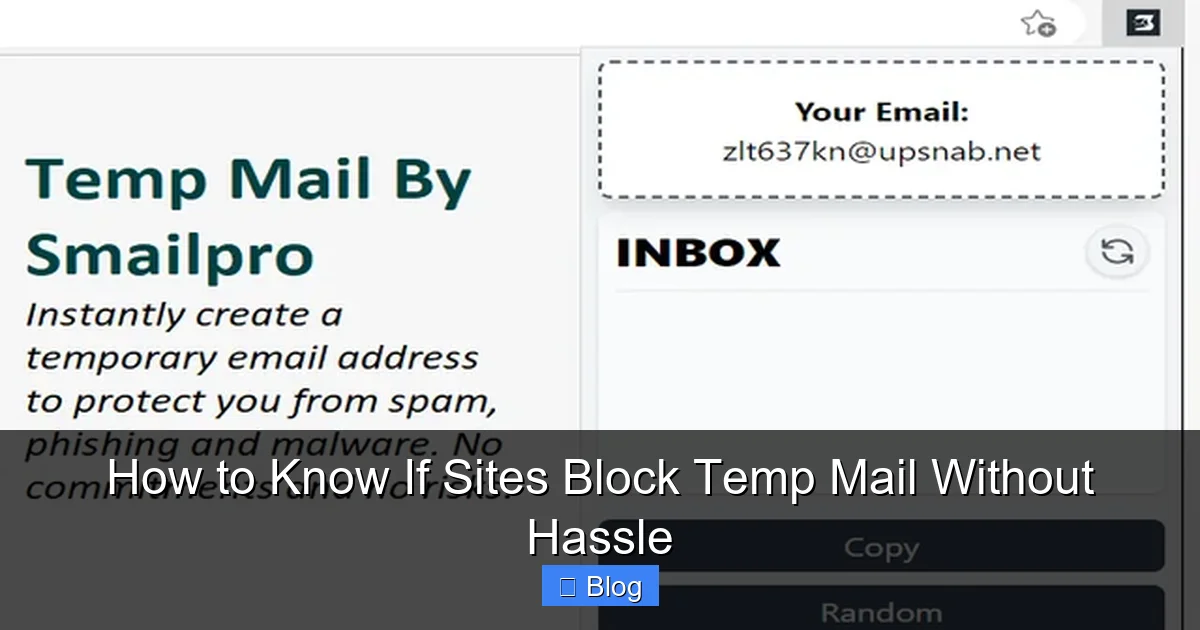
Visual guide about How to Know If Sites Block Temp Mail Without Hassle
Image source: addons.mozilla.org
Instant Error Messages During Signup
Picture this: You enter your temp email address. Before you even hit “submit,” a red warning pops up. Something like “Disposable emails not allowed” or “Invalid domain.” That’s the site’s way of saying “Nice try.” Services like Facebook, PayPal, and Amazon do this aggressively. They’ve built systems that instantly recognize known temp mail domains. If you see this, move on. Don’t waste time refreshing or trying different addresses. The block is active and intentional.
Verification Emails That Never Arrive
Here’s a classic trap. The site accepts your temp email during signup. It even says “Check your inbox!” But nothing comes. Not in 5 minutes. Not in an hour. Your temp mail inbox stays empty. Why? The site never sent the email. Or their system blocked delivery. Either way, it’s a dead giveaway. Legit sites send verification links immediately. If your temp mail provider shows zero activity, the site likely filtered you out. Try refreshing your temp inbox manually. Still nothing? Block confirmed.
Subtle Detection Methods (When Sites Hide Their Blocks)
Not all sites are so obvious. Some quietly reject temp mail without warnings. They might let you sign up but lock your account later. Or they’ll accept the email but cripple functionality. These stealth blocks are trickier. But you can still catch them with smart testing.
The Multi-Service Test Strategy
Don’t rely on just one temp mail provider. If Mail.tm fails, try TempMail.org. If that works, great! If not, test 10MinuteMail or Guerrilla Mail. If multiple reputable services get rejected, the site is blocking temp mail broadly. Here’s how to do it right:
- Use 3 different temp mail providers
- Sign up for the same site with each
- Check all inboxes for verification emails
- Note which services get blocked
If two or more fail consistently, the site has active filters. This method works because sites maintain blocklists of known temp domains. If several providers share similar domain patterns (like *.temp-mail.org), the site likely bans the whole category.
Browser Developer Tools: Your Secret Weapon
Yes, you can peek behind the curtain without coding skills. Modern browsers have built-in tools that show what happens when you submit forms. Here’s the simple way:
- Right-click the signup page → “Inspect” or press F12
- Go to the “Network” tab
- Submit your temp email address
- Watch for failed requests (red lines or 403/404 errors)
If you see a failed API call when entering your email, the site’s backend rejected it. For example, a request to /api/validate-email returning “403 Forbidden” means the server blocked your domain. This proves the block isn’t just a frontend trick—it’s enforced at the system level.
Common Sites That Block Temp Mail (And Why)
Some industries hate temp mail more than others. Knowing which sites typically block it saves you time. Here’s where you’ll most often hit walls:
Financial and Payment Platforms
Banks, PayPal, and crypto exchanges almost universally ban temp mail. Why? Fraud prevention. Disposable emails make it easy to create fake accounts for money laundering or chargeback scams. If you’re signing up for Coinbase or Venmo, expect temp mail rejection. Even free financial tools like budgeting apps often follow this rule. They need verified identities to comply with regulations.
Social Media and Community Sites
Facebook, Instagram, and Reddit all block temp mail aggressively. Fake accounts ruin their ecosystems. Spammers use disposable emails to mass-create profiles for scams or fake engagement. Gaming platforms like Steam also restrict temp mail. They want real users who can’t easily vanish after breaking rules. If a site has user interactions, comments, or profiles, assume it blocks temp mail.
E-Commerce and Subscription Services
Amazon, eBay, and Shopify stores frequently reject temp mail. Why? Fake reviews and fraudulent purchases. Sellers using temp mail might order items then dispute payments. Subscription services like Netflix or Spotify also block them. They need reliable billing emails for recurring charges. Even free tiers often require real addresses to prevent abuse.
Workarounds That Actually Work (When You Must Use Temp Mail)
Sometimes you really need temp mail. Maybe you’re testing a site’s security. Or protecting your primary email from spam. Don’t give up yet. These tactics bypass blocks effectively.
Alias Services: The Smart Alternative
Services like SimpleLogin or Firefox Relay create unique email aliases. They forward mail to your real inbox but hide your address. Best part? They use custom domains that aren’t on blocklists. Here’s why they work:
- Aliases look like real emails (e.g., yourname@simplelogin.com)
- Domains aren’t associated with temp mail
- You can disable aliases anytime
Sign up for SimpleLogin. Generate an alias for the site you’re testing. Use that alias during signup. Since it’s not a known temp domain, most sites accept it. You still get privacy without triggering blocks.
The “Burner Domain” Trick
Some advanced temp mail services let you use custom domains. For example, TempMail.org offers “private domains” for a fee. You register a cheap domain (like mytest.site) and link it to their service. When you sign up elsewhere, you use user@mytest.site. Since it’s a unique domain, blocklists rarely catch it. This works great for:
- Testing multiple sites without patterns
- Long-term temporary addresses
- Professional-looking disposable emails
Costs are low ($10-15/year for a domain). But it requires setup time. Best for frequent temp mail users.
When to Avoid Temp Mail Altogether (Critical Exceptions)
Temp mail isn’t always the answer. Some situations demand your real email. Ignoring this can cost you access or money.
Account Recovery Scenarios
Imagine losing access to your account. The site sends a reset link to your email. If you used temp mail, that link vanishes in 10 minutes. Poof. Your account is locked forever. This happens with:
- Banking apps
- Cloud storage (Google Drive, Dropbox)
- Work or school accounts
Always use a permanent email for anything tied to money, data, or important services. Temp mail is for one-time signups—not critical accounts.
Legal and Compliance Requirements
Certain sites legally must verify your identity. Government portals, healthcare apps, and investment platforms fall here. They’ll reject temp mail because regulations require traceable communication. Using temp mail here could:
- Violate terms of service
- Trigger fraud alerts
- Result in account termination
If a site asks for ID scans or SSNs, skip temp mail. Your real email is non-negotiable.
Conclusion: Master Temp Mail Without the Guesswork
Knowing how to know if sites block temp mail transforms your online experience. No more wasted time. No more mysterious signup failures. You’ll confidently choose the right email strategy for every situation. Remember the key signs: instant error messages, missing verification emails, and multi-service test failures. Use browser tools for stealth blocks. And leverage alias services when you need privacy without rejection.
Temp mail is a fantastic tool—but only when used wisely. Respect the sites that block it. They’re protecting their communities. For everything else, arm yourself with detection skills. Test smart. Work around blocks. And never risk important accounts with disposable addresses. Now go forth and sign up hassle-free. Your inbox (and your sanity) will thank you.
Frequently Asked Questions
Why do sites block temp mail in the first place?
Sites block temp mail to combat spam, fraud, and fake accounts. Disposable emails make it easy for bad actors to create throwaway profiles for scams or abuse. Legitimate businesses lose money and credibility when platforms get flooded with fake users.
Can I bypass temp mail blocks with a VPN?
VPNs rarely help with temp mail blocks. Sites filter based on email domains, not IP addresses. A VPN changes your location but not your email’s domain reputation. Focus on using alias services instead.
Are all temp mail services blocked equally?
No. Larger providers like Mail.tm get blocked faster due to widespread abuse. Niche or newer services might work temporarily. But sites update blocklists constantly. Rotate providers if one fails.
What’s the safest temp mail alternative?
Email alias services like SimpleLogin are safest. They use custom domains not flagged as disposable. You get privacy without triggering blocks. Plus, you control when aliases expire.
Do free temp mail services work better than paid ones?
Paid services often have better success rates. Free temp mail domains get abused heavily and land on blocklists faster. Premium options like Burner Mail offer custom domains that bypass filters.
How often should I test a site for temp mail blocking?
Test once per site. Blocklists change, but most sites maintain consistent policies. If a site blocked temp mail last month, it likely still does. Revisit only if you hear policy updates.