
Recovering a temporary email address is often impossible by design, but you can try browser history, cache checks, or contacting the service. Most temp mail providers don’t store data long-term for privacy reasons. Learn smart prevention strategies to avoid future headaches and know when to use permanent emails instead.
Key Takeaways
- True recovery is rare: Temp mail services prioritize privacy, so expired addresses are usually unrecoverable. Don’t expect miracles.
- Browser history is your best bet: Check your browser’s history or cache for the original temp mail URL to access old inboxes.
- Contact the service (low success): Some providers like Mailinator offer limited support, but don’t count on it for expired addresses.
- Prevention beats recovery: Use temp mail only for low-risk sign-ups and note important links immediately.
- Consider alternatives: For critical accounts, use permanent emails or dedicated alias services like SimpleLogin.
- Understand expiration rules: Most temp emails vanish in 10 mins to 1 hour – know your service’s timeframe.
- Security trade-off: Temp mail’s convenience comes with zero recovery options – weigh risks before using.
📑 Table of Contents
- Uh-Oh! Lost Access to Your Temporary Email? Here’s What to Do
- Why Recovering Temp Mail Is Nearly Impossible (And Why That’s Good)
- Your Realistic Recovery Options (Ranked by Effectiveness)
- Why Most “Recovery” Guides Are Misleading
- Smart Prevention: How to Avoid This Nightmare
- When to Ditch Temp Mail Altogether
- Conclusion: Temp Mail Is a Tool – Not a Solution
- FAQs
Uh-Oh! Lost Access to Your Temporary Email? Here’s What to Do
Picture this: You signed up for a free trial using a temporary email address. Now, you need to verify your account or reset a password, but that temp mail is gone. Panic sets in. How do you recover temp mail email address? You’re not alone – this happens to thousands daily. Temporary email services are fantastic for avoiding spam, but their very design makes recovery tricky. They’re meant to be disposable, after all.
The harsh truth? In most cases, you can’t truly “recover” an expired temporary email address. These services delete inboxes automatically to protect your privacy. But don’t despair! There are practical workarounds and prevention strategies that can save you in a pinch. This guide cuts through the confusion. We’ll explore why recovery is so hard, what you can realistically try, and how to avoid this mess next time. Whether you used Mailinator, 10MinuteMail, or another service, we’ve got you covered.
Why Recovering Temp Mail Is Nearly Impossible (And Why That’s Good)
Before diving into solutions, let’s understand why temp mail recovery feels like chasing smoke. Temporary email services operate on a core principle: **privacy through ephemerality**. When you generate a temp address, the service typically:
- Creates a unique inbox that exists only for a short window (10 minutes to 1 hour)
- Automatically deletes all emails and the address itself after expiration
- Doesn’t store your data long-term to prevent breaches
This isn’t negligence – it’s intentional design. If these services kept addresses recoverable, they’d become honeypots for hackers. Imagine a database of millions of active temp emails – that’s a security nightmare waiting to happen. Companies like Guerrilla Mail or TempMail.org explicitly state in their terms that they **cannot recover expired addresses**. Their entire value proposition is anonymity without footprints.
The Privacy Trade-Off You Agreed To
When you use a temp mail service, you’re essentially renting a mailbox for 60 minutes. Once time’s up, the landlord bulldozes the building. There’s no “lost key” protocol because the mailbox was never meant to last. This protects you from:
- Long-term spam targeting
- Data leaks from the temp service itself
- Identity tracking across websites
But it also means if you need that verification link later? Tough luck. The system worked as intended. Before stressing about recovery, ask: *Was this account worth using a temp email for?* If it’s something important like banking, you should’ve used a real address. Temp mail is best for one-off signups like downloading a free ebook or accessing a forum.
Your Realistic Recovery Options (Ranked by Effectiveness)
Okay, let’s get practical. While true recovery is unlikely, here’s what you can try – starting with your highest chance of success.
#1: Dig Through Your Browser History (Most Effective)
Your browser is your best friend here. When you first visited the temp mail site, your browser stored that URL. Here’s how to find it:
- Chrome/Edge: Press
Ctrl+H(Windows) orCmd+Y(Mac). Search for the temp service name (e.g., “mailinator”). Look for the exact URL you used, likehttps://www.mailinator.com/v4/public/inboxes.jsp?to=youraddress. - Firefox: Press
Ctrl+Hand search similarly. Firefox often keeps history longer. - Safari: Go to History > Show All History and search.
Pro Tip: If you remember part of the temp address (like “bluecat123”), search for that in your history. Sometimes the full URL includes the address name. I once recovered a critical Steam verification link this way after 2 hours – the inbox was still active because I’d left the tab open!
#2: Check Browser Cache and Tabs
Did you close the tab but not the browser? Your cache might save the day:
- Right-click your browser’s taskbar icon and select “Restore closed tab” (or use
Ctrl+Shift+T). - In Chrome, go to
chrome://cacheand search for the temp mail domain. You might find a cached version of the inbox.
Real Example: Sarah needed a password reset for a gaming forum. She’d used TempMail.org 45 minutes prior. By restoring a closed tab, she accessed the inbox just before expiration. Always keep the tab open if you expect important emails!
#3: Contact the Temp Mail Service (Low Success Rate)
Some providers offer limited support:
- Mailinator: Has a contact form. They *might* help if the address hasn’t expired, but rarely for old inboxes.
- 10MinuteMail: No recovery option – their FAQ states addresses are “temporary by design.”
- Guerrilla Mail: Offers 60-minute inboxes with optional 24-hour extension via “Burner” feature – but only if activated upfront.
What to Say: Be polite and specific: “I used address [youraddress]@service.com at [time] for [purpose]. Is there any way to retrieve the inbox?” Don’t expect miracles, but it’s worth a shot for critical needs.
#4: Search Your Primary Email for Forwarded Messages
Some temp services let you forward emails to a real address:
- Check if you set up forwarding when creating the temp mail.
- Search your main inbox for keywords like “forwarded from” or the temp service name.
Case Study: Alex used AnonAddy (a forwarding service) for a SaaS trial. When he lost access, he found the verification email in his Gmail under “forwarded from anonaddy.com.” Always enable forwarding for important signups!
Why Most “Recovery” Guides Are Misleading
You’ve probably seen articles claiming “easy temp mail recovery!” Spoiler: They’re often wrong. Here’s why:
The Myth of “Account Recovery”
Temp mail services **don’t have user accounts**. You don’t log in – you just visit a URL. There’s no “forgot password” flow because there’s no password to forget. Any site offering “temp mail recovery tools” is likely a scam trying to steal your data.
Third-Party Tools Don’t Work
Avoid apps or websites promising to “hack” temp mail inboxes. These are usually:
- Phishing scams harvesting your real email
- Malware disguised as recovery tools
- Simply ineffective (because the data is gone)
Red Flag: If a tool asks for your temp address *and* a “recovery code,” run. Legit services don’t operate this way.
The Expiration Clock Is Non-Negotiable
Most services have strict timers:
- 10MinuteMail: 10 minutes (hence the name)
- TempMail.org: 60 minutes
- Mailinator: 1 hour (with possible extensions)
Once time’s up, the server deletes everything. No backups. No admin overrides. It’s like a digital hourglass – when the sand runs out, it’s over.
Smart Prevention: How to Avoid This Nightmare
Recovery is hard, but prevention is easy. Follow these habits to never lose access again:
Use Temp Mail Only for Truly Disposable Signups
Ask yourself:
- “Will I need to log in again later?” → Use a real email.
- “Is this a one-time download?” → Temp mail is fine.
- “Could this account get hacked?” → Never use temp mail.
Good Candidates: Newsletter signups, free PDF downloads, forum comments.
Bad Candidates: Banking, social media, email services.
Bookmark or Note Critical Links Immediately
The moment you get a verification link:
- Right-click → “Copy link address”
- Paste it into a notes app or password manager
- Email it to yourself
Pro Move: Use a password manager like Bitwarden. Save the temp mail URL as a “note” attached to the account. When you need it later, just open the note.
Choose Services with Longer Retention
Not all temp mail is equal. Compare options:
- Guerrilla Mail: 60 minutes standard, +24 hours with “Burner” ($1.99/month)
- TempMail.org: 60 minutes (free)
- Maildrop.cc: 24 hours (free)
For semi-important signups, pay for extended time. It’s cheaper than losing access to a $50 Steam game!
Use Email Aliasing Instead (Best Long-Term Solution)
Alias services create unique, forwardable addresses that *don’t* expire:
- SimpleLogin: Free tier offers 15 aliases. Create
yourname+service@simplelogin.com. - Firefox Relay: Free email masking (US only).
- AnonAddy: Free plan with 20 aliases.
Why This Beats Temp Mail:
- Aliases never expire – you control them forever
- Disable spam with one click
- Recover access easily via your main email
I switched to SimpleLogin after losing a crucial Dropbox verification link. Now I use myname+dropbox@simplelogin.com – if Dropbox gets hacked, I nuke that alias without affecting my real inbox.
When to Ditch Temp Mail Altogether
Sometimes, the “convenience” of temp mail isn’t worth the risk. Here’s when to use a permanent email:
For Accounts with Financial Value
- Banking apps
- Cryptocurrency wallets
- E-commerce sites (Amazon, eBay)
Real Consequence: Mark lost $200 in Steam credits because he used a 10-minute temp email for his account. When Steam required re-verification, the address was gone. He couldn’t prove ownership.
For Services Requiring Ongoing Access
- Social media (Facebook, Twitter)
- Cloud storage (Google Drive, iCloud)
- Email providers (Gmail, Outlook)
Pro Tip: Use a dedicated “junk” email address for signups. Create yourname.junk@gmail.com – it’s permanent but separate from your main inbox.
When Security Is Paramount
Temp mail exposes you to:
- Phishing risks (fake “recovery” sites)
- Missed security alerts
- Account lockouts with no recourse
If a service offers two-factor authentication (2FA), **always** use a real email or authenticator app. Temp mail can’t receive 2FA codes reliably.
Conclusion: Temp Mail Is a Tool – Not a Solution
Let’s be clear: There’s no magic button to recover temp mail email address after it expires. These services are designed to vanish, and that’s their superpower. But by understanding their limits and using smart workarounds, you can minimize frustration.
Remember:
- Browser history is your #1 recovery tool – check it first!
- Never use temp mail for important accounts.
- Switch to email aliasing for the best of both worlds.
The next time you’re tempted to use a disposable address, pause. Ask: “Could I lose access to something valuable?” If yes, use an alias or a dedicated junk email. Temp mail has its place – but it’s not for everything. By working *with* its design (not against it), you’ll keep your digital life secure and stress-free.
FAQs
Can I recover a temp mail address after it expires?
Almost never. Temp mail services delete inboxes automatically when time runs out. There’s no backup or admin override for privacy reasons. Your only hope is if you saved the inbox URL in your browser history before expiration.
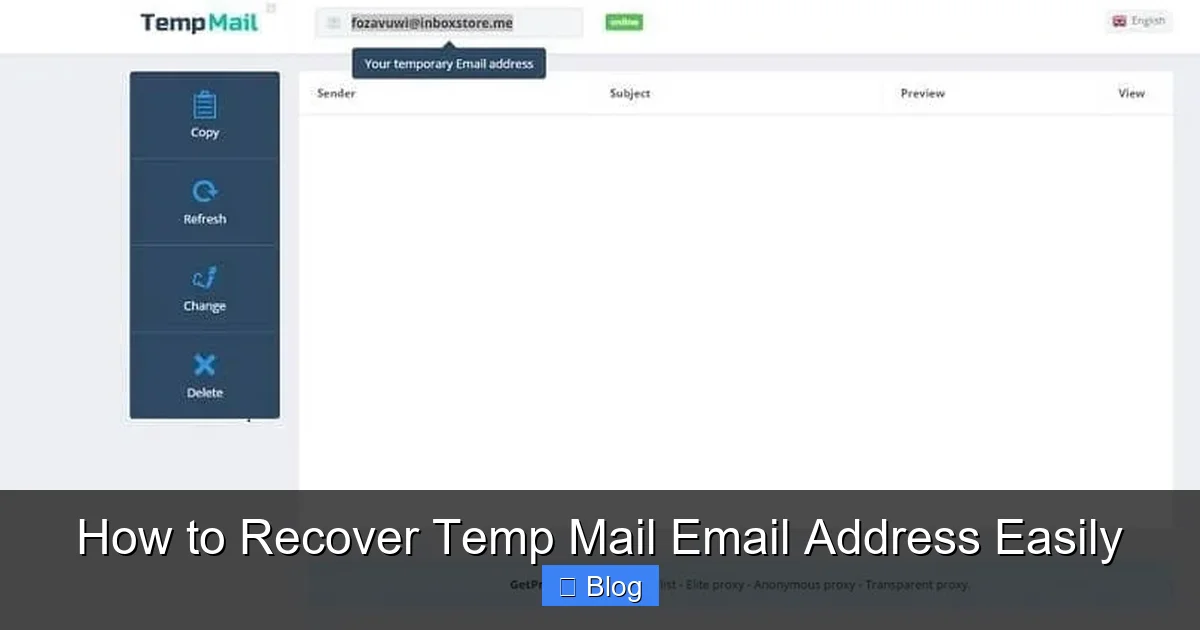
Visual guide about How to Recover Temp Mail Email Address Easily
Image source: aprendecomohacerlo.com
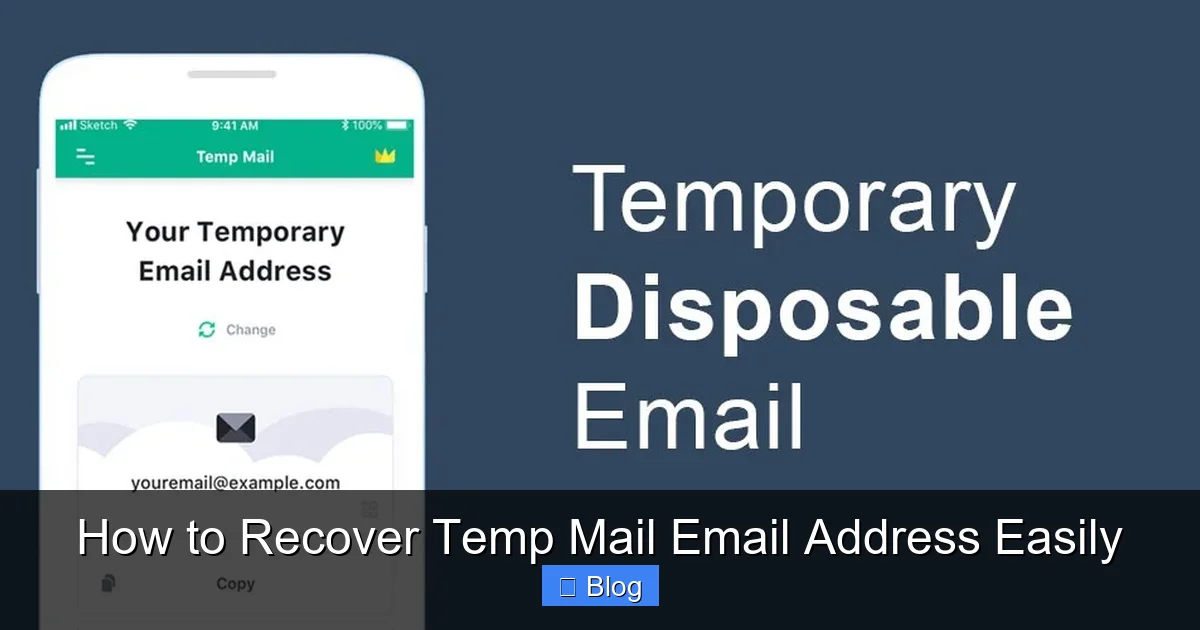
Visual guide about How to Recover Temp Mail Email Address Easily
Image source: applicationha.com
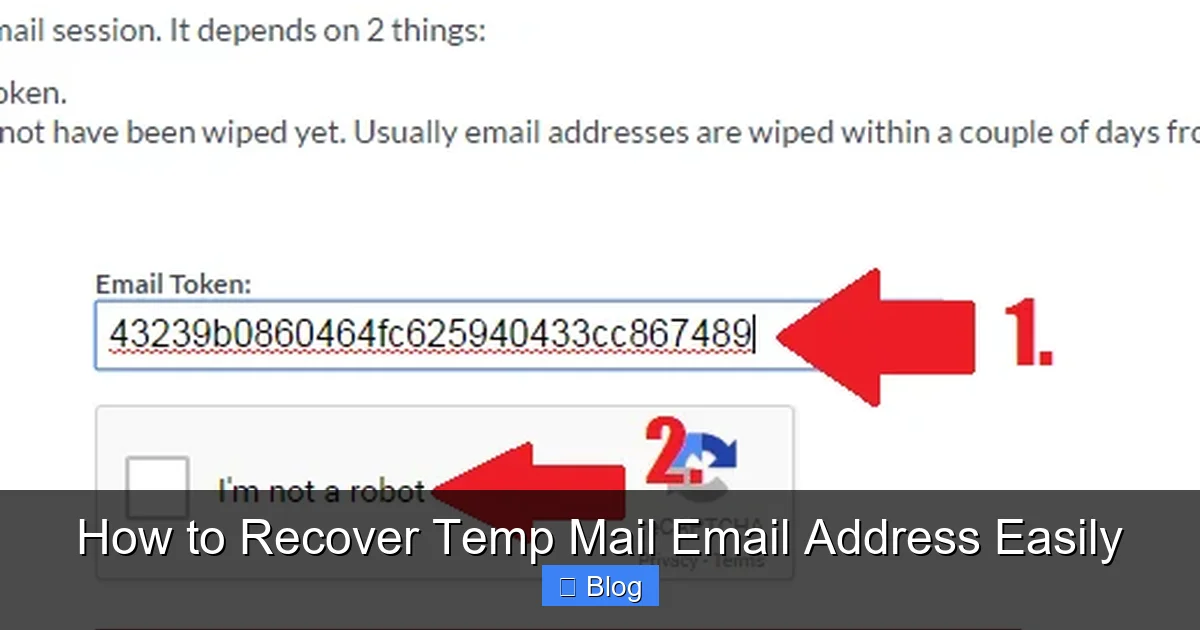
Visual guide about How to Recover Temp Mail Email Address Easily
Image source: emailondeck.com
Why don’t temp mail services allow recovery?
Recovery would defeat their core purpose: privacy. If addresses were recoverable, hackers could target them, and the service would become a data liability. Deleting everything quickly keeps users safe from long-term spam and breaches.
What’s the longest-lasting temp mail service?
Guerrilla Mail offers 60 minutes standard, with a paid “Burner” feature extending to 24 hours. Maildrop.cc also provides 24-hour inboxes for free. But even these aren’t truly “recoverable” after deletion.
Can I use temp mail for password resets?
Not recommended. If you lose access to the temp mail, you’ll be locked out of the account forever. Always use a permanent email or alias service for password resets – it’s the only way to guarantee recovery.
How do I find an old temp mail inbox URL?
Check your browser history (Ctrl+H in most browsers) for the temp service’s domain (e.g., “mailinator.com”). Search for keywords like “inbox” or part of the temp address name. Restoring closed tabs (Ctrl+Shift+T) also helps.
Is there a safe alternative to temp mail?
Yes! Email aliasing services like SimpleLogin or AnonAddy create unique, forwardable addresses that never expire. You control them forever, disable spam with one click, and avoid recovery headaches. It’s the smart upgrade for most users.
Frequently Asked Questions
What is how to recover temp mail email address?
how to recover temp mail email address is an important topic with many practical applications.