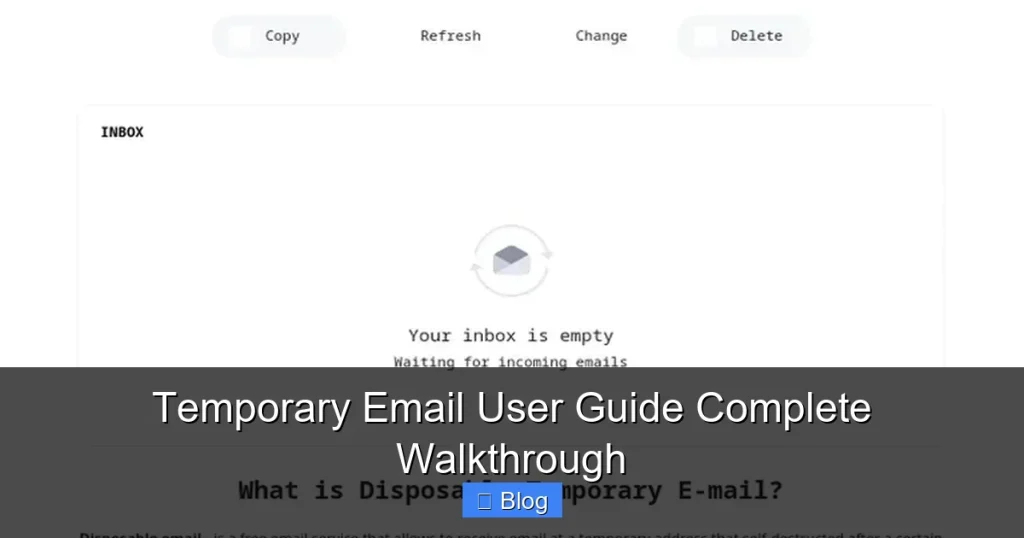

Discover how temporary email services work and why they’re essential for online privacy. This guide walks you through setup, usage, and security best practices in simple steps. Stop spam and protect your real inbox starting now.
Key Takeaways
- Instant Privacy Protection: Generate disposable emails in seconds to shield your primary address from spam and data breaches during sign-ups.
- Simple Setup Process: Most services require zero registration—just visit a website, and your temporary inbox is ready immediately.
- Critical Security Limits: Never use temporary emails for banking, sensitive accounts, or password resets—they lack long-term security.
- Smart Usage Habits: Check expiration times, avoid clicking suspicious links, and never share these addresses publicly to maximize safety.
- Beyond Basic Sign-Ups: Use them for testing apps, downloading free resources, or accessing geo-restricted content without commitment.
- Tool Selection Matters: Choose reputable providers with encryption, no-logs policies, and user-friendly interfaces for the best experience.
📑 Table of Contents
- Why You Absolutely Need a Temporary Email User Guide (Right Now!)
- What Exactly Is a Temporary Email (And When Should You Use It?)
- Step-by-Step: How to Use a Temporary Email Service (Zero Tech Skills Needed)
- Top Temporary Email Services Compared: Which One’s Right for You?
- Critical Security Rules: What NOT to Do with Temporary Emails
- Advanced Tips: Getting the Most Out of Your Temporary Email
- When Temporary Emails Fall Short: Know the Limits
- Conclusion: Your Inbox, Reclaimed
Why You Absolutely Need a Temporary Email User Guide (Right Now!)
Let’s be honest: your main email inbox is probably a disaster zone. It’s flooded with promotional spam, forgotten newsletter sign-ups, and sketchy “free trial” confirmations. You’ve probably handed out your real email address to dozens of websites just to download a PDF or access a basic feature. Sound familiar? That’s where temporary email services swoop in like digital superheroes. They give you a disposable, throwaway email address that self-destructs after a short time—usually minutes to days. No registration, no personal info, just instant privacy.
Think of it like a disposable coffee cup. You use it once, then toss it. No cleaning, no storage hassle. Temporary emails work the same way for your online life. They’re perfect for those “just this once” moments when you need an email address but don’t want to risk your primary one. Whether you’re signing up for a free webinar, testing a new app, or grabbing a limited-time discount, a temporary email keeps your real inbox clean and safe. In this guide, we’ll walk you through everything—from picking the right service to avoiding common pitfalls. No tech jargon, just simple, actionable steps.
What Exactly Is a Temporary Email (And When Should You Use It?)
A temporary email is a short-lived, auto-generated email address provided by a third-party service. Unlike your Gmail or Outlook account, it isn’t tied to your identity. Messages sent to this address appear in a temporary inbox on the provider’s website or app. Once the address expires (or you delete it), it’s gone forever—no traces left behind. It’s like renting a mailbox for an hour: you get the service you need, then walk away clean.
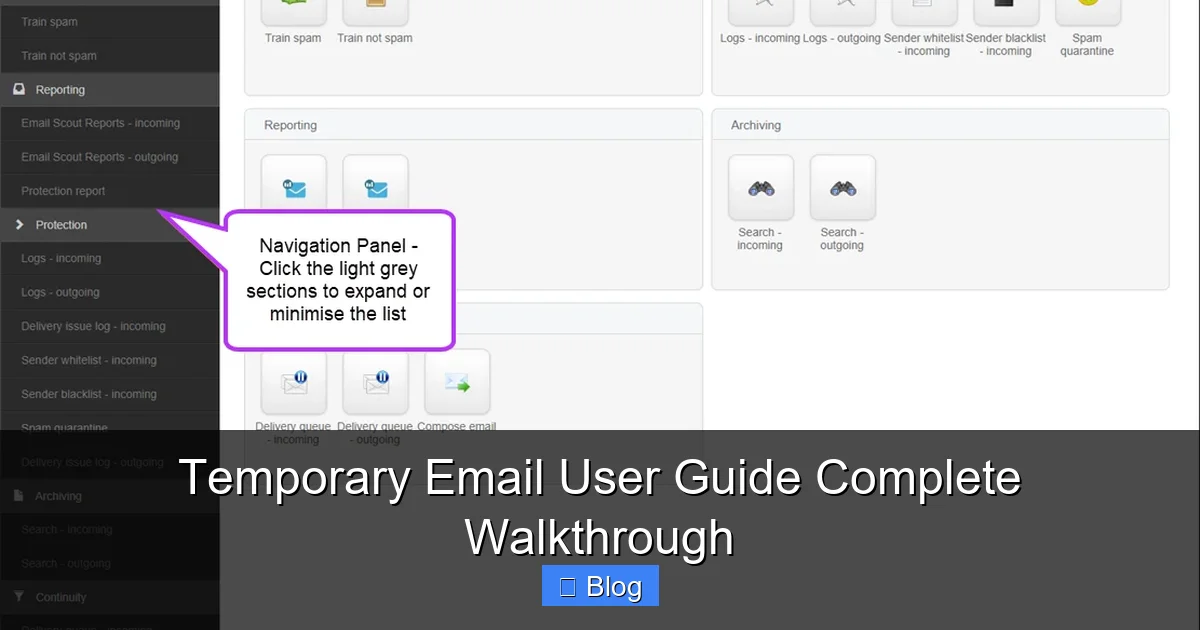
Visual guide about Temporary Email User Guide Complete Walkthrough
Image source: documentation.n-able.com
Real-Life Scenarios Where Temporary Emails Shine
You’d be surprised how often these come in handy. Here’s where they’re total game-changers:
- Free Trials & Downloads: That “free ebook” or “exclusive template” requiring an email? Use a temp address. Once you’ve got your file, the address vanishes—no more spam.
- App Testing: Developers (or curious users) can test sign-up flows without cluttering real inboxes. See if an app sends too many confirmation emails? The temp inbox shows you instantly.
- One-Time Logins: Need to access a forum or comment on an article just once? A temp email lets you participate without commitment.
- Geo-Restricted Content: Some services require an email to bypass regional blocks. A temp address gets you in, then disappears.
- Avoiding Newsletter Avalanches: Signed up for a “weekly tip” that turned into daily spam? Temp emails prevent this before it starts.
Pro Tip: If a website demands your email for something trivial (like viewing a public report), that’s a red flag. A temp email is your shield against shady data practices.
Step-by-Step: How to Use a Temporary Email Service (Zero Tech Skills Needed)
Using a temporary email is shockingly simple. Most services work in your browser—no apps, no downloads. Let’s break it down with a popular example: Mail.tm. (We’ll cover alternatives later!)
Visual guide about Temporary Email User Guide Complete Walkthrough
Image source: opengraph.githubassets.com
Your First Temporary Email in 60 Seconds
- Visit the Website: Open your browser and go to mail.tm. That’s it—no sign-up!
- Grab Your Address: The site instantly generates a random email (e.g.,
bluecat789@mail.tm). It’s already active! - Copy & Paste: Click the copy icon next to the address. Paste it into any website’s email field during sign-up.
- Check Your Temp Inbox: Return to mail.tm. Any emails sent to your address appear here in real-time. Refresh if needed!
- Done? Delete It: Click the trash icon next to your address. Poof—it’s gone forever.
Example in Action: Imagine downloading a free Canva template. The site asks for your email. Paste your bluecat789@mail.tm address. The download link arrives in your temp inbox within seconds. Grab it, then delete the address. Your real inbox stays pristine.
Customizing Your Address (Optional but Handy)
Some services let you tweak your temp email. On Mail.tm:
- Click “Custom” next to the generated address.
- Type your preferred prefix (e.g., “myfreetrial”).
- If available, your new address becomes
myfreetrial@mail.tm.
Why customize? It helps you remember which address you used for what. “myfreetrial” is easier to recall than “xq7z9@mail.tm” when checking multiple services!
Top Temporary Email Services Compared: Which One’s Right for You?
Not all temp email providers are created equal. Some offer extra features, longer lifespans, or better privacy. Here’s a quick comparison of the best options:
Visual guide about Temporary Email User Guide Complete Walkthrough
Image source: urbansplatter.com
Mail.tm: The All-Rounder
- Lifespan: 30 days (longest on this list!)
- Perks: Custom addresses, IMAP/SMTP support (for advanced users), no ads
- Best For: Most users—simple, reliable, and generous expiration time
10MinuteMail: The Speed Demon
- Lifespan: 10 minutes (hence the name)
- Perks: Super fast, mobile-friendly, auto-refreshes inbox
- Best For: One-off verifications where speed is critical (e.g., SMS confirmations)
Temp-Mail.org: The Feature Powerhouse
- Lifespan: Up to 24 hours
- Perks: Multiple domains (e.g., @tempmail.net), spam filter, email forwarding
- Best For: Users needing flexibility or testing email workflows
Guerrilla Mail: The Privacy Purist
- Lifespan: 60 minutes (extendable)
- Perks: Strong encryption, no personal data collected, open-source
- Best For: Security-conscious users who prioritize anonymity
Which Should You Pick? For 90% of tasks, Mail.tm is the sweet spot. Need something ultra-fast? Try 10MinuteMail. If privacy is your #1 concern, Guerrilla Mail is worth the slightly shorter lifespan.
Critical Security Rules: What NOT to Do with Temporary Emails
Temporary emails are fantastic tools, but they’re not magic. Misusing them can backfire badly. Here’s what to avoid:
Never Use Them for Sensitive Accounts
This is non-negotiable. Do NOT use a temp email for:
- Banking or financial services
- Password resets for important accounts (email, social media)
- Government portals or legal documents
- Work-related logins
Why? If the temp address expires, you lose access forever. Imagine needing to reset your bank password but the recovery email is gone—it’s a nightmare. Your primary email is your digital lifeline. Keep it sacred.
Beware of Phishing Traps
Temp inboxes can attract scammers. You might see emails like:
- “Urgent: Verify your account now!” with suspicious links
- “You’ve won a prize!” demanding personal info
- Fake “delivery failure” notices
Golden Rule: Never click links or download attachments from unknown senders in your temp inbox. If it looks fishy, it probably is. Delete and move on.
Understand the Privacy Trade-Offs
While temp emails hide your real address, the service provider can still see your activity. Reputable ones (like Mail.tm) have strict no-logs policies, but free services might sell data. Always check their privacy policy. If it’s vague or nonexistent, skip it.
Advanced Tips: Getting the Most Out of Your Temporary Email
Ready to level up? These pro tricks make temp emails even more powerful:
Use Multiple Addresses for Organization
Instead of one address for everything, create separate ones for different purposes:
shopping@mail.tmfor e-commerce trialsnews@mail.tmfor newsletterstest@mail.tmfor app testing
This way, if one address gets flooded with spam, your others stay clean. Most services let you generate new addresses instantly—just refresh the page!
Leverage IMAP for Power Users
Services like Mail.tm offer IMAP access. This lets you connect your temp inbox to email clients like Outlook or Thunderbird. Why bother?
- Check temp emails alongside your main inbox
- Set up filters to auto-sort incoming messages
- Keep a backup of important temp emails (e.g., download links)
How to set it up: In Mail.tm, go to Settings > IMAP. Use the provided server details in your email client. Note: This requires slightly more tech know-how but is worth it for heavy users.
Combine with Browser Extensions
Tools like Temp Mail Generator (Chrome/Firefox) add a one-click button to your browser. Click it, and a temp address auto-fills email fields on any site. No more copying/pasting! Perfect for streamlining sign-ups.
When Temporary Emails Fall Short: Know the Limits
Temporary emails are awesome, but they’re not a cure-all. Here’s where they stumble:
They Can’t Replace Real Email for Trust
Some websites block known temp email domains. If you see “Email domain not allowed,” the service has flagged it as disposable. In these cases:
- Try a different provider (e.g., switch from Mail.tm to Guerrilla Mail)
- Use a “burner” email from services like SimpleLogin (which forwards to your real inbox)
- Accept that some sites just require a real address
High-security platforms (like banks) often reject temp emails outright—and for good reason. Respect their rules.
No Long-Term Access = No Recovery
Forgot to save a download link before deleting your temp address? Too bad. It’s gone. Always:
- Download files immediately
- Forward critical links to your real email (if the service allows it)
- Note expiration times—set a phone reminder if needed
Pro Tip: For important one-time links (like a software license), paste them into a password manager or notes app before the temp email expires.
Limited Customer Support
Since temp email services are usually free, don’t expect 24/7 help. If something breaks (e.g., emails not arriving), your options are:
- Try a different provider
- Clear browser cookies/cache
- Wait and retry later
It’s part of the trade-off for free, anonymous service.
Conclusion: Your Inbox, Reclaimed
Temporary email services are the unsung heroes of digital hygiene. They put you back in control—no more spam avalanches, no more anxiety about handing out your real address. With just a few clicks, you get a disposable shield against the messy side of online life. Remember: use them wisely for low-stakes sign-ups, avoid sensitive accounts, and always respect their limitations.
You don’t need to be a tech expert to benefit. Grab Mail.tm or 10MinuteMail, try it on your next “free download” request, and feel that sweet relief when your primary inbox stays clean. It’s a small habit with massive payoffs for your privacy and peace of mind. So go ahead—give your real email a break. Your future self (and your spam folder) will thank you.
Frequently Asked Questions
Are temporary email services legal?
Yes, using temporary emails is completely legal. They’re designed for privacy protection and legitimate use cases like avoiding spam. However, using them for illegal activities (like fraud) is against the law—just like with any tool.
Can temporary emails receive attachments?
Most services can receive attachments, but size limits apply (usually 10-25MB). Download them immediately—they may disappear when the address expires. Avoid opening suspicious attachments to stay safe.
Do temporary emails work with all websites?
Most do, but some sites block known disposable email domains. If you get an error like “Invalid email,” try a different provider (e.g., switch from Mail.tm to Guerrilla Mail) or use a forwarding service like SimpleLogin.
How long do temporary emails last?
Lifespans vary: 10 minutes (10MinuteMail), 1 hour (Guerrilla Mail), 24 hours (Temp-Mail.org), or up to 30 days (Mail.tm). Always check the provider’s site for exact details before using an address.
Can I send emails from a temporary address?
Most services only let you receive emails—not send them. A few (like Mail.tm) offer limited sending via SMTP, but it’s unreliable for important messages. Temp emails are primarily for receiving sign-up confirmations.
Are temporary emails safe from hackers?
They’re safer than using your real email for risky sign-ups, but no service is 100% hack-proof. Choose providers with encryption and no-logs policies. Never use them for sensitive data—treat them like a public mailbox.