
Temporary email privacy protection lets you use disposable email addresses for online sign-ups, keeping your real inbox spam-free and private. It’s a free, instant shield against data harvesting and phishing risks. Learn how to use it safely in minutes!
Key Takeaways
- What it is: Free services generate short-lived email addresses that forward messages to your real inbox, then self-destruct.
- Why use it: Stops spam, hides your primary email from trackers, and prevents data breaches from compromising your main account.
- How it works: Sign up for a temp email service, copy the generated address, and paste it anywhere you’d normally use your real email.
- Best for: One-time sign-ups (free trials, downloads), suspicious websites, and avoiding newsletter clutter.
- Limitations: Not for important accounts (banking, work), long-term communication, or services requiring email verification.
- Safety first: Choose reputable services, avoid sharing sensitive info, and never use temp emails for 2FA.
- Easy setup: Most services work instantly in your browser—no app download needed.
📑 Table of Contents
- Your Inbox Is Under Attack—Here’s the Simple Fix
- What Exactly Is Temporary Email Privacy Protection?
- Why Your Email Privacy Matters More Than Ever
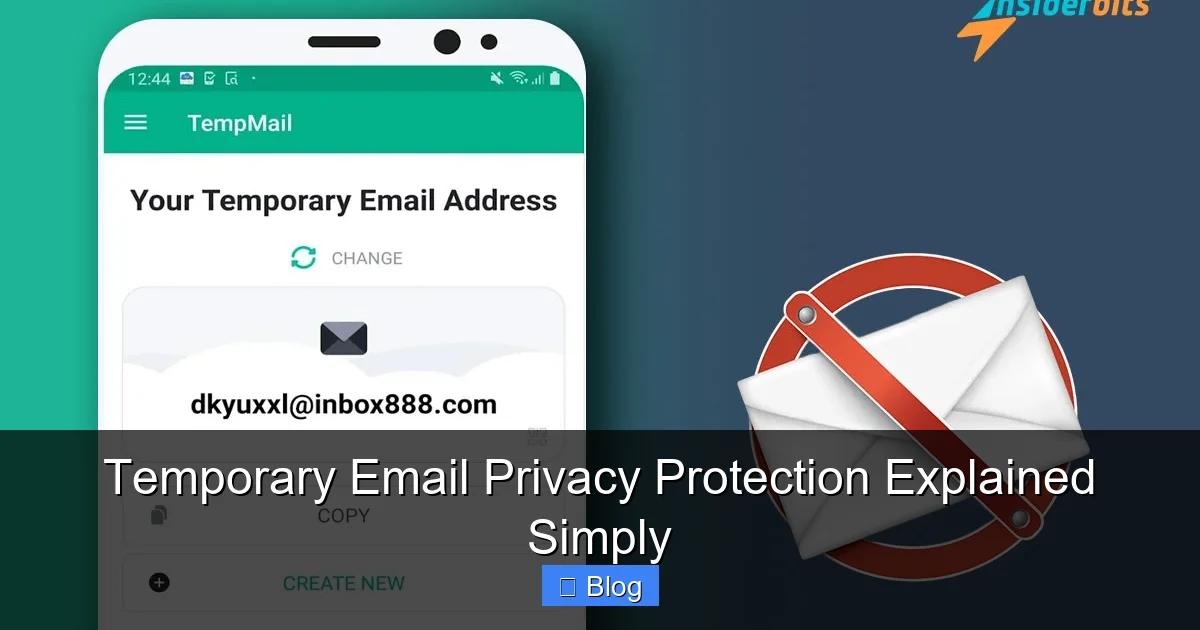
- How Temporary Email Services Work (It’s Easier Than You Think)
- When to Use Temporary Email (and When to Avoid It)
- The Hidden Risks: What Temp Email Services Won’t Tell You
- How to Use Temporary Email Safely: 5 Pro Tips
- Conclusion: Your Inbox, Your Rules
Your Inbox Is Under Attack—Here’s the Simple Fix
Imagine this: You sign up for a free recipe PDF on a new website. You type in your real email—the one you use for family, work, and your bank. Within hours, your inbox floods with spam. Sales pitches. “Urgent” security alerts. Weird newsletters you never wanted. Sound familiar? This isn’t just annoying. It’s a privacy disaster waiting to happen.
Every time you hand out your primary email, you’re handing over a key to your digital life. Companies sell your address. Hackers scrape it from breaches. Trackers follow you across the web. And once your email is out there? It’s nearly impossible to take back. But what if you could give websites a disposable alias instead? A fake email that vanishes after you’re done? That’s temporary email privacy protection—and it’s the easiest, fastest way to take back control of your inbox.
What Exactly Is Temporary Email Privacy Protection?
Let’s cut through the jargon. Temporary email privacy protection is like using a burner phone for spam calls—but for your email. Instead of giving out your real address (like yourname@gmail.com), you generate a random, throwaway email (like bluecat73@tempmail.io). This fake address forwards any messages to your actual inbox. When you’re done? Poof—it disappears.
Visual guide about Temporary Email Privacy Protection Explained Simply
Image source: cms.enginemailer.com
How It Differs from Regular Email
Your regular email is your permanent digital ID. It’s tied to your identity, contacts, and sensitive accounts. A temporary email is a decoy—a privacy shield. Think of it as wearing a disguise when you walk into a store you don’t trust. You get what you need (a coupon, a download), but no one sees your real face.
Unlike forwarding services (which permanently redirect mail), temporary emails are designed to self-destruct. Most last anywhere from 10 minutes to 48 hours. Some let you extend them, but the goal is always short-term use. No storage. No history. Just pure, disposable privacy.
Why Your Email Privacy Matters More Than Ever
We treat email like a public utility—something we hand out freely. But your email address is a goldmine for data brokers. Here’s what happens when you use your real address everywhere:

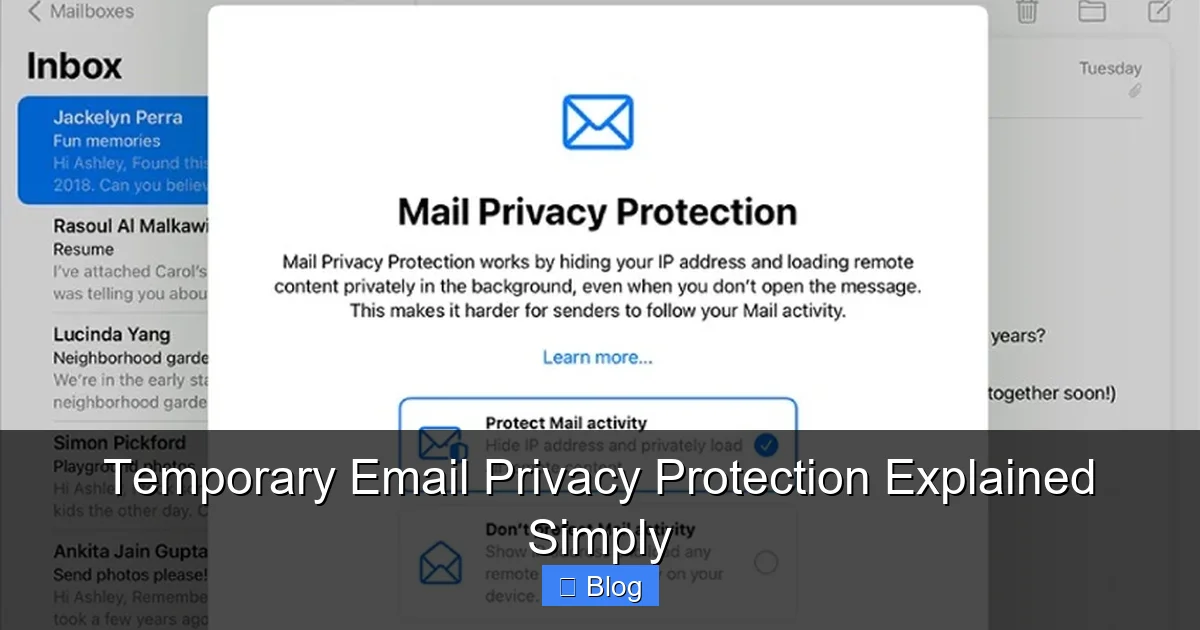
Visual guide about Temporary Email Privacy Protection Explained Simply
Image source: emclient.com
- Spam avalanches: One sign-up can trigger years of unwanted emails. Unsubscribing rarely works.
- Tracking trails: Marketers embed invisible pixels in emails to monitor your activity across sites.
- Breach domino effect: If a shady site gets hacked, your email (and password) ends up on the dark web. Hackers then try that combo on your bank, social media, and more.
- Identity theft fuel: Your email is often the first step to resetting passwords for critical accounts.
The Real Cost of “Free” Sign-Ups
That “free” ebook or discount code? It’s not free. You’re paying with your privacy. Sites like coupon portals, survey platforms, and shady apps exist to harvest emails. They sell lists to spammers or use them for phishing scams. A temporary email turns this transaction into a one-way street: you get the freebie. They get nothing useful.
Consider this: In 2023, over 60% of data breaches started with a compromised email. Temporary emails act as a firewall—stopping your real address from ever entering the breach ecosystem.
How Temporary Email Services Work (It’s Easier Than You Think)
No tech skills needed. Here’s the magic in three steps:
Visual guide about Temporary Email Privacy Protection Explained Simply
Image source: insiderbits.com
Step 1: Pick a Service
Go to a reputable temporary email site like TempMail, 10MinuteMail, or Guerrilla Mail. Most work right in your browser—no sign-up required. Some offer browser extensions for one-click access.
Step 2: Generate Your Alias
Click “Generate” or “Create Email.” The service instantly gives you a random address (e.g., jollypanda@mailtemp.org). This address is active and ready to receive mail.
Step 3: Use and Forget
Copy that address and paste it into any website’s sign-up form. When someone sends an email to that alias, it pops up in the temporary email service’s inbox. You can read, reply (if needed), or delete it. When the timer runs out? The address vanishes forever.
Pro tip: Need to keep an address longer? Many services let you “renew” it for a few extra hours. Just don’t treat it like a permanent solution!
When to Use Temporary Email (and When to Avoid It)
Temporary emails are perfect for low-stakes interactions. But they’re not a one-size-fits-all fix. Here’s your cheat sheet:
✅ DO Use It For:
- One-time downloads: That free Photoshop brush pack? Use a temp email. No need for ongoing communication.
- Suspicious websites: If a site looks sketchy (e.g., “claim your prize!” pop-ups), a temp email protects you.
- Free trials: Sign up for a streaming service trial without committing your real email to future spam.
- Newsletter sampling: Want to check out a niche newsletter? Use a temp email. If you like it, switch to your real address later.
- Public Wi-Fi sign-ins: Coffee shop logins often require an email. Keep your real one private.
❌ DON’T Use It For:
- Important accounts: Banking, work email, social media recovery—anything tied to your identity or money.
- Two-factor authentication (2FA): If a service sends 2FA codes to email, a temp address could lock you out.
- Long-term communication: Job applications, client projects, or anything needing ongoing replies.
- Services requiring verification: Some sites (like PayPal) won’t accept disposable emails during sign-up.
Real-life example: You find a cool indie game on itch.io. Instead of using your Gmail, grab a temp email. Download the game. Play it. Done. Your real inbox stays clean, and if the developer’s site gets hacked? Your primary email is safe.
The Hidden Risks: What Temp Email Services Won’t Tell You
Temporary emails aren’t magic. They have limits. Ignoring these could backfire:
1. They’re Not 100% Anonymous
Most services log your IP address. While they won’t sell it, law enforcement could request it. If you’re doing anything illegal (spamming, fraud), a temp email won’t save you.
2. Security Varies Wildly
Free services often run on shoestring budgets. Some have weak encryption. Avoid entering passwords or financial details—even in forwarded emails. If a temp email service gets hacked, your forwarded messages could leak.
3. Limited Functionality
Can’t send attachments? Some services block them. Need to reply? Many only let you receive mail. And if a website requires email verification (clicking a link), you must check the temp inbox quickly—before it expires.
4. The “Burner” Myth
Temp emails aren’t true burners. Your real email is still visible to the temp service. Choose providers with clear privacy policies (e.g., “we delete logs after 1 hour”).
Safety tip: Never use temp emails for sensitive actions. If a service feels important, use your real email—but with a unique password and 2FA.
How to Use Temporary Email Safely: 5 Pro Tips
Maximize privacy without headaches:
1. Pick Reputable Services
Stick to well-known providers like TempMail or 10MinuteMail. Avoid obscure sites—they might inject ads or malware into forwarded emails. Check reviews on Reddit or Trustpilot.
2. Never Share Sensitive Info
Even in a temp email inbox, don’t enter credit card numbers, SSNs, or passwords. If a “verification” email asks for this, it’s a scam.
3. Use Browser Extensions
Tools like “Temp Mail for Chrome” auto-generate addresses on sign-up pages. Saves time and reduces copy-paste errors.
4. Set Expiration Alerts
Some services let you extend addresses. If you need longer access (e.g., waiting for a trial confirmation), renew it before it vanishes.
5. Combine with Other Tools
Pair temp emails with a password manager (for unique passwords) and a tracker blocker (like uBlock Origin). Layered privacy = bulletproof.
Example workflow: Signing up for a free Canva trial? Generate a temp email → paste it → check the temp inbox for the confirmation link → click it → enjoy your trial. When it ends? The temp email dies with it.
Conclusion: Your Inbox, Your Rules
Temporary email privacy protection isn’t about living in fear. It’s about smart digital hygiene. In a world where your email address is a target, disposable aliases are like seatbelts—simple, effective, and non-negotiable for safe browsing.
You wouldn’t hand your house keys to a stranger. Why give your email to every random website? With temp emails, you get the best of both worlds: access to free content and services, without sacrificing your peace of mind. No more spam avalanches. No more data breaches threatening your main account. Just clean, controlled communication.
Start small. Next time you download a free template or sign up for a webinar, grab a temp email. Feel that relief when your real inbox stays quiet? That’s privacy working for you. It takes seconds. It’s free. And it puts you back in charge of your digital life—one disposable address at a time.
Frequently Asked Questions
Is using a temporary email illegal?
No, using temporary email services is completely legal. Millions use them daily for privacy. However, using them for illegal activities (like fraud) is still against the law—temp emails don’t grant immunity.
Can temporary emails receive attachments?
Most services can receive attachments, but some block large files or executable formats (.exe, .zip) for security. Always scan attachments in your temp inbox with antivirus software before opening.
Will I get spam in my real inbox if I use a temp email?
No! Since the temp address is random and short-lived, spammers can’t target your real email. Any spam goes straight to the disposable inbox—which you never check again after it expires.
How long do temporary emails last?
It varies: Some last 10 minutes (10MinuteMail), others up to 48 hours (TempMail). Premium services may offer longer durations. Always check the service’s settings—you can often extend the time if needed.
Can I use temporary email on my phone?
Yes! Most services have mobile-friendly websites. For quicker access, download apps like “Temp Mail” (iOS/Android) or use browser extensions on mobile Chrome/Firefox.
Do businesses accept temporary emails?
Many free services (like Netflix trials) block known temp email domains. For legitimate businesses, use your real email. Save temp addresses for low-risk sites where acceptance isn’t critical.