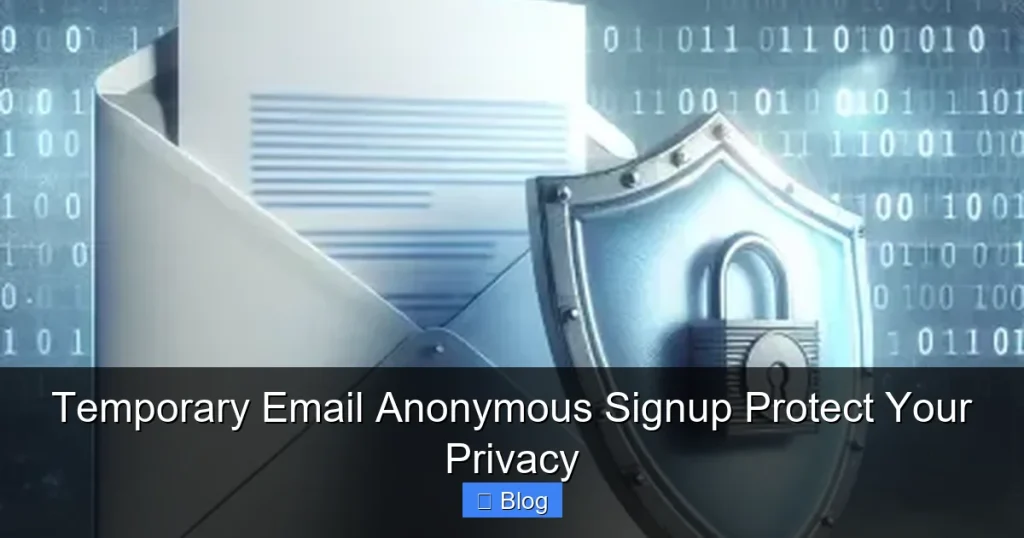

Temporary email anonymous signup creates disposable inboxes in seconds, acting as a digital shield for your real identity. It prevents spam, stops data harvesting, and keeps your primary email clean during risky signups. Use it wisely to take control of your online privacy without complex tools.
Key Takeaways
- Privacy Protection: Masks your real email during signups, preventing companies from linking your identity to services or selling your data.
- Spam Defense: Stops unwanted newsletters, promotions, and phishing attempts from cluttering your main inbox.
- Enhanced Security: Reduces risks of targeted attacks since disposable emails can’t be used to reset passwords for your real accounts.
- Effortless Setup: Most services generate a temporary email instantly—no registration, downloads, or technical skills needed.
- Critical Limitations: Avoid for important accounts (banking, social media); temporary emails expire quickly and lack recovery options.
- Best Practices: Use for low-risk signups only, never share sensitive info, and always verify sender legitimacy.
📑 Table of Contents
- What Is Temporary Email Anonymous Signup?
- Why You Need Temporary Email Anonymous Signup
- How to Use Temporary Email Anonymous Signup Safely
- The Hidden Risks of Temporary Email Anonymous Signup
- Top Alternatives to Temporary Email Anonymous Signup
- Best Practices for Maximum Privacy
- Conclusion: Take Back Control of Your Digital Life
What Is Temporary Email Anonymous Signup?
Ever felt uneasy handing over your real email address to download a free ebook or join a sketchy forum? That’s where temporary email anonymous signup comes in. It’s like a disposable phone number for your inbox—a fleeting, auto-generated email address you use once and discard. Think of it as a digital mask: you interact online without revealing your true identity.
These services create burner inboxes that last minutes, hours, or days. You don’t need to register, verify, or even think about them. Click “Generate,” copy the address, and paste it anywhere requiring an email. When the inbox expires, it vanishes—along with any spam or tracking attempts. It’s privacy made simple, fast, and free. No apps, no passwords, no fuss. Just pure, anonymous signup power.
How Does It Actually Work?
Behind the scenes, temporary email services operate like virtual mailrooms. When you request a new address, the platform:
- Creates a unique, random email (e.g., bluecat789@tempmail.io) linked to their server.
- Routes all incoming mail to a temporary inbox you access via their website or app.
- Automatically deletes the address and its contents after a set time (usually 10 minutes to 48 hours).
Crucially, you never touch the backend. There’s no SMTP setup or technical know-how required. It’s all handled invisibly. This seamless process is why temporary email anonymous signup has exploded in popularity—it turns complex privacy into a one-click solution.
Why You Need Temporary Email Anonymous Signup
Your email is your digital passport. Every time you share it, you risk:

Visual guide about Temporary Email Anonymous Signup Protect Your Privacy
Image source: androidguias.com
- Data harvesting: Companies track your behavior across sites, building detailed profiles to sell to advertisers.
- Spam avalanches: One signup can trigger endless promotional emails, burying important messages.
- Security breaches: If a site gets hacked, your email becomes a target for phishing or credential stuffing attacks.
Temporary email anonymous signup solves these headaches instantly. Imagine signing up for a free trial without fearing your inbox will drown in “exclusive offers.” Or accessing a forum without worrying about your real name being exposed. It’s not about hiding illegal activity—it’s about claiming your right to privacy in a world that treats personal data as currency.
Real-Life Scenarios Where It Shines
Let’s get practical. Here’s where a disposable email saves the day:
- Free resource downloads: Grab that PDF guide or software trial without committing to newsletters.
- One-time forum access: Participate in discussions on niche sites without creating a permanent account.
- Testing services: Developers use temp emails to verify signup flows without cluttering their work inbox.
- Avoiding location tracking: Some sites geo-target content based on your email domain—temp emails bypass this.
For example, Jane needed a weather app for her vacation but didn’t want location-based ads forever. She used a temporary email anonymous signup. The app worked perfectly, and her real inbox stayed clean. Simple, right?
How to Use Temporary Email Anonymous Signup Safely
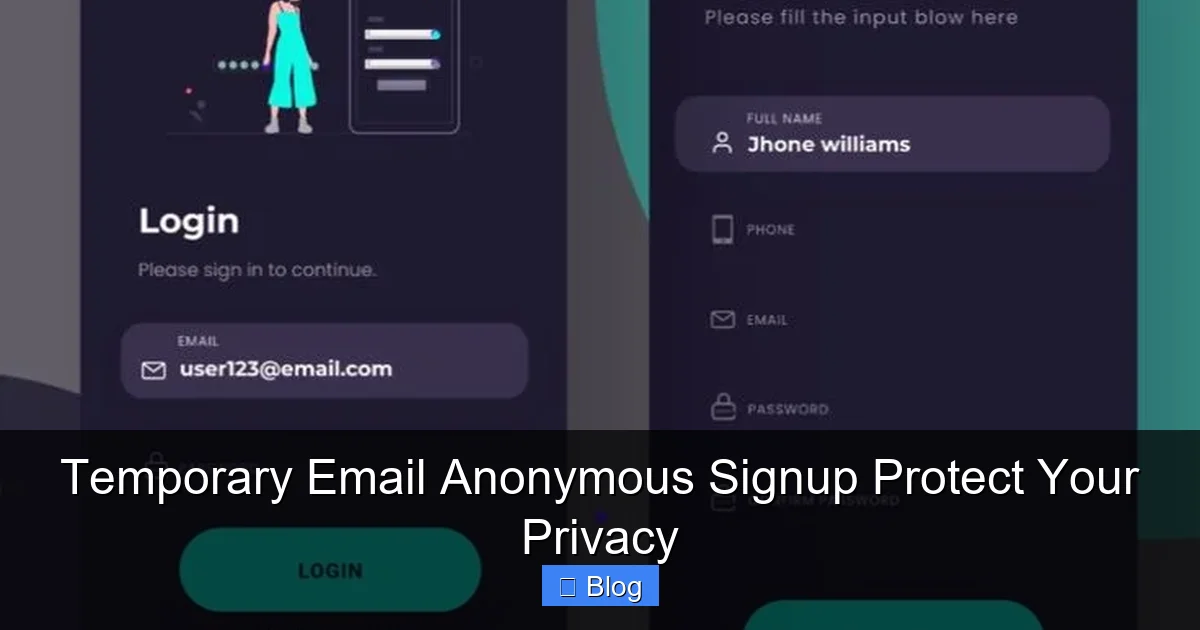
Using temp emails is easy, but doing it safely requires smart habits. Follow this step-by-step guide:
Visual guide about Temporary Email Anonymous Signup Protect Your Privacy
Image source: i.pinimg.com
Step 1: Choose a Reputable Service
Not all temp email providers are equal. Avoid shady sites with pop-up ads or requests for personal info. Stick to trusted names like:
- TempMail.org: Clean interface, 1-hour inbox life, no registration.
- 10MinuteMail.com: Exactly what it says—10-minute disposable addresses.
- Guerrilla Mail: Customizable addresses, 60-minute expiry, spam filtering.
Bookmark your favorite—it’ll save time during urgent signups. Never pay for basic temp email services; quality free options abound.
Step 2: Generate and Copy Your Address
Visit your chosen site. Click “Generate” or “Create Email.” A random address like jollypanda42@tempmail.io appears instantly. Copy it with one click—no typing errors!
Pro tip: Some services let you create custom addresses (e.g., myproject@tempmail.io). Use this for better organization if you manage multiple temp inboxes.
Step 3: Paste and Sign Up
Head to the website requiring your email. Paste the temp address into the signup field. Complete the process as usual—no extra steps. Verification emails? They’ll land in your temp inbox within seconds.
Watch out: If a site blocks disposable emails (common with banks or social media), try a different provider. Some services like SimpleLogin offer “alias” emails that forward to your real inbox—great for semi-permanent use.
Step 4: Access Your Temp Inbox
Return to your temp email service’s website. Refresh the page—any new messages will appear instantly. Open verification links, download attachments, or confirm signups. Done? The inbox auto-deletes later, or you can trash it early.
Critical rule: Never use temp emails for password resets, financial transactions, or accounts tied to your identity. If you lose access, there’s no recovery!
The Hidden Risks of Temporary Email Anonymous Signup
Temp emails aren’t magic shields. Misuse can backfire. Here’s what to watch for:

Visual guide about Temporary Email Anonymous Signup Protect Your Privacy
Image source: images.template.net
Scams and Phishing Traps
Disposable inboxes attract spammers. You might see “urgent” messages like:
- “Your account is locked! Click here to verify.”
- “Claim your $500 prize now!”
These are phishing attempts. Never click links or download attachments from unknown senders—even in temp inboxes. Legit companies won’t ask for sensitive data via email.
Service Limitations
Temp emails have strict boundaries:
- Short lifespans: Most expire in under 24 hours. Need longer access? Use forwarding services like AnonAddy.
- No sending capability: You can’t reply or send emails from temp addresses—only receive.
- Blocked by some sites: Major platforms (Gmail, Facebook) often reject disposable emails. Have a backup plan.
Remember: Temp emails are for receiving only. They’re not replacements for your primary inbox.
Legal and Ethical Gray Areas
While using temp emails for privacy is legal, some activities cross lines:
- Fraud: Signing up for services with fake identities to exploit free trials.
- Abuse: Harassing others using disposable addresses.
Stay ethical. Use temp emails to protect yourself, not to harm others or cheat systems.
Top Alternatives to Temporary Email Anonymous Signup
Temp emails are great for quick anonymity, but other tools offer more control:
Email Aliases
Services like SimpleLogin or Firefox Relay create unique aliases (e.g., shopping@simplelogin.com) that forward to your real inbox. Benefits:
- Addresses never expire—you control them forever.
- Block senders with one click if spam starts.
- Works with any email provider (Gmail, Outlook, etc.).
Ideal for recurring signups (e.g., newsletters you might want later).
Dedicated Privacy-Focused Email Providers
For heavy privacy needs, consider:
- Proton Mail: End-to-end encrypted, based in Switzerland (strong privacy laws).
- Tutanota: Free tier, encrypts subject lines and attachments.
These aren’t disposable—but they’re far more secure than Gmail for sensitive communications.
Browser Extensions
Tools like Burner Mail (Chrome) auto-generate temp emails during signups. One-click integration makes it effortless. Perfect if you hate switching between tabs.
Best Practices for Maximum Privacy
Temp emails are powerful, but only if used wisely. Follow these expert tips:
Do’s and Don’ts
- DO: Use for low-risk signups (e.g., downloading a whitepaper).
- DO: Check sender addresses carefully—legit companies won’t use @gmail.com for official comms.
- DON’T: Enter credit card details or personal info via temp email links.
- DON’T: Rely on temp emails for account recovery (e.g., “Forgot password?”).
Combine with Other Privacy Tools
Layer your defenses:
- Use a password manager (Bitwarden, 1Password) to create unique passwords for every site.
- Enable two-factor authentication (2FA) on critical accounts—never via SMS.
- Pair temp emails with a privacy-focused browser (Brave, Firefox with strict tracking protection).
This multi-pronged approach makes you nearly invisible to data harvesters.
When to Avoid Temp Emails Altogether
Steer clear for:
- Financial services: Banks require verified, permanent emails.
- Social media: Platforms like Instagram block disposable addresses.
- Work or school accounts: Institutions need traceable communication.
If a service demands real identity verification, respect it—temp emails won’t help.
Conclusion: Take Back Control of Your Digital Life
Temporary email anonymous signup isn’t just a trick—it’s a fundamental privacy tool for the modern internet. By masking your real email during risky signups, you stop spam at the source, prevent data profiling, and keep your inbox peaceful. It’s fast, free, and requires zero technical skill.
But remember: it’s a shield, not armor. Use it ethically for low-stakes interactions, pair it with strong passwords and 2FA, and never for critical accounts. In a world where your data is constantly mined, temporary email anonymous signup puts you back in charge. Ready to try? Generate your first disposable address today—your privacy will thank you.
Frequently Asked Questions
Is temporary email anonymous signup legal?
Yes, using disposable emails for privacy is completely legal. It’s a legitimate way to protect your data from spam and tracking. However, using it for fraud or illegal activities is prohibited.
Can I receive attachments with a temporary email?
Most services allow you to receive attachments, but they may expire with the inbox. Download files immediately—once the temp email vanishes, attachments are gone forever.
How long do temporary emails last?
Lifespans vary: some last 10 minutes (10MinuteMail), others up to 48 hours (TempMail). Check your provider’s settings—many let you extend time manually.
Will companies block my temp email?
Yes, major platforms like Gmail or Facebook often reject disposable addresses. For these, use email aliases (SimpleLogin) or dedicated privacy services instead.
Can I send emails from a temporary address?
No, temp emails are receive-only. You can’t reply or send messages. For two-way communication, use forwarding services like AnonAddy.
Is my data safe with temp email providers?
Reputable services (TempMail, Guerrilla Mail) don’t store your data long-term. Avoid sketchy sites with excessive ads—they might log your activity. Stick to trusted providers.