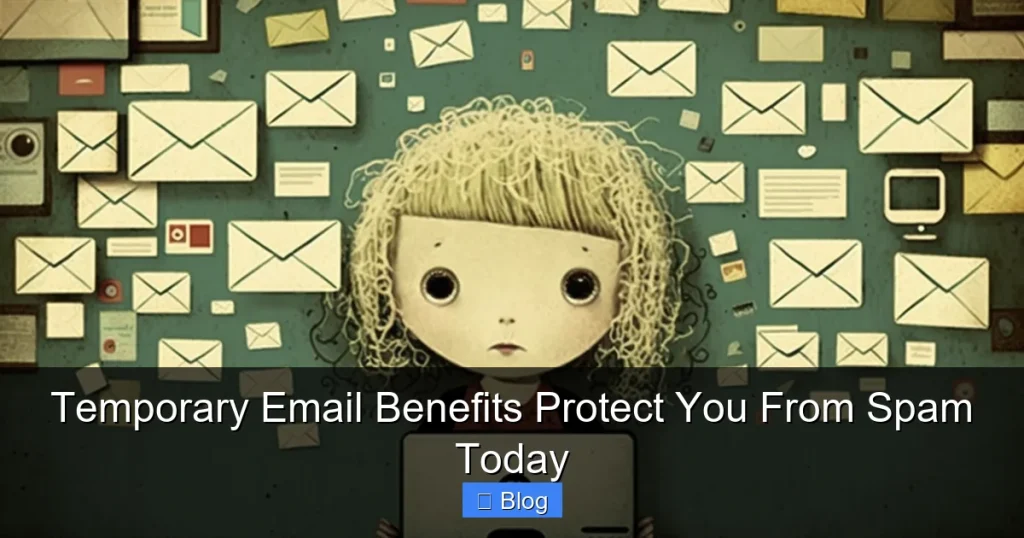

Temporary emails are your instant spam shield. Use them for sign-ups, downloads, and risky sites without risking your main inbox. Simple, free, and incredibly effective—your privacy protection starts today.
Key Takeaways
- Slash spam instantly: Temporary emails absorb unwanted mail, keeping your primary inbox clean and focused.
- Protect your real identity: Shield your personal email address from data breaches and phishing scams on sketchy sites.
- Avoid data breach fallout: If a temporary email gets hacked, your main account and contacts remain safe.
- Skip the unsubscribe hassle: No need to manage endless newsletters—disposable addresses expire automatically.
- Test services risk-free: Try new apps or websites without committing your real email to potential spam traps.
- Enhance online security: Reduce exposure to malicious links and scams by using burner emails for low-trust interactions.
- Free and effortless: Generate temporary emails in seconds with no sign-up required.
📑 Table of Contents
- Why Your Inbox Feels Like a Spam Dumpster (And How to Fix It)
- What Exactly Is a Temporary Email?
- Top 5 Temporary Email Benefits That Actually Work
- How to Use Temporary Emails Like a Pro
- What Temporary Emails Can’t Do (Important Limitations)
- Debunking Temporary Email Myths
- Your Spam-Free Future Starts Now
Why Your Inbox Feels Like a Spam Dumpster (And How to Fix It)
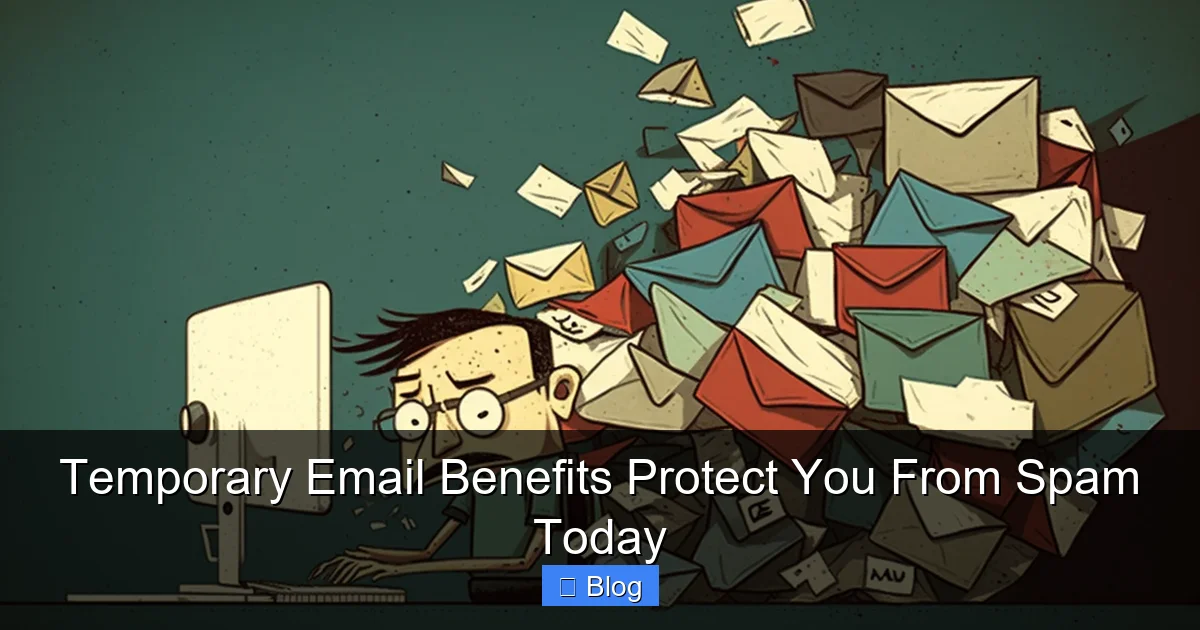
Let’s be real: your email inbox is probably a war zone. Between promotional blasts, fake shipping notices, and “urgent” lottery wins, it’s hard to find that important work email or grandma’s birthday invite. You’ve tried filters, you’ve unsubscribed until your fingers ache, but the spam just keeps coming. Sound familiar? You’re not alone. Over 100 billion spam emails flood inboxes daily. The worst part? Many of these messages start with a simple act: you signed up for a free ebook, downloaded a coupon, or created an account on a new app. You used your real email address. And now? You’re paying the price.
What if I told you there’s a secret weapon hiding in plain sight? Something free, instant, and incredibly effective at stopping spam before it starts? Enter temporary email addresses—your new spam-fighting sidekick. These disposable inboxes act like a shield for your real email, absorbing the junk so your primary account stays pristine. No more sifting through trash. No more accidental clicks on phishing links. Just peace of mind. In this guide, we’ll explore how temporary email benefits transform your online experience, making spam a thing of the past. Ready to reclaim your inbox? Let’s dive in.
What Exactly Is a Temporary Email?
Think of a temporary email like a disposable coffee cup. You use it once, then toss it—no cleanup, no lingering mess. A temporary email address works the same way. It’s a short-lived, auto-generated inbox created specifically for one-time or short-term use. Unlike your personal Gmail or Outlook account, these addresses vanish after a set time (usually 10 minutes to 24 hours) or when you close the tab. No registration. No password. Just a fresh, anonymous inbox ready to catch spam while your real email stays hidden.
Visual guide about Temporary Email Benefits Protect You From Spam Today
Image source: anonymmail.net
How Do They Work?
Here’s the magic: when you visit a temporary email service (like TempMail, 10MinuteMail, or Guerrilla Mail), it instantly creates a random address—something like purplepanda789@tempmail.com. You copy this address and paste it anywhere you’d normally use your real email. When someone sends a message to that address, it lands in your temporary inbox. You can read it, download attachments, or even reply—all without revealing your actual email. Once the timer runs out, the address self-destructs. Poof! Gone forever.
Why They’re Not “Throwaway” Emails
Don’t confuse temporary emails with burner phones. They’re not for illegal activity (though some try). Instead, they’re a privacy tool for everyday situations where you’d rather not share your real address. Signing up for a free trial? Downloading a PDF from a forum? Registering on a site with a shady privacy policy? A temporary email handles it all. It’s like wearing a disguise to a party—you get the fun without leaving a trace.
Top 5 Temporary Email Benefits That Actually Work
Let’s cut through the hype. Temporary emails aren’t just a trend—they solve real problems. Here are the concrete benefits that make them indispensable for anyone tired of spam:
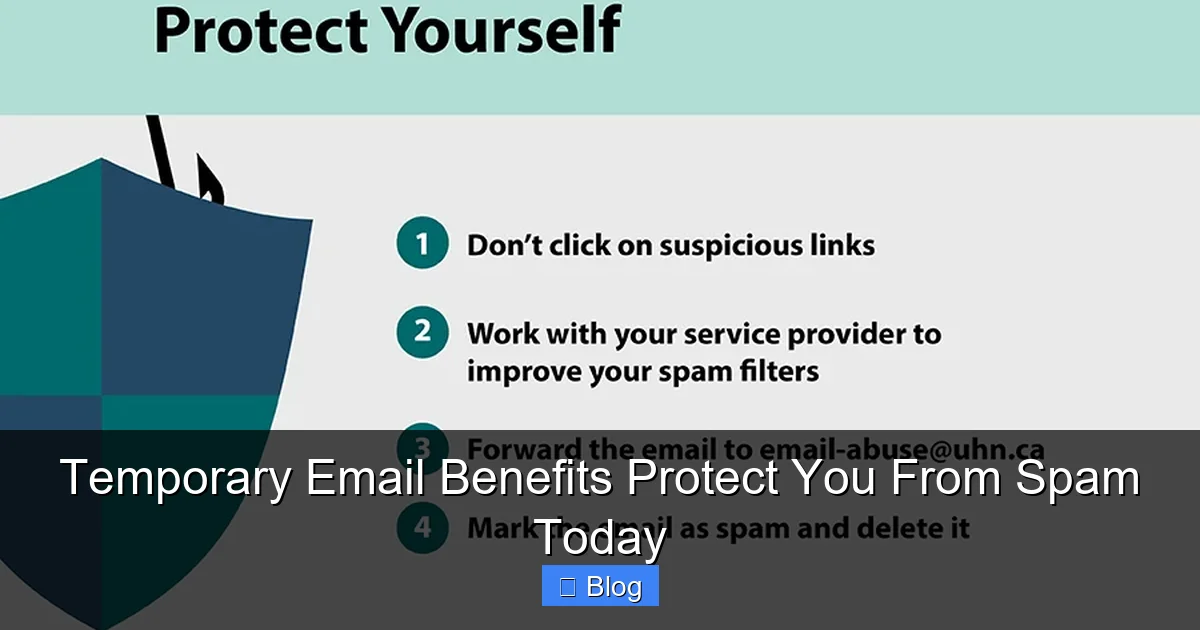
Visual guide about Temporary Email Benefits Protect You From Spam Today
Image source: uhnresearch.ca
1. Instant Spam Elimination
This is the big one. Every time you use your real email for a low-stakes interaction, you’re handing spammers a golden ticket. They sell your address, scrape it from databases, and bombard you with junk. Temporary emails break that cycle. By using a disposable address for sign-ups, downloads, or contests, you ensure spam goes straight to the trash—not your main inbox. For example: signed up for a free recipe ebook? Use a temp email. Now, when the site sells your address to 20 “kitchen gadget” companies, you’re unaffected. Your real inbox stays clean. Simple.
2. Bulletproof Privacy Protection
Your email address is a key to your digital life. It’s linked to social media, banking, shopping—everything. If a sketchy website gets hacked, your real email could end up on the dark web. Temporary emails act as a buffer. Even if a temp address is leaked, it’s useless to hackers because it’s already expired. No passwords reset. No account takeovers. Just a dead end. This is crucial for sites with poor security—like that free game download forum or a new app with “we value your privacy!” promises that feel sketchy.
3. Zero Unsubscribe Headaches
We’ve all been there: you sign up for one newsletter, and suddenly your inbox is flooded with 17 “related” offers. Unsubscribing feels like a part-time job. Temporary emails solve this elegantly. Since the address expires automatically, you never have to click “unsubscribe.” No more wrestling with confusing opt-out pages or accidentally confirming your email for more spam. It’s like having a self-cleaning inbox.
4. Safe Testing for New Services
Curious about a new app but wary of spam? Temporary emails let you test drive services risk-free. Sign up with a disposable address. If you love the app, switch to your real email later. If it’s spammy or unsafe? Walk away with zero consequences. This is perfect for: beta-testing software, checking out coupon sites, or verifying if a “free” service actually delivers. No commitment, no spam—just pure exploration.
5. Defense Against Phishing & Scams
Phishing emails often mimic legitimate companies (banks, Netflix, Amazon) to steal your data. If you use a temporary email for non-critical sign-ups, you reduce exposure to these scams. Why? Because spammers target active, real inboxes. A disposable address gets less attention from scammers—and even if it does, the damage is contained. Plus, many temp email services flag suspicious senders automatically. It’s an extra layer of security you didn’t know you needed.
How to Use Temporary Emails Like a Pro
Using temporary emails is easier than making coffee. No tech skills required. Here’s your step-by-step guide:
Visual guide about Temporary Email Benefits Protect You From Spam Today
Image source: htmlemailtemplates.net
Step 1: Pick a Reliable Service
Not all temp email sites are equal. Avoid shady ones with pop-up ads or malware. Stick to trusted names like:
- TempMail.org: Clean interface, 24-hour addresses, mobile-friendly.
- 10MinuteMail.com: Exactly what it says—10-minute addresses. Perfect for quick verifications.
- GuerrillaMail.com: Customizable addresses (e.g., yourname@guerrillamail.com) with 60-minute lifespans.
Bookmark one or two favorites so you’re always ready.
Step 2: Generate & Copy Your Address
Visit your chosen site. It’ll auto-create an address—no sign-up needed. Click “Copy” (or the clipboard icon) to save it to your clipboard. Pro tip: Some sites let you set a custom prefix (like “shopping” or “travel”) for better organization.
Step 3: Paste & Proceed
Go to the website or app where you’d normally enter your email. Paste the temporary address into the email field. Complete the sign-up or download as usual. That’s it!
Step 4: Check Your Temp Inbox
Need to verify an email or download a file? Return to your temp email site. Refresh the page—new messages appear instantly. Open, read, or download what you need. Remember: addresses expire, so act fast!
Real-Life Examples
- Downloading a free template: Found a cool Canva template? Use a temp email to grab it—no newsletter spam later.
- Signing up for a free trial: Testing a new streaming service? Temp email = no post-trial spam.
- Posting on forums: Many forums require email verification. Use a temp address to stay anonymous.
Pro tip: For sites requiring email replies (like customer support), use a longer-lasting temp service (24 hours). For one-time downloads, 10 minutes is plenty.
What Temporary Emails Can’t Do (Important Limitations)
Temporary emails are powerful, but they’re not magic. Know these limits to avoid frustration:
Not for Important Communications
Never use a temp email for:
- Bank accounts or financial services
- Primary social media (Facebook, Instagram)
- Work-related communications
- Anything requiring long-term access
Why? If the address expires, you lose access forever. Imagine forgetting your Netflix password and needing to reset it—but your temp email is gone. Disaster.
Limited Customization
Most services generate random addresses (e.g., bluecat42@tempmail.com). You can’t choose “hello@yourname.com” like a real domain. This is fine for spam blocking, but not for professional use.
Potential for Missed Legit Emails
Rarely, legitimate senders might block temp email domains. If a site detects you’re using a disposable address, it might reject your sign-up. This happens most with high-security services (like government portals). If this occurs, use your real email—but only when absolutely necessary.
No Permanent Storage
Temp inboxes delete everything when the address expires. Need to save an important attachment? Download it immediately to your device—don’t rely on the temp inbox.
Bottom line: Use temp emails for low-risk, short-term needs. Keep your real email for what truly matters.
Debunking Temporary Email Myths
Misconceptions hold people back from using this spam-slaying tool. Let’s set the record straight:
Myth: “They’re Only for Illegal Stuff”
Reality: The vast majority of users are regular people protecting their privacy. Think moms signing up for coupon sites, students downloading study guides, or travelers booking last-minute hotels. It’s about control—not crime.
Myth: “They’re Complicated to Use”
Reality: Generating a temp email takes 5 seconds. No apps, no logins, no tutorials. If you can copy-paste, you can do it.
Myth: “They Don’t Work on Mobile”
Reality: Most top services (like TempMail) have mobile-optimized sites. Works flawlessly on phones.
Myth: “Spammers Ignore Them Anyway”
Reality: While some spammers target all inboxes, temp emails drastically reduce *your personal* spam load. Why? Because your real address stays hidden from data brokers. It’s not about stopping all spam—it’s about stopping *your* spam.
Don’t let myths rob you of this simple solution. Temporary email benefits are real, practical, and accessible to everyone.
Your Spam-Free Future Starts Now
Let’s recap: temporary emails are free, instant, and brutally effective at stopping spam. They protect your privacy, save you time, and keep your real inbox for what matters. No more drowning in promotional sludge. No more fear of data breaches. Just a clean, focused email experience.
The best part? You can start today. Next time you’re about to enter your email for a free download, a contest, or a new app, pause. Open TempMail.org. Copy that fresh address. Paste it. Breathe easy. In the time it took to read this sentence, you’ve already upgraded your digital life.
Spam isn’t going away—but with temporary emails, you hold the power to keep it out of *your* world. Give it a try. Your inbox (and your sanity) will thank you.
Frequently Asked Questions
Are temporary emails legal to use?
Yes, absolutely. Using disposable emails for privacy protection is 100% legal and common practice. Millions of people use them daily to avoid spam and safeguard their real identities. Just avoid using them for fraudulent activities.
Can I receive attachments with a temporary email?
Yes! Most services allow you to download attachments (PDFs, images, documents) directly from your temp inbox. Just open the email and click the download link—usually before the address expires.
Do temporary emails work for email verification?
Yes, for most sites. When a service sends a “verify your email” link, it lands in your temp inbox. Click it to confirm—just do it before the address expires (usually within 10-60 minutes).
What happens if I need to access the email after it expires?
You can’t. Once the temporary address self-destructs, all messages and the address itself are permanently deleted. Always download important attachments immediately or use a longer-lasting service (like 24-hour options).
Are temporary emails safe from hackers?
Temporary emails add a layer of security by hiding your real address, but no email is 100% hack-proof. Since temp addresses expire quickly, even if compromised, the damage is limited. Avoid using them for sensitive data like passwords or financial info.
Can businesses detect and block temporary emails?
Sometimes. High-security sites (banks, government portals) may block known temp email domains. For most everyday uses—newsletters, downloads, free trials—they work perfectly. If blocked, use your real email only when necessary.