
Struggling with Instagram’s email verification? Learn how to use temporary email services to sign up instantly without revealing your real address. This guide covers safe methods, top temp mail providers, and crucial privacy tips to avoid bans while keeping your inbox clean.
Key Takeaways
- Temp mail solves verification headaches: Skip providing your personal email during Instagram sign-up using disposable addresses that auto-expire.
- Privacy is the top benefit: Prevent spam, phishing, and data leaks by keeping your primary email hidden from Instagram and third parties.
- Choose reputable services: Stick to well-known temp mail providers like TempMail.org or 10MinuteMail to avoid scams or unreliable links.
- Understand the risks: Instagram may flag or ban accounts using temp mail; never use it for important accounts or financial links.
- Verification isn’t always avoidable: Some actions (like password resets) might still require accessing the temp mail inbox briefly.
- Ethical use matters: Reserve temp mail for testing, burner accounts, or privacy protection – not spamming or violating Instagram’s terms.
📑 Table of Contents
- Why You Might Need Temp Mail for Instagram (And Why It’s Tempting)
- Demystifying Temp Mail: How It Actually Works for Instagram
- Top Temp Mail Services for Instagram: Safe & Reliable Options
- Step-by-Step: How to Use Temp Mail for Instagram Sign-Up (Without Verification Hassles)
- The Risks and Limitations: What You MUST Know Before Using Temp Mail
- Alternatives to Temp Mail: When You Might Need Something Else
- Conclusion: Temp Mail for Instagram – A Powerful Tool, Used Wisely
Why You Might Need Temp Mail for Instagram (And Why It’s Tempting)
Let’s be real: Instagram’s sign-up process feels like a privacy invasion sometimes. You want to share a cute cat pic or follow your favorite brand, but suddenly you’re handing over your precious personal email address. What if that email gets leaked in a data breach? What if Instagram starts flooding your main inbox with notifications you don’t want? Or worse, what if you’re just testing a new account idea and don’t want to clutter your real email?
This is where the idea of temp mail for Instagram becomes incredibly appealing. Imagine signing up for Instagram instantly, verifying your account with a disposable email that vanishes after 10 minutes, and keeping your real email address completely safe and spam-free. It sounds almost too good to be true, right? Well, it’s not magic, but it *is* a practical solution used by marketers, privacy-conscious users, and anyone who values their digital footprint. The core appeal is simple: temp mail for Instagram without verification hurdles means bypassing the need to expose your personal email right from the start. It’s about taking control of your online identity, one disposable inbox at a time.
But before you rush off to find the first temp mail service you see, it’s crucial to understand *how* it actually works, *which* services are trustworthy, and the potential pitfalls. Using the wrong method could lead to a banned account or worse. This guide cuts through the noise. We’ll show you exactly how to get temp mail for Instagram safely, step-by-step, while highlighting what you absolutely need to know to avoid headaches. Think of it as your privacy shield for the Instagram sign-up battlefield.
Demystifying Temp Mail: How It Actually Works for Instagram
So, what exactly is this “temp mail” everyone’s talking about? In the simplest terms, a temporary email service provides you with a brand-new, random email address that exists only for a short period – usually anywhere from 10 minutes to a few hours. You don’t need to register for the temp mail service itself; you just visit their website, and they instantly generate a unique inbox for you. This inbox is where any emails sent to that random address will land.
Visual guide about How to Get Temp Mail for Instagram Without Verification
Image source: buildmyplays.com
The Magic Behind the Scenes: Disposable Inboxes Explained
Here’s the clever part: when you sign up for Instagram using this temp mail address, Instagram sends its standard verification email *to that disposable inbox*. Instead of opening your personal Gmail or Outlook to click the link, you simply refresh the temp mail service’s website. There, you’ll see Instagram’s verification email waiting for you. You click the verification link *directly within the temp mail service’s interface*, and boom – your Instagram account is verified! The whole process happens without your real email ever touching Instagram’s servers.
This is the essence of temp mail for Instagram without verification complications for *your* main inbox. The verification step is still required by Instagram (they *always* send that email), but the burden of managing it falls entirely on the temp mail service, not your personal account. It’s like having a temporary, disposable mailbox just for this one transaction. Once you’ve verified your Instagram account, the temp mail address typically expires shortly after, deleting any future emails sent to it. Your real email remains pristine and untouched.
Why Instagram Allows This (For Now)
You might wonder, “Doesn’t Instagram *hate* this? Why don’t they block temp mail addresses?” It’s a constant cat-and-mouse game. Instagram’s primary goal is to prevent spam accounts and bots. While they *do* have systems to detect and block known disposable email domains, the landscape changes rapidly. New temp mail services pop up constantly, and some larger, more reputable ones might not be on Instagram’s blocklist immediately (or ever, if they have legitimate uses).
Instagram focuses more on *behavior* than just the email domain. If an account created with temp mail immediately starts spamming, following thousands of people, or posting malicious links, it *will* get banned, regardless of the email used. A single, legitimate-looking account created for personal use with temp mail is less likely to trigger alarms than a flood of bot accounts. This is why using a *reputable* temp mail service and behaving normally on Instagram is key to avoiding issues. It’s not that Instagram *endorses* temp mail; it’s that their detection isn’t perfect, and legitimate users leveraging it for privacy can sometimes slip through.
Top Temp Mail Services for Instagram: Safe & Reliable Options
Not all temp mail services are created equal. Some are clunky, some are riddled with ads, and some might even be outright scams trying to steal your data. Choosing the right one is critical for a smooth and safe temp mail for Instagram experience. Here are the top contenders known for reliability, ease of use, and Instagram compatibility:
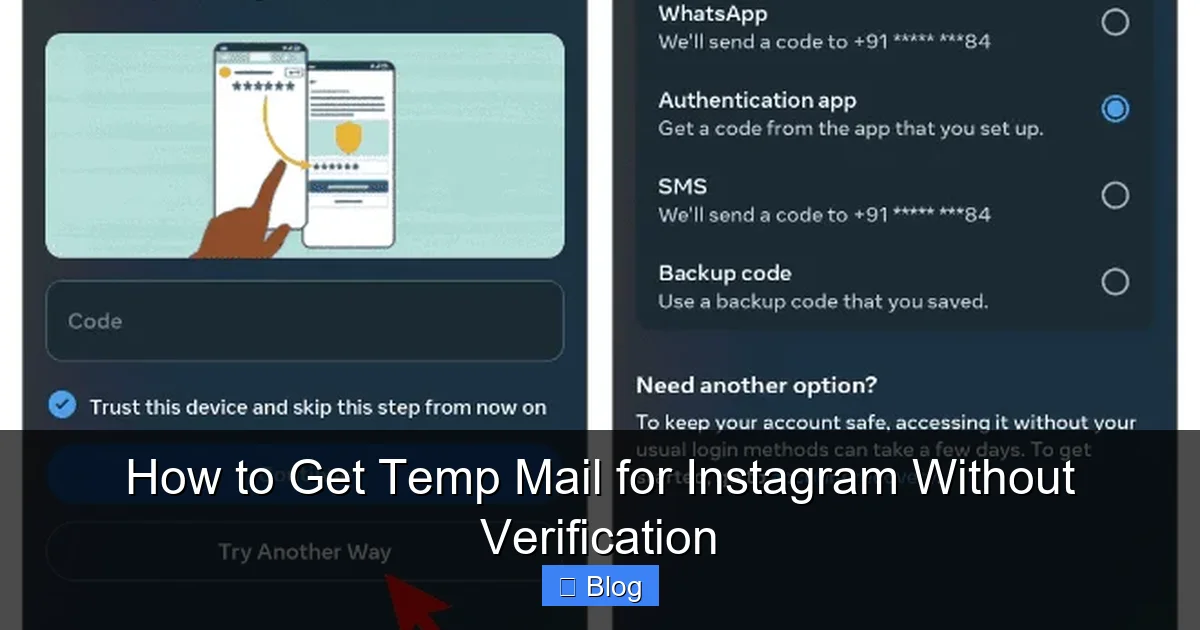
Visual guide about How to Get Temp Mail for Instagram Without Verification
Image source: buildmyplays.com
1. TempMail.org (The All-Rounder)
TempMail.org is arguably the most popular and user-friendly option. It generates a random email address instantly upon visiting the site. The interface is clean (though ad-supported), and it reliably receives Instagram verification emails. You can often choose custom domains if the default one gets blocked, though the random ones usually work fine. The inbox refreshes automatically, so you don’t have to keep hitting reload while waiting for Instagram’s email. It’s a fantastic starting point for anyone new to temp mail for Instagram without verification stress.
2. 10MinuteMail.com (The Speed Demon)
True to its name, 10MinuteMail gives you an inbox that lasts precisely 10 minutes (though you can often extend it). It’s incredibly fast and straightforward – just visit the site, get your address, and you’re done. It’s particularly handy if you need to sign up for something *very* quickly and don’t anticipate needing the inbox for long. While 10 minutes is usually ample time for Instagram verification, if you get distracted, you might need to generate a new address. Its simplicity makes it a go-to for quick temp mail for Instagram needs.
3. GuerrillaMail.com (The Feature-Packed Option)
GuerrillaMail offers more control. You can set a custom username (like “myinstagramtemp”) and choose the domain. It also provides a longer inbox lifespan (up to 1 hour by default, extendable). The interface is a bit more dated but functional. A unique feature is the “Disposable Email” generator, which creates a new address on demand. If you need a slightly longer window or prefer a specific username format for your temp mail for Instagram sign-up, GuerrillaMail is a solid choice.
4. Mail.tm (The Modern Contender)
Mail.tm boasts a sleek, modern interface and promises high reliability. It generates addresses on popular domains (like @gmail.com, @yahoo.com – though these are *disposable* versions, not real accounts). This can sometimes help bypass stricter email filters, though Instagram’s system is sophisticated. Mail.tm offers a decent inbox lifespan and a clean ad experience. It’s a great option if the older services seem slow or cluttered for your temp mail for Instagram without verification attempt.
Critical Tips for Choosing & Using Any Service
- Stick to Reputable Names: Avoid obscure services you find via random ads. Stick to the well-known ones listed above or similar established players. Check recent reviews.
- Beware of Ads & Pop-ups: Temp mail sites are ad-heavy. Use an ad-blocker if possible, but be cautious of fake “Download” or “Verify” buttons – always interact only with the main inbox area.
- Check Domain Blocklists (Rarely Needed): If a service consistently fails, try another. Most major ones work fine for Instagram most of the time.
- Don’t Enter Real Info: Never use your real name or details when signing up for Instagram *even with* temp mail. Use a pseudonym.
Step-by-Step: How to Use Temp Mail for Instagram Sign-Up (Without Verification Hassles)
Ready to put it all into practice? Using temp mail for Instagram without verification complications for your main inbox is surprisingly straightforward. Follow these steps carefully for the smoothest experience:
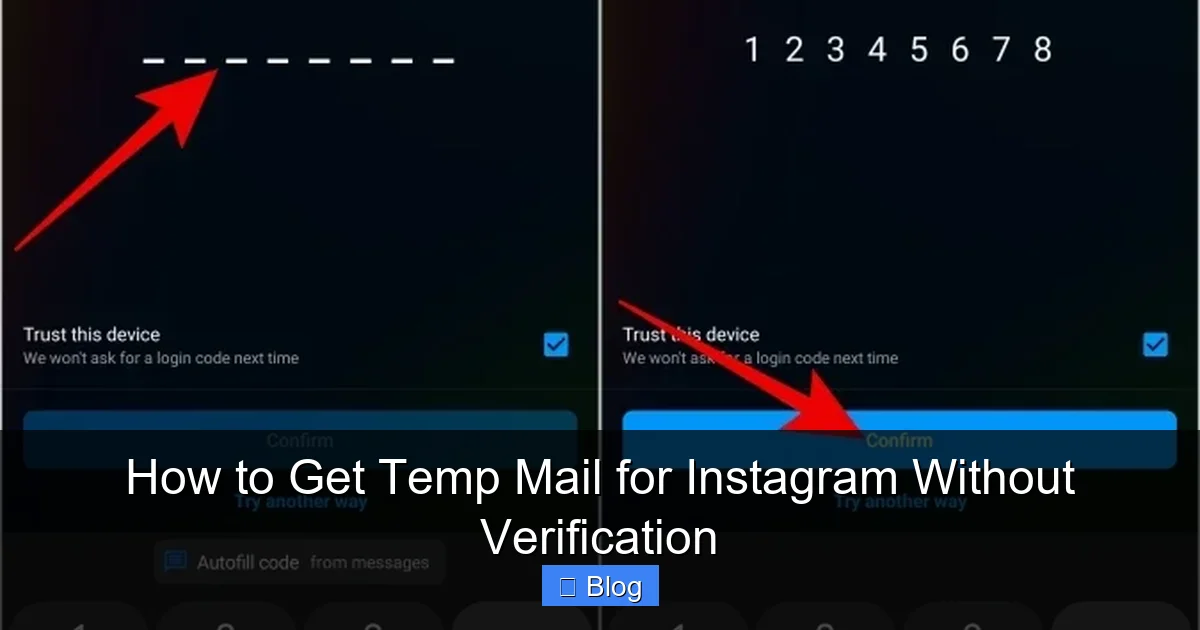
Visual guide about How to Get Temp Mail for Instagram Without Verification
Image source: techwiser.com
Step 1: Grab Your Temp Mail Address
Open a new browser tab or window (incognito/private mode is recommended for extra cleanliness). Navigate to your chosen temp mail service (e.g., TempMail.org). The site will automatically generate a random email address for you – something like `x7f9k2@tempmail.org`. **This is your Instagram sign-up email.** Copy this entire address (click the copy button if available, or highlight and Ctrl+C/Cmd+C). Keep this tab open! You’ll need it in a moment.
Step 2: Start the Instagram Sign-Up Process
Go to the Instagram website (instagram.com) or open the app. Tap “Sign Up.” Choose the option to sign up with an email address (not phone number, as temp mail solves the email part). **Paste the temp mail address** you copied in Step 1 into the email field. Fill in the rest of the required details:
- Full Name: Use a pseudonym (e.g., “Alex Smith” instead of your real name).
- Username: Choose your desired Instagram handle (check availability).
- Password: Create a strong, unique password (use a password manager!).
Double-check everything, especially that the email field shows your *temp mail* address, not your real one. Click “Sign Up.”
Step 3: Check the Temp Mail Inbox for Verification
This is the crucial moment! Switch back to your temp mail service tab (the one you kept open). **Refresh the page** (F5 or the refresh button). You should see a new email from “Instagram” arrive within 30-60 seconds. It might say something like “Confirm your email address” or “Verify your account.”
Important: If you don’t see it immediately, wait a minute and refresh again. Sometimes it takes a moment. *Do not close the temp mail tab!*
Step 4: Click the Verification Link (Within Temp Mail)
Click on the Instagram verification email in your temp mail inbox. The email content will load. Look for a prominent button or link that says “Confirm Email,” “Verify Email,” or something similar. **Click that link directly within the temp mail service’s interface.** This is the magic step! The temp mail service acts as your proxy, forwarding the verification request back to Instagram.
You might see a brief “Redirecting…” message or a confirmation page within the temp mail site. Instagram should then register that your email is verified.
Step 5: Complete Your Instagram Profile (Optional but Recommended)
Switch back to your Instagram sign-up tab/window. Instagram should now recognize your email as verified and allow you to proceed. You’ll likely be prompted to add a profile picture, fill in a bio, and follow some accounts. Complete these steps as desired. **Your account is now active, verified via temp mail, and your real email is completely safe!** The temp mail address will expire shortly after (usually within 10-60 minutes), taking any future emails with it.
Troubleshooting Common Hiccups
- No Verification Email? Wait 2 minutes, refresh the temp mail inbox repeatedly. If still nothing, go back to Instagram, delete the account attempt (if possible), generate a *new* temp mail address, and restart the sign-up process. Sometimes the first address gets flagged.
- Link Doesn’t Work? Ensure you clicked the *actual* verification link *inside* the email content on the temp mail site, not a fake link in an ad. Copy-paste the link URL into a new browser tab if the button seems unresponsive (less common).
- Instagram Says Email Invalid? The temp mail domain might be temporarily blocked. Generate a new address on the *same* service (often just reloading the temp mail site does this) or switch to a different temp mail service (e.g., from TempMail.org to 10MinuteMail.com).
The Risks and Limitations: What You MUST Know Before Using Temp Mail
While temp mail for Instagram is a handy tool, it’s not without its downsides. Ignoring these risks can lead to frustration or even account loss. Being informed is half the battle:
1. Account Suspension or Ban Risk (The Big One)
This is the most significant risk. Instagram’s Terms of Service technically require a “valid” email address associated with your account. While they don’t explicitly ban *all* disposable emails, their automated systems are constantly evolving to detect and restrict accounts using them, especially if the behavior seems bot-like. If Instagram’s algorithms flag your account (e.g., rapid following, posting spammy comments, using automation tools) *and* you’re using a known temp mail domain, the ban is much more likely. Even legitimate use can sometimes trigger false positives. **Never use temp mail for your primary, important Instagram account.** Reserve it strictly for testing, burner accounts, or situations where losing the account wouldn’t matter.
2. Password Resets Become Impossible
Here’s a critical limitation: if you ever forget your Instagram password and need to reset it, Instagram will send the reset link *to the email address on file* – your temp mail address. Since the temp mail inbox expires (usually within an hour), **you will permanently lose access to that account** if you don’t remember your password and haven’t added a phone number or switched to a real email later. Temp mail is inherently temporary; it cannot serve as a long-term recovery method. If you plan to keep the account, add a real email or phone number *after* initial verification (though this somewhat defeats the privacy purpose).
3. Limited Account Functionality (Sometimes)
Occasionally, Instagram might impose restrictions on newly created accounts using certain email domains. This could mean:
- Limited ability to send DMs initially.
- Restrictions on following people or liking posts for the first few days.
- Difficulty linking the account to Facebook or other services.
These restrictions are usually temporary (a few days) and lift as the account demonstrates “normal” behavior. Using a reputable temp mail service minimizes this risk.
4. Security Concerns (Choose Wisely!)
Not all temp mail services are trustworthy. Some might:
- Log and sell the emails they receive (including your Instagram verification link).
- Inject malicious ads or scripts into the email content.
- Be run by malicious actors aiming to phish you.
This is why sticking to well-established, reputable services like TempMail.org or 10MinuteMail.com is non-negotiable. Avoid services that ask for any personal information or seem overly sketchy.
5. Ethical Considerations
Using temp mail for Instagram without verification for privacy is generally acceptable. However, using it to:
- Create multiple fake accounts for spamming, fake engagement, or harassment.
- Circumvent Instagram bans on other accounts.
- Impersonate others.
is unethical and violates Instagram’s policies. Use this tool responsibly. It’s a privacy shield, not a weapon for abuse.
Alternatives to Temp Mail: When You Might Need Something Else
Temp mail is great for quick sign-ups, but it’s not the only tool in the privacy toolbox. Depending on your specific need, other methods might be more suitable:
Burner Email Services (For Semi-Permanent Use)
If you need an email address that lasts longer than a few hours but still isn’t your primary one, consider a dedicated burner email service:
- SimpleLogin (by Proton): Creates unique, forwardable aliases (e.g., `yourname+instagram@simplelogin.com`) that forward to your real inbox. You can disable or delete aliases anytime. Offers strong privacy and control. (Free tier available).
- AnonAddy: Similar concept to SimpleLogin, generating random or custom aliases that forward to your main email. Also focuses on privacy and control. (Free tier available).
Pros: Addresses last as long as you need them (days, weeks, months). You *can* receive password reset emails later if needed. More reliable long-term than temp mail. Better privacy than using your real email directly.
Cons: Requires signing up for the burner service (though usually with minimal info). Not truly “temporary” like 10-minute mail. Might still be flagged by Instagram if the burner domain is known (less common than pure temp mail).
Using Your Existing Email Provider’s “Plus” Addressing
Many major email providers (Gmail, Outlook, Yahoo) support “plus addressing.” You add a `+` and any word to your existing email username. For example, if your email is `yourname@gmail.com`, you can use `yourname+instagram@gmail.com`. Emails sent to this address go straight to your main inbox but are easily filterable.
Pros: Completely free. Uses your real, trusted domain. Easy to set up filters to auto-sort these emails (e.g., into a “Social Media” folder). No third-party service needed.
Cons: **Does NOT hide your real email address from Instagram.** Instagram still sees `yourname@gmail.com` as the base address. Less privacy than temp mail or burner services. Some websites block emails with `+` signs (though Instagram usually accepts them).
Virtual Phone Numbers (For SMS Verification)
If Instagram requires SMS verification *instead* of (or in addition to) email, you might need a virtual phone number service (like Google Voice, Burner, or TextNow). These provide temporary or secondary phone numbers.
Pros: Solves the SMS verification hurdle. Can be used alongside temp mail for full anonymity during sign-up.
Cons: Often requires a small fee for permanent numbers. Free services might have limitations. Adds another layer of complexity. Still doesn’t solve the *email* verification part – you’d likely combine this with temp mail.
When to Stick with Temp Mail
Temp mail shines when:
- You need an account *immediately* and don’t care about long-term access.
- Privacy during sign-up is the absolute top priority (hiding your real email completely).
- You’re creating a truly disposable/test account.
- You’re comfortable with the risk of potential future access issues.
For accounts you plan to keep and use regularly, a burner email service (like SimpleLogin) or even carefully using plus addressing (if privacy isn’t the *main* concern) is often a more sustainable solution than pure temp mail.
Conclusion: Temp Mail for Instagram – A Powerful Tool, Used Wisely
So, there you have it: the complete lowdown on temp mail for Instagram without verification headaches for your personal inbox. It’s a genuinely useful technique for protecting your privacy during the sign-up process, avoiding spam, and keeping your main email address safe from potential data breaches. Services like TempMail.org and 10MinuteMail.com make it incredibly simple – generate an address, paste it into Instagram, grab the verification link from the temp inbox, and you’re in.
But let’s be crystal clear: this isn’t a magic bullet. The risks are real. Instagram *can* and *does* ban accounts using disposable emails, especially if the account behavior raises red flags. Losing access forever because you can’t reset the password is a very real possibility with pure temp mail. It’s absolutely crucial to **use this method responsibly and ethically**. Reserve it for burner accounts, testing, or situations where account loss wouldn’t devastate you. Never use it for your primary profile, business account, or anything tied to important communications or finances.
The key to success lies in **informed usage**. Choose reputable temp mail services, understand the limitations (especially regarding password resets), behave normally on Instagram once verified, and always have a backup plan (like adding a phone number *after* initial verification if you want to keep the account long-term). If you need something more permanent, explore burner email aliases. Used wisely, temp mail for Instagram is a fantastic privacy tool in your digital arsenal. It puts you back in control of your information, one disposable inbox at a time. Go forth, sign up, and keep your real email address pristine!
Frequently Asked Questions
Is using temp mail for Instagram safe?
Using reputable temp mail services like TempMail.org is generally safe for the sign-up process itself. However, there’s a risk Instagram may flag or ban the account later, especially if used for spammy behavior. Never use temp mail for important accounts where losing access would be critical.
Will Instagram ban my account if I use temp mail?
Instagram *can* ban accounts using disposable emails, particularly if the account exhibits bot-like activity (mass following, spamming). A single, legitimate-looking account created for personal use with a reputable temp mail service has a lower risk, but it’s never zero. Avoid using temp mail for accounts you absolutely cannot lose.
Can I recover my Instagram password if I used temp mail?
No, you generally cannot recover the password later. Since the temp mail inbox expires (usually within 60 minutes), Instagram’s password reset email will be sent to an address you no longer have access to. If you plan to keep the account, add a real email or phone number *after* the initial verification.
Which temp mail service works best for Instagram?
TempMail.org and 10MinuteMail.com are consistently the most reliable and user-friendly options for Instagram sign-ups. They have high success rates receiving verification emails and simple interfaces. GuerrillaMail and Mail.tm are also good alternatives if the first two encounter issues.
Does using temp mail violate Instagram’s terms?
Instagram’s Terms of Service require a “valid” email address, and disposable emails technically fall into a gray area. While not explicitly banned, Instagram actively works to detect and restrict accounts using known disposable domains, especially for spam. Using it for privacy on a legitimate account is common, but carries inherent risk of restriction.
Can I use temp mail for other social media sites?
Yes, the same temp mail services work for most websites requiring email verification, including Twitter (X), Facebook, TikTok, Reddit, and many forums or online services. The process is identical: generate the temp address, use it during sign-up, and check the temp inbox for the verification link. Reliability can vary slightly by platform.