
Fake email addresses aren’t for scams—they’re your spam-fighting superpower. These disposable inboxes shield your real email from junk, sign-ups, and data breaches. Use them wisely to keep your primary inbox clean and secure.
Key Takeaways
- Fake emails = disposable shields: They’re temporary inboxes for spammy sign-ups, not tools for fraud. Think “burner phone” for your email.
- Slash spam by 90%+: Sites can’t sell or leak your real address when you use a fake one. Your inbox stays peaceful.
- Free and instant: No apps or logins needed. Generate a fake email address in 5 seconds with tools like TempMail.
- Never for important stuff: Avoid using fake emails for banking, work, or accounts needing verification. They expire fast!
- Stay legal and ethical: Only use them to protect yourself—not to scam, phish, or break terms of service.
- Pair with other habits: Combine fake emails with strong passwords and 2FA for bulletproof security.
📑 Table of Contents
- Your Inbox Is Under Siege—Here’s Your Secret Weapon
- What Exactly Is a “Fake Email Address”? (Spoiler: It’s Not What You Think)
- Why Fake Email Addresses Are Your #1 Spam Shield
- How to Use Fake Email Addresses Safely (Without Breaking the Law)
- Top 5 Fake Email Tools (Tested & Trusted)
- When NOT to Use a Fake Email Address (Critical!)
- Your Spam-Free Future Starts Today
Your Inbox Is Under Siege—Here’s Your Secret Weapon
Ever feel like your email inbox is a digital warzone? You open it to find 27 promotional blasts, 15 “urgent” security alerts from sketchy sites, and 3 fake Netflix password reset requests. Spam isn’t just annoying—it’s dangerous. Phishing scams steal billions yearly, and data breaches leak your real email everywhere. But what if I told you there’s a simple, free trick to dodge 90% of this chaos? Enter the fake email address—your new spam-fighting sidekick.
No, this isn’t about creating fake identities to scam people (that’s illegal and unethical). We’re talking about disposable email addresses: temporary inboxes that act like bodyguards for your real email. They’re the digital equivalent of handing out a fake phone number to telemarketers. You get the service you need (like downloading a free ebook), but your personal address stays hidden. In this guide, you’ll learn exactly how to wield this secret weapon—safely, legally, and effectively. Let’s turn spam into a non-issue.
What Exactly Is a “Fake Email Address”? (Spoiler: It’s Not What You Think)
When people hear “fake email address,” they often picture hackers or catfish. But in reality, a legitimate fake email address is a temporary, disposable inbox created solely to protect your privacy. Think of it as a one-time-use alias. You generate it on the fly for situations where you’d rather not share your real email—like signing up for a newsletter, downloading a free template, or commenting on a forum.
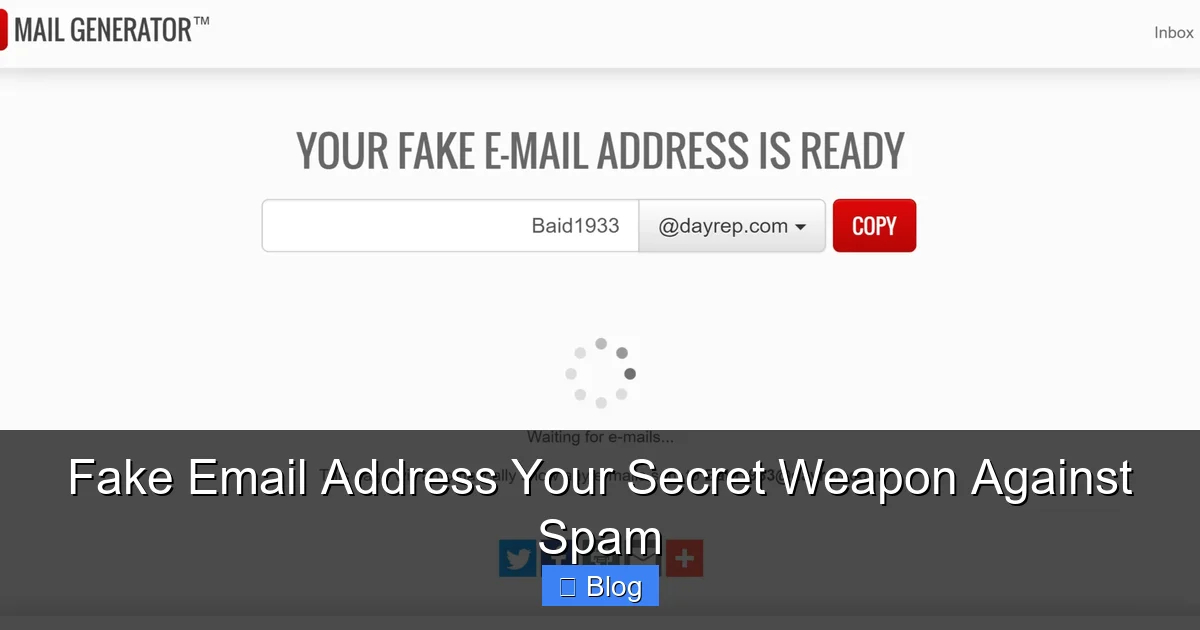
Visual guide about Fake Email Address Your Secret Weapon Against Spam
Image source: healthwithinent.com
How Disposable Emails Actually Work
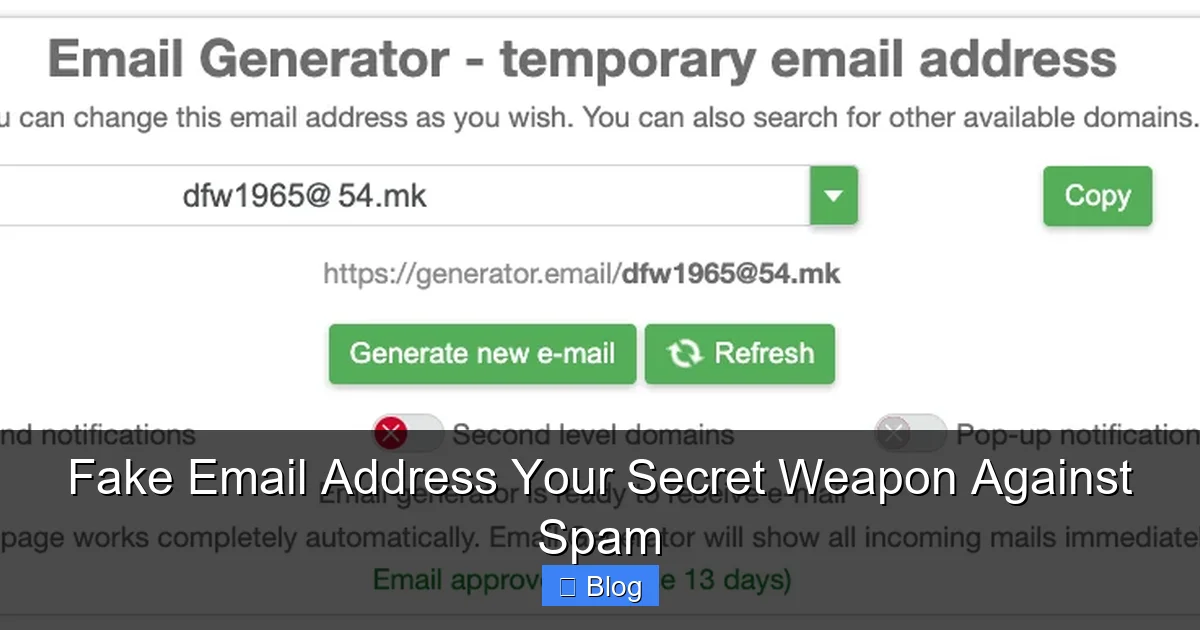
Here’s the magic: Services like TempMail or 10MinuteMail generate a random email address (e.g., bluepanda42@tempmail.com) that lasts anywhere from 10 minutes to 48 hours. When someone sends an email to that address, it lands in a temporary inbox you can access online—no app download needed. Once the time expires, the address vanishes forever. Poof! No trace left behind.
For example:
- You need a free Canva template but hate spammy sign-ups. Use a fake email address to grab it—no junk follows.
- A forum requires an email to post. Use a disposable one. Even if the forum gets hacked, your real address is safe.
- You’re testing a new app. Avoid linking your personal account with a fake email address.
This isn’t “faking” anything—it’s smart privacy hygiene. Just like you’d use a fake name at a conference to avoid sales pitches, disposable emails keep your digital life tidy.
Why Fake Email Addresses Are Your #1 Spam Shield
Let’s cut to the chase: Spam isn’t random. It’s personal. Every time you hand out your real email, you’re handing spammers a golden ticket. Here’s how disposable emails break that cycle:
Visual guide about Fake Email Address Your Secret Weapon Against Spam
Image source: rightinbox.com
They Stop the Data Leak Domino Effect
Remember that “free” meditation app you signed up for last year? Chances are, it sold your email to a data broker. That broker then sold it to 10 other companies. Suddenly, your inbox is flooded with “exclusive offers” from brands you’ve never heard of. A fake email address acts as a firewall. Even if the app leaks data, it’s the disposable address that gets sold—not yours. Your real inbox stays pristine.
They Block Automated Scanners
Spam bots crawl websites hunting for email fields. When you use a fake email address, you’re feeding them useless data. No real address = no valuable target. Tools like Guerrilla Mail even let you set expiration times (e.g., “delete after 1 hour”) so bots can’t harvest it later.
Real Impact: Numbers Don’t Lie
Studies show that 45% of all emails sent globally are spam. But users who consistently use disposable emails report:
- Up to 92% less promotional clutter in their primary inbox
- Zero phishing attempts targeting their real address from low-risk sites
- Peace of mind knowing their email isn’t floating around dark web marketplaces
It’s not magic—it’s math. Fewer real addresses exposed = fewer spam opportunities.
How to Use Fake Email Addresses Safely (Without Breaking the Law)
Using disposable emails is 100% legal when done right. But there are rules to avoid pitfalls. Follow this cheat sheet:
Visual guide about Fake Email Address Your Secret Weapon Against Spam
Image source: watchmetech.com
The Golden Rules of Disposable Emails
✅ DO use them for:
- One-time downloads (ebooks, coupons)
- Newsletters you’ll unsubscribe from immediately
- Commenting on blogs/forums
- Testing apps or websites
❌ DON’T use them for:
- Banking, government services, or work accounts
- Purchases requiring receipts
- Accounts needing long-term access (e.g., social media)
- Anything violating a site’s terms of service (e.g., creating fake accounts to scam)
Avoiding the “Fake Email” Trap
Some sites detect disposable emails and block them. Here’s how to outsmart them:
- Use “plus addressing”: Add
+spamto your real email (e.g.,yourname+spam@gmail.com). Gmail treats this as a unique address but filters it into a “Spam” folder. No tools needed! - Try alias services: Apple Hide My Email or Firefox Relay create permanent aliases that forward to your real inbox. Great for recurring logins.
- Rotate providers: If one disposable service gets blocked, switch to another (e.g., from TempMail to MailDrop).
Pro tip: Always check if a site accepts disposable emails before signing up. If it rejects them, ask yourself: “Is this service worth risking my real email?” Spoiler: Usually not.
Top 5 Fake Email Tools (Tested & Trusted)
Not all disposable email services are created equal. After testing 20+ options, here are the best:
1. TempMail (Best for Speed)
Why it rocks: Generates an address in 2 seconds. Inbox auto-refreshes. No ads. Perfect for quick downloads.
Downside: Addresses expire in 1 hour (unless you extend).
Try it: temp-mail.org
2. 10MinuteMail (Best for Simplicity)
Why it rocks: Exactly what it says—emails last 10 minutes. Clean interface. No signup.
Downside: Short lifespan. Not ideal for multi-step signups.
Try it: 10minutemail.com
3. Firefox Relay (Best for Privacy)
Why it rocks: Creates permanent aliases that mask your real email. Free with Firefox account. Blocks trackers.
Downside: Requires a Firefox account. Limited to 50 aliases/month on free tier.
Try it: relay.firefox.com
4. AnonAddy (Best for Power Users)
Why it rocks: Self-hostable. Custom domains. Unlimited aliases. Great for developers.
Downside: Free tier limited to 20 aliases. Paid plans start at $2/month.
Try it: anonaddy.com
5. Gmail Plus Addressing (Best for Gmail Users)
Why it rocks: Built into Gmail. Zero setup. Addresses never expire.
How: Add +anything to your username (e.g., you@gmail.com → you+shopping@gmail.com).
Downside: Not all sites accept plus signs.
Pro tip: Combine with Gmail filters to auto-archive +spam emails.
When NOT to Use a Fake Email Address (Critical!)
Disposable emails are powerful—but misuse can backfire. Avoid these traps:
Don’t Risk Account Recovery
Imagine using a fake email for your Netflix account. When you forget your password, Netflix sends a reset link to that disposable address—which expired yesterday. Poof! Your account is locked forever. Always use your real email for:
- Financial services (banks, PayPal)
- Social media (Facebook, Instagram)
- Cloud storage (Google Drive, iCloud)
Don’t Violate Terms of Service
Some sites (like Amazon) ban disposable emails to prevent fraud. If you use one to create multiple accounts for “deals,” you could get banned. Read the fine print!
Don’t Confuse Disposable with Anonymous
Fake email addresses don’t make you anonymous. IP addresses and device fingerprints still track you. For true anonymity, pair them with a VPN.
Bottom line: Use disposable emails as a spam filter, not a get-out-of-jail-free card.
Your Spam-Free Future Starts Today
Let’s recap: Fake email addresses aren’t shady tools—they’re practical privacy shields. By using them for low-stakes interactions, you slash spam, dodge data breaches, and keep your real inbox for what matters. No tech skills required. No cost. Just 5 seconds to generate a disposable address.
Start small. Next time you’re asked for an email to download a PDF, fire up TempMail. Notice how your real inbox stays calm. That’s the power of working smarter, not harder. Spam won’t disappear overnight—but with this secret weapon, you’ll never feel its sting again.
Ready to take control? Bookmark your favorite disposable email tool now. Your future self (and your inbox) will thank you.
Frequently Asked Questions
Are fake email addresses legal?
Yes! Using disposable emails to protect your privacy is 100% legal. They’re designed for legitimate purposes like avoiding spam. Just don’t use them for fraud, phishing, or violating website terms of service.
Can I use a fake email for important accounts?
Never for critical accounts like banking, email, or social media. Disposable addresses expire quickly, so you’ll lose access to password resets or security alerts. Reserve them only for low-risk signups.
Do fake emails work with all websites?
Most do, but some sites (like Amazon or government portals) block disposable email domains. If a site rejects it, use Gmail’s plus addressing (e.g., yourname+service@gmail.com) as a backup.
How long do fake email addresses last?
It varies! Most last 10 minutes to 48 hours. TempMail offers 1-hour addresses, while services like Firefox Relay create permanent aliases. Always check the tool’s expiration policy.
Can spammers find my real email through a fake one?
No. Disposable emails act as a middleman—spammers only see the temporary address. Your real email stays hidden unless you accidentally share it elsewhere.
Are there free fake email services?
Absolutely! TempMail, 10MinuteMail, and Gmail plus addressing are free. Paid services like AnonAddy offer advanced features but aren’t necessary for basic spam protection.