
Temporary email inbox management is your secret weapon against spam and privacy risks. By using disposable addresses for non-essential sign-ups, you keep your primary inbox clean and secure. This guide shows you exactly how to set up and manage temporary inboxes effortlessly—no tech skills required.
Key Takeaways
- Privacy protection: Shield your real email from data breaches and unwanted tracking during online sign-ups.
- Spam reduction: Prevent promotional clutter from flooding your main inbox with disposable addresses.
- Effortless organization: Categorize temporary inboxes by purpose (shopping, forums, trials) for instant clarity.
- Enhanced security: Limit exposure to phishing attacks by using short-lived emails for risky sites.
- Tool simplicity: Most services require zero setup—just generate and use addresses instantly.
- Best practice discipline: Delete inboxes after 24-48 hours to avoid lingering vulnerabilities.
📑 Table of Contents
- Why Your Inbox Is a Mess (And How to Fix It)
- What Exactly Is Temporary Email Inbox Management?
- Top Benefits You Can’t Ignore
- How to Set Up Your First Temporary Email Inbox
- Best Practices for Stress-Free Management
- Advanced Tips for Power Users
- Troubleshooting Common Issues
- Conclusion: Take Back Control of Your Inbox
Why Your Inbox Is a Mess (And How to Fix It)
Let’s be honest: your primary email inbox is probably a disaster. Between newsletter subscriptions, shopping confirmations, and random forum sign-ups, it’s drowning in noise. You’ve probably clicked “unsubscribe” a hundred times, only to see new spam pop up the next day. Sound familiar? You’re not alone. Most people don’t realize they’re handing out their real email like candy—until they’re buried under 500 unread messages.
This is where temporary email inbox management swoops in like a digital superhero. Instead of using your personal address for every single online interaction, you create disposable inboxes that vanish after a short time. Think of it as a disposable phone number for your email. Use it once, then toss it. No strings attached. The best part? You don’t need to be a tech wizard to pull this off. In fact, with the right tools, it takes less time than making a cup of coffee.
But why bother? Because your inbox isn’t just cluttered—it’s a security risk. Every time you share your real email, you’re handing hackers a key to your digital life. Temporary email inbox management solves this by acting as a buffer between you and the wild world of the internet. Let’s dive into how it works and why you’ll wonder how you ever lived without it.
What Exactly Is Temporary Email Inbox Management?
Temporary email inbox management is the practice of using short-lived, disposable email addresses for online activities that don’t require your real identity. These inboxes automatically delete themselves after a set period—usually 24 to 48 hours—or when you manually clear them. Unlike forwarding services, they’re entirely separate from your main account, meaning no traces are left behind.
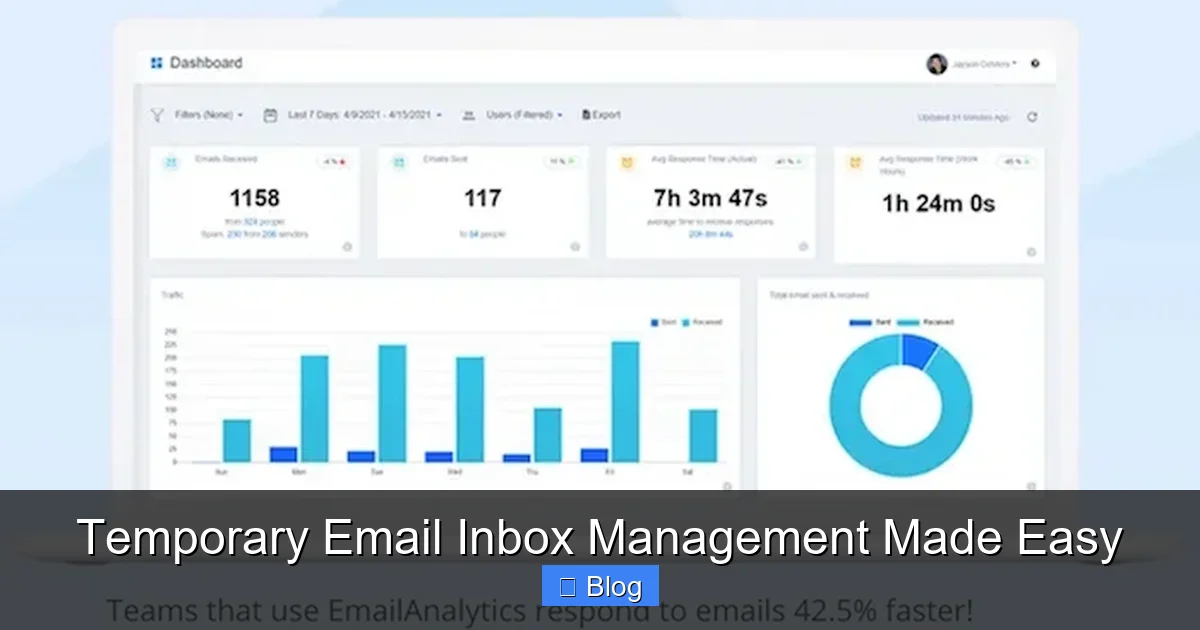
Visual guide about Temporary Email Inbox Management Made Easy
Image source: neilpatel.com
Why It Matters More Than Ever
Data breaches are at an all-time high. In 2023 alone, over 6 billion records were exposed globally. When you use your real email for sketchy websites, you’re rolling out the red carpet for hackers. Temporary inboxes act as a firewall, ensuring your primary address stays out of breach databases. Even if a temporary inbox gets compromised, it’s useless to attackers within hours.
Common Misconceptions
Some people think temporary emails are only for shady activities. Not true! Legit users rely on them daily. Journalists use them to protect sources. Shoppers use them for one-time deals. Even developers test apps with disposable addresses. Another myth? That they’re complicated. Modern tools like TempMail or 10MinuteMail generate inboxes in one click—no sign-ups, no passwords.
Top Benefits You Can’t Ignore
Let’s cut to the chase: temporary email inbox management isn’t just convenient—it’s transformative. Here’s what you gain:
Privacy Protection on Autopilot
Your email is tied to everything: social media, banking, healthcare. When you share it recklessly, you’re linking all those accounts to a single point of failure. Temporary inboxes break that chain. For example, signing up for a fitness app with a disposable address means even if the app leaks data, your bank details stay safe. It’s like wearing an invisibility cloak for your digital identity.
Spam Reduction That Actually Works
Ever signed up for a “free” ebook only to get 20 sales emails a day? Temporary inboxes stop this cycle cold. Since the address expires quickly, spammers can’t build a profile on you. One user shared how her primary inbox dropped from 150 daily spam messages to under 10 after switching to temporary emails for non-essential sign-ups. That’s hours of productivity reclaimed every week.
Organizational Bliss
Imagine sorting emails by purpose instead of drowning in a single flood. Create a temporary inbox for online shopping, another for newsletters, and a third for software trials. When each expires, so does the clutter. No more frantic searches for that one confirmation email buried under cat memes. It’s like having a personal assistant who tidies up while you sleep.
How to Set Up Your First Temporary Email Inbox
Ready to try? You don’t need an IT degree. Here’s your stress-free roadmap:
Choosing the Right Service
Not all temporary email tools are created equal. Look for these features:
- Zero setup: Services like TempMail generate inboxes instantly—no registration needed.
- Custom domains: Some let you tweak the address (e.g., “shopping@yourname.temp”) for better organization.
- Mobile-friendly: Apps like Burner provide iOS/Android access so you can manage inboxes on the go.
Avoid tools that require lengthy sign-ups or sell your data. Stick with reputable options like 10MinuteMail or Guerrilla Mail—they’ve been trusted for over a decade.
Step-by-Step Setup Guide
Follow these simple steps to create your first temporary inbox:
- Visit a temporary email site (e.g., temp-mail.org).
- Copy the auto-generated address—it’ll look like “bluecat72@tempmail.com”.
- Paste it anywhere you’d use your real email, like during checkout or sign-up.
- Check the inbox on the same site to retrieve confirmations or links.
- Let it expire after 24 hours, or delete it manually.
Pro tip: Bookmark your favorite service so you can access it in one click. Most tools also let you extend the inbox’s life if you need more time—perfect for multi-day trials.
Best Practices for Stress-Free Management
Using temporary inboxes is easy, but doing it right takes a little finesse. These habits will keep you safe and efficient:
Naming Conventions That Work
Give your temporary addresses descriptive names to avoid confusion. For example:
- Amazon_Shopping_2024 for one-time purchases
- Netflix_Trial for streaming trials
- Forum_Signup for community registrations
This way, if an inbox doesn’t expire automatically, you’ll know exactly what it was for—and whether it’s safe to delete.
When to Delete vs. Archive
Not all temporary inboxes need to vanish immediately. Here’s a quick rule of thumb:
- Delete within 24 hours: For low-risk activities like newsletter sign-ups or app trials.
- Archive for 48 hours: For purchases where you might need order confirmations (e.g., electronics).
- Never reuse: Even if an inbox is still active, generate a new one for each task to prevent tracking.
One user saved herself from a phishing scam by deleting a temporary inbox after a suspicious “shipping confirmation” arrived. The scammer couldn’t follow up because the address was already gone.
Advanced Tips for Power Users
Once you’ve mastered the basics, level up with these pro strategies:
Automating Your Workflow
Tools like Zapier can auto-delete temporary inboxes after a set time. Set it up once, and never worry about manual cleanup again. For example:
- Connect your temporary email service to Zapier.
- Create a “trigger” that deletes the inbox 24 hours after creation.
- Add a filter to exclude inboxes with keywords like “order” or “receipt”.
This is a game-changer for frequent online shoppers or SaaS testers who juggle dozens of sign-ups weekly.
Integrating with Other Tools
Pair temporary emails with password managers like Bitwarden for next-level security. When signing up for a new service:
- Generate a temporary email address.
- Create a unique password in your manager.
- Store both in a dedicated folder labeled “Temporary Accounts”.
If the service gets hacked, your password manager alerts you—and since the email is disposable, you can ditch the account without fallout.
Troubleshooting Common Issues
Even the best systems hit snags. Here’s how to handle them:
Missing Emails? Here’s Why
If a confirmation email never arrives, check these:
- Spam folder: Temporary email services sometimes flag legit messages as spam.
- Address typos: Did you copy the full address? A missing “@” breaks everything.
- Service delays: Free tools can lag during peak hours. Try again in 10 minutes.
One user couldn’t access her Uber Eats account because the verification email went to spam. Switching to a paid service like SimpleLogin (which offers custom domains) fixed it instantly.
Security Concerns Addressed
“Aren’t temporary emails less secure?” Not if you use them right. The risk comes from:
- Reusing addresses: Always generate a new one per task.
- Ignoring expiration: Set phone reminders to delete inboxes after 24 hours.
- Using them for sensitive accounts: Never use temporary emails for banking or healthcare—stick to low-risk activities.
Remember: These inboxes are shields, not vaults. Their job is to absorb attacks so your real data stays safe.
Conclusion: Take Back Control of Your Inbox
Temporary email inbox management isn’t just a neat trick—it’s a necessity in today’s data-hungry world. By spending 10 seconds generating a disposable address, you’re saving hours of spam cleanup and dodging potential security nightmares. You’ll wonder how you ever tolerated an inbox that felt like a digital landfill.
The best part? You can start today with zero cost or effort. Pick a free service, try it on your next online purchase, and feel the relief of a clutter-free main inbox. Your future self will thank you when you’re not drowning in promotional emails or worrying about data leaks. So go ahead—give your real email the break it deserves. Your digital peace of mind is just one temporary inbox away.
Frequently Asked Questions
Are temporary email inboxes safe to use?
Yes, when used correctly. They’re ideal for low-risk activities like newsletter sign-ups or app trials. Avoid using them for banking or healthcare, as these require permanent, verified addresses. Always delete inboxes after 24-48 hours to minimize exposure.
Can I use temporary emails for important accounts?
Not recommended. Services like banks or government portals require long-term, traceable addresses. Temporary inboxes are best for disposable interactions—think online shopping or forum registrations—where you don’t need ongoing access.
Do temporary email services sell my data?
Reputable providers like 10MinuteMail or TempMail don’t sell data—they’re free because they monetize ads on their sites. Avoid obscure tools with vague privacy policies. Stick to well-reviewed services with transparent practices.
How long do temporary inboxes last?
Most expire in 24-48 hours, but some let you extend them. For example, Guerrilla Mail offers 60 minutes by default, while SimpleLogin lets you customize expiration times. Always check the service’s settings before relying on an inbox.
Can I receive attachments in temporary inboxes?
Yes, but with limitations. Free services often block large files or executables for security. If you need to receive documents, use a paid service like AnonAddy, which supports attachments up to 25MB.
What happens if I lose access to a temporary inbox?
That’s the point—it’s designed to be ephemeral. If you need long-term access (e.g., for a software trial), use a service with inbox forwarding to your real email. Otherwise, treat temporary inboxes as one-time-use tools: generate a new one if needed.